Display Panel
The display panel shows machine status, error messages, and function menus.
The function items displayed serve as selector keys. You can select or specify an item by lightly pressing
it.
When you select or specify an item on the display panel, it is highlighted like . Keys
appearing as cannot be used.
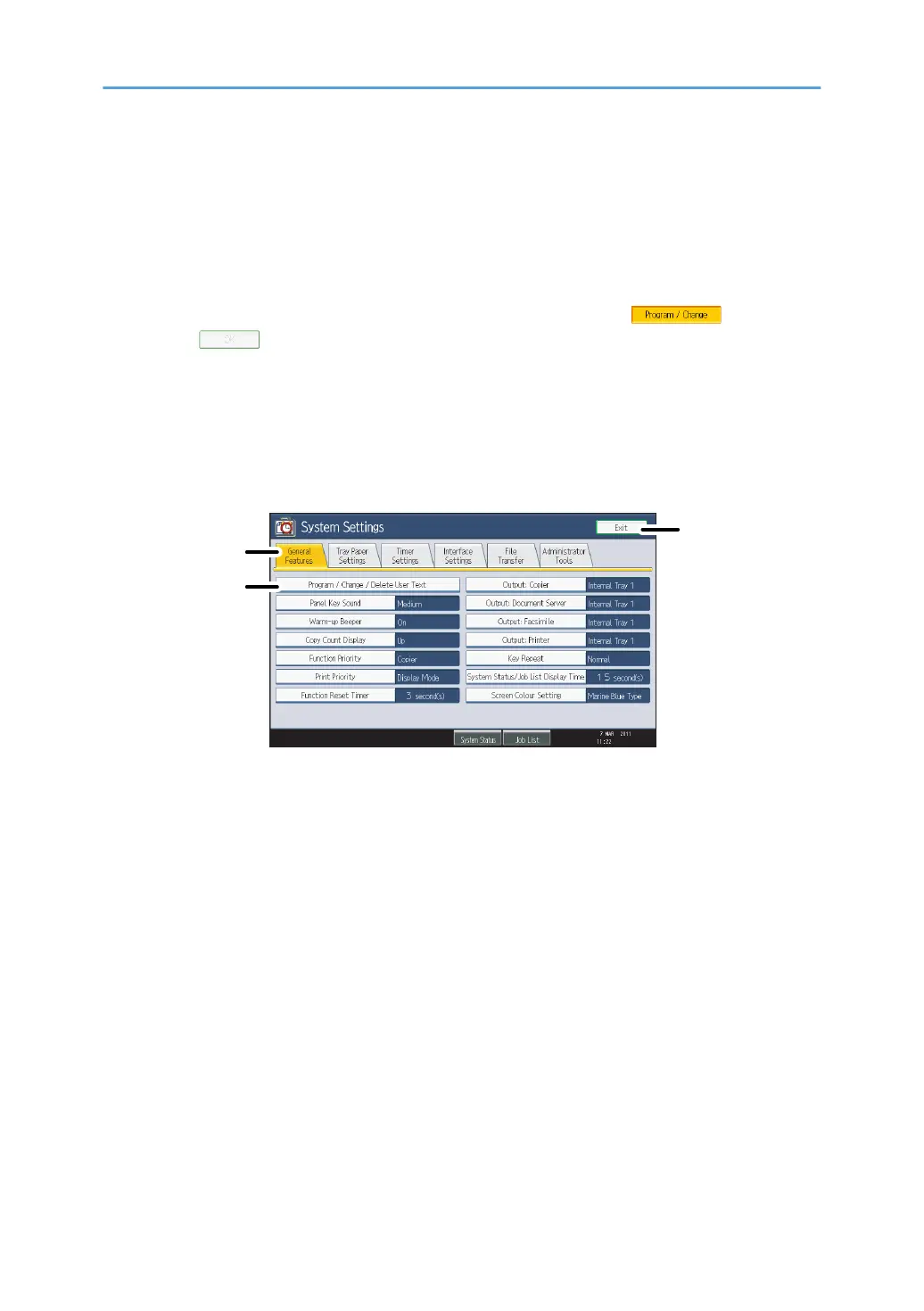
To display the following screen, press the [User Tools/Counter] key to display the User Tools menu, and
then press [System Settings].
Using the System Settings menu screen as an example, this section explains how to use the machine's
display panel.
1. The menu tabs for various settings appear. To display the setting you want to specify or change,
press the appropriate menu tab.
2.
A list of settings appears. To specify or change a setting, press the appropriate key in the list.
3. Press this to quit the User Tools menu.
17



 To Next Page