• You can set the resolution type that is selected right after the machine is turned on or whenever the
[Clear Modes] key is pressed. See “Changing the Default Functions of the Fax's Initial Display”.
•
When using Internet Fax transmission, documents are sent at “Detail” resolution, even if you have
specified “Super Fine”. To send a document at “Super Fine”, configure the Full Mode when
registering the destinations in the Address Book. See “T.37 Full Mode”.
• p.44 "T.37 Full Mode"
•
p.171 "Changing the Default Functions of the Fax's Initial Display"
• p.266 "Print Journal"
Scan Size
Specify a scan area within an original.
Normally, originals are scanned according to their size, which the machine detects automatically.
However, you can specify the scan area manually also. Specifying the scan area manually can be
useful for cropping excess border space around an image.
Auto Detect
Detects the size of the first page and scans all pages using that size.
If the machine cannot detect the original size, a confirmation message appears. Place the original again.
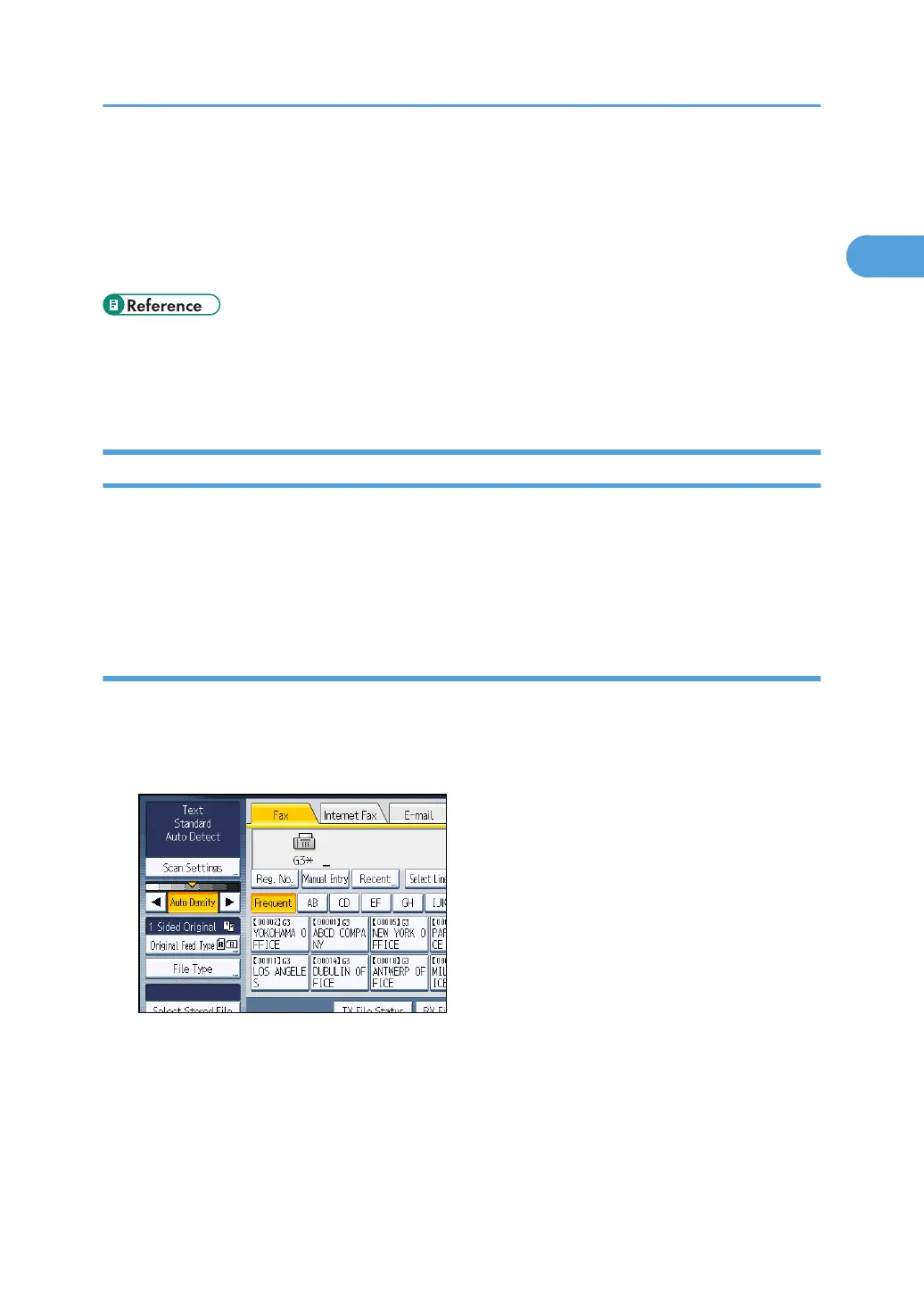
1. Press [Scan Settings].
Scan Settings
73



 To Next Page