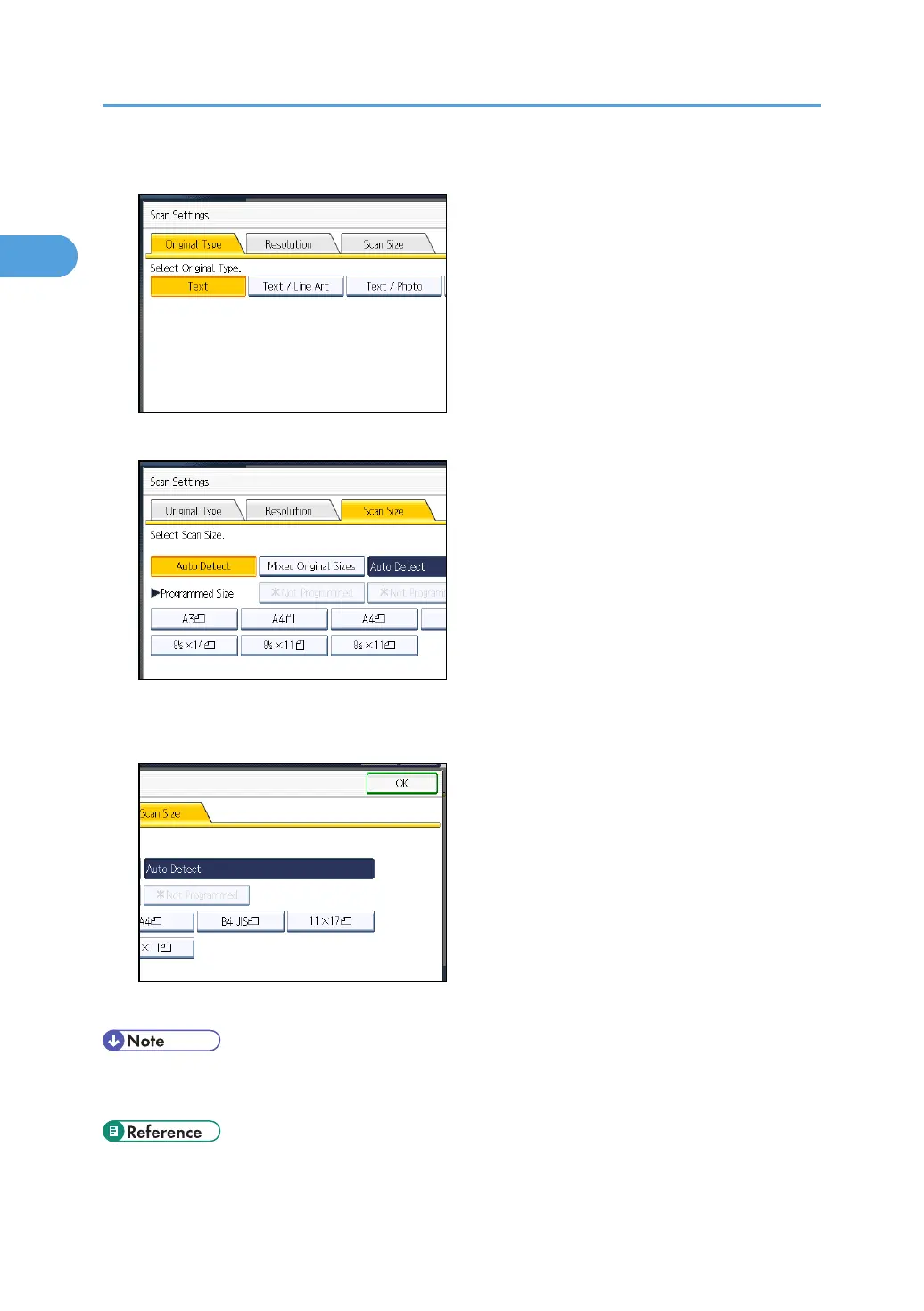
2. Press [Scan Size].
3. Make sure that [Auto Detect] is selected.
If it is not, press [Auto Detect].
4. Press [OK].
"Auto Detect" appears above [Scan Settings].
• For details about an original the machine cannot detect its size correctly, see “Types of Original
whose Sizes are Difficult to Detect”.
• p.61 "Types of Original whose Sizes are Difficult to Detect"
1. Transmission
74



 To Next Page