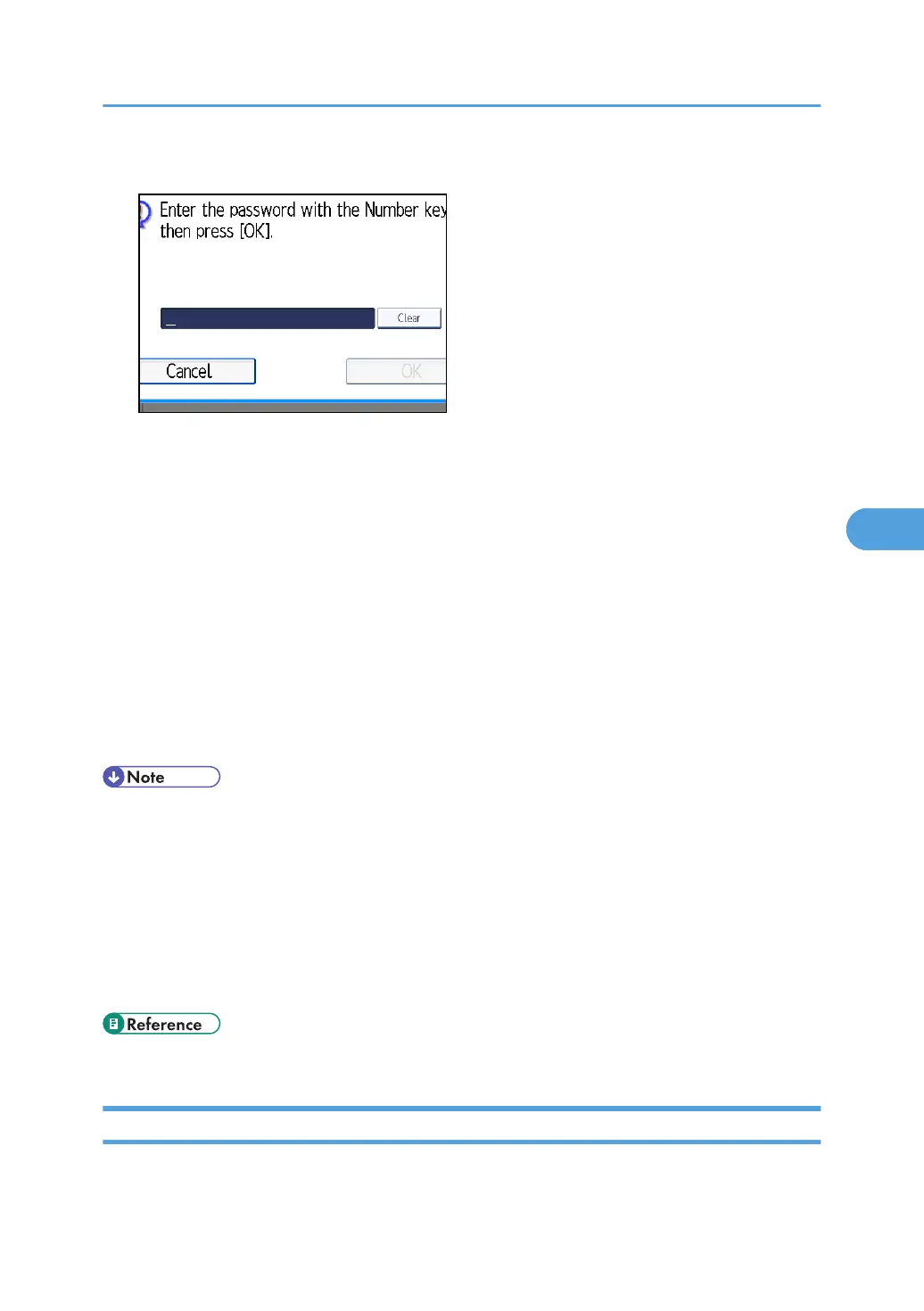
3. If you select a document with a password, enter the password, and then press [OK].
If the document does not have a password, proceed to step 4.
4. Press [Print File] or [Print 1st Page].
When [Print File] is pressed, the machine prints all the pages. When [Print 1st Page] is pressed, the
machine prints only the first page.
To print both sides, press [Print 2 Sides]. When multiple files are specified they are printed per file.
To cancel printing, press [Stop Printing].
5. Press the [Start] key.
When only the first page is printed, the file name is printed at the top of the paper.
To cancel printing after pressing the [Start] key, press [Stop Printing].
6. Press [Cancel].
The standby display appears.
• Only documents stored using the facsimile function can be printed.
•
When printing originals that were not stored using the Mixed Original Sizes function, paper sizes
might differ according to whether printing is through the facsimile function or the Document Server.
• You can specify and print multiple documents at one time.
• For the maximum values of the following items, see “Maximum Values”:
• Number of stored documents you can print at a time using [Print 1st Page]
• Number of stored documents you can print at a time using [Print File]
• p.443 "Maximum Values"
Changing Stored Document Information
You can change the file name, user name, and password of stored documents.
Sending a Stored File
309



 To Next Page