To change a stored document, delete the document you no longer need, and then reprogram the new
document.
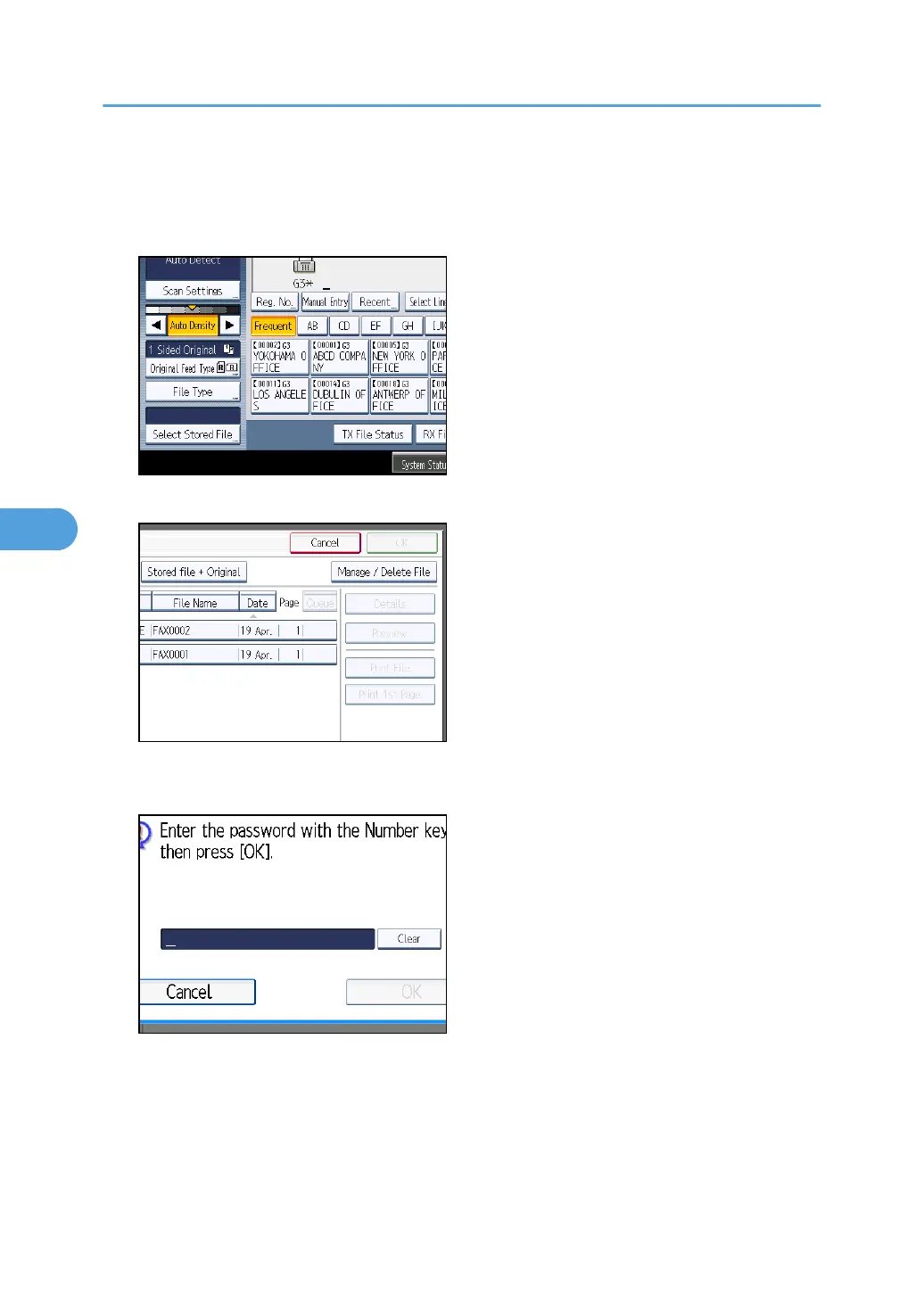
1. Press [Select Stored File].
2. Select [Manage / Delete File], and then press the document to be changed.
3. If you select a document for which a password is set, enter the password, and then press
[OK].
When a selected file does not have a password, proceed to step 4.
4. Change the desired information of the stored document.
Press the keys for the items you want to change.
5. Storing a Document
310



 To Next Page