5. Press [Exit].
The standby display appears.
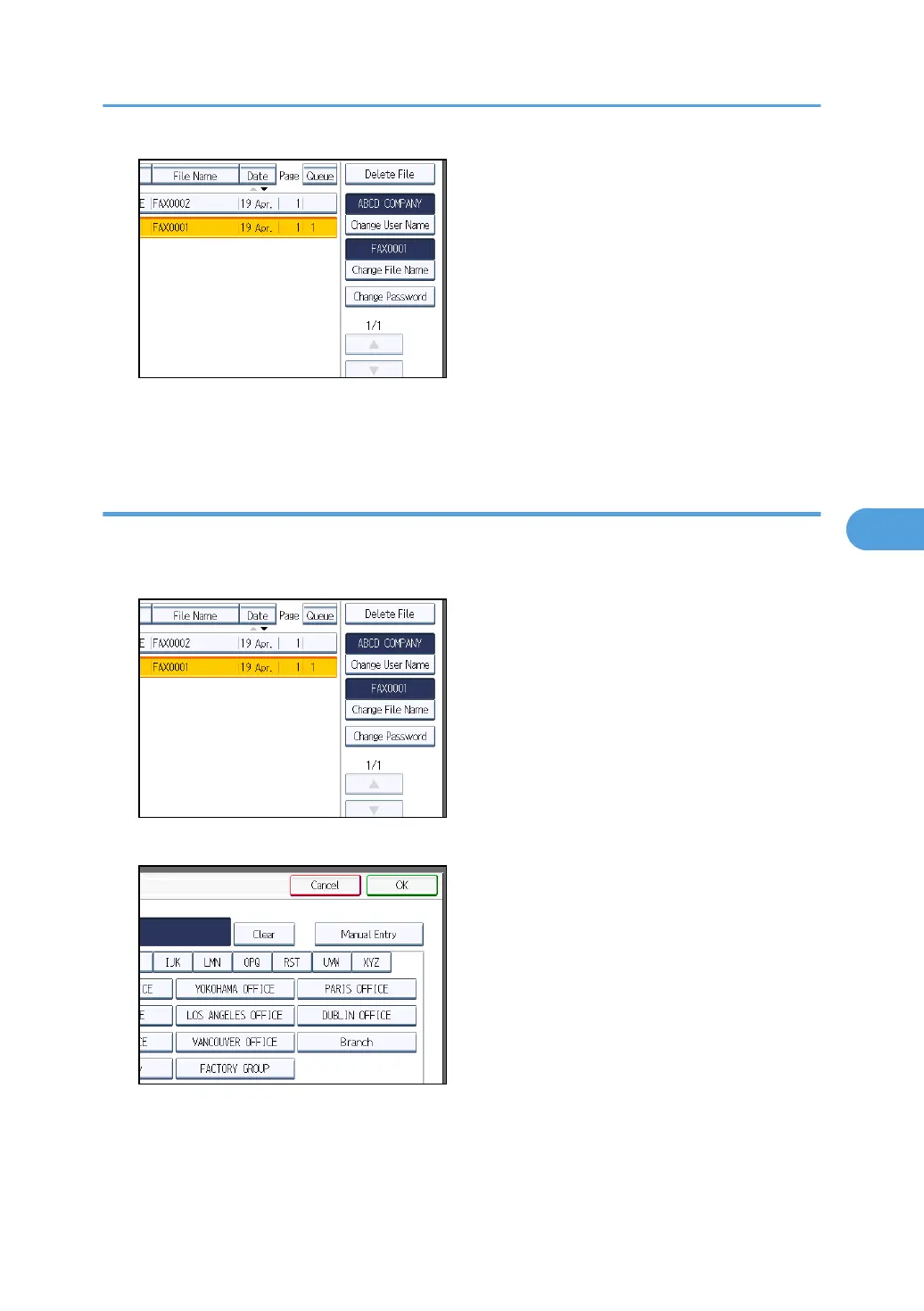
Changing a user name
Change the user name of a stored document.
1. Press [Change User Name].
2. Press [Clear].
The user name is deleted.
3. Enter the new user name, and then press [OK].
Press the title word keys to switch between titles.
Sending a Stored File
311



 To Next Page