To set a non-programmed user name, press [Manual Entry], and then enter the name.
User names entered by pressing [Manual Entry] are not programmed into the user code.
• Depending on the security settings, [Change Access Priv.] might be displayed instead of [Change
User Name]. For details about setting [Change Access Priv.], ask the administrator.
Changing the file name
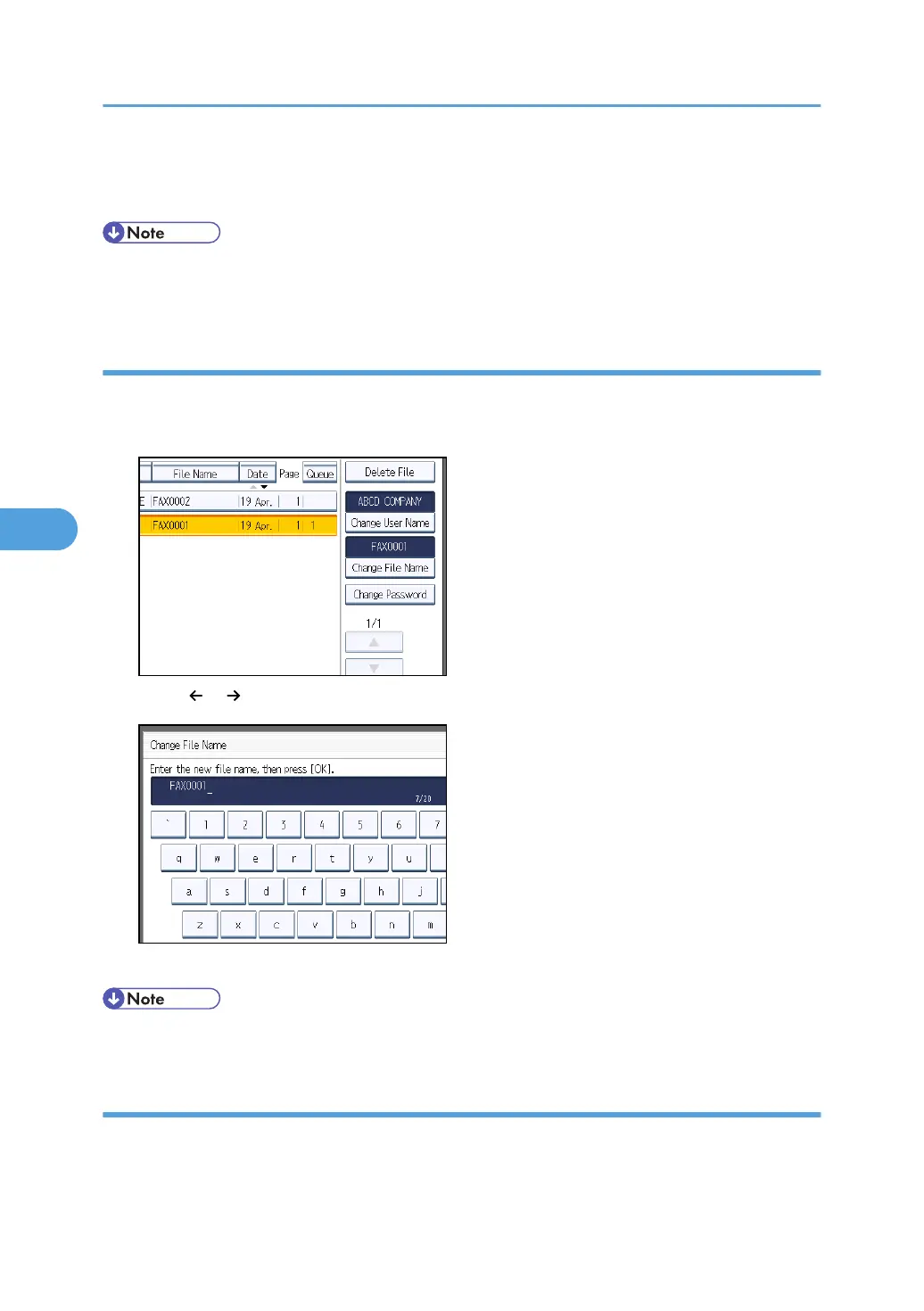
Change the name of a stored document.
1. Press [Change File Name].
2. Press [ ], [ ], [Backspace], or [Delete All], and then re-enter the file name.
3. Press [OK].
• For details about text entry, see “Entering Text”, About This Machine.
Changing the password
Change the password of a stored document.
5. Storing a Document
312



 To Next Page