Displaying the Counter for Each User
This section describes how to display the counter for each user.
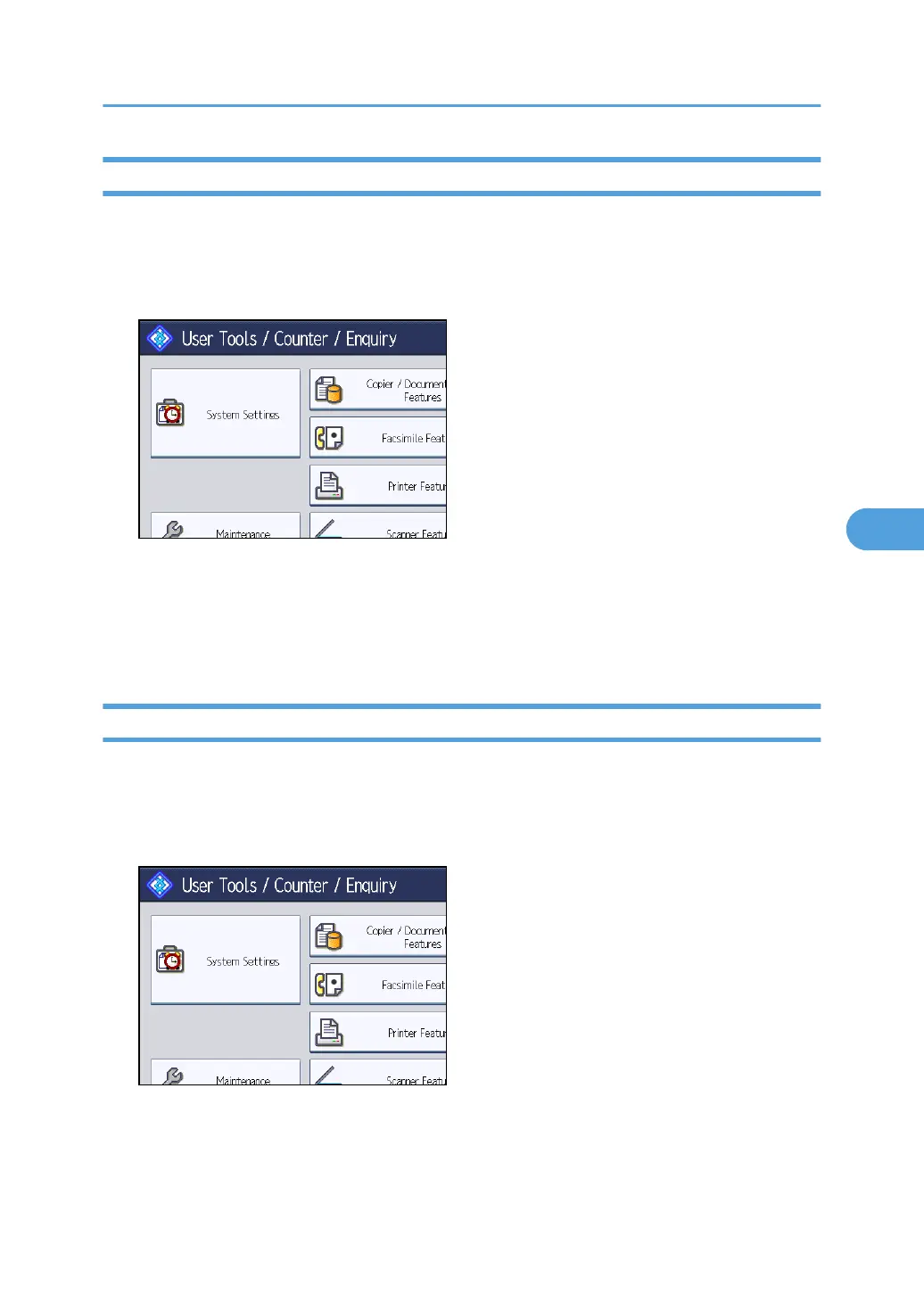
1. Press the [User Tools/Counter] key.
2. Press [System Settings].
3. Press [Administrator Tools].
4. Press [Display / Clear / Print Counter per User].
5. Select the function usage you want to print from [Print], [Transmission] or [Scanner].
Counters for individual function usage under each user code appear.
Printing the Counter for Each User
This section describes how to print the counter for each user.
1. Press the [User Tools/Counter] key.
2. Press [System Settings].
3. Press [Administrator Tools].
4. Press [Display / Clear / Print Counter per User].
Authentication Information
237



 To Next Page