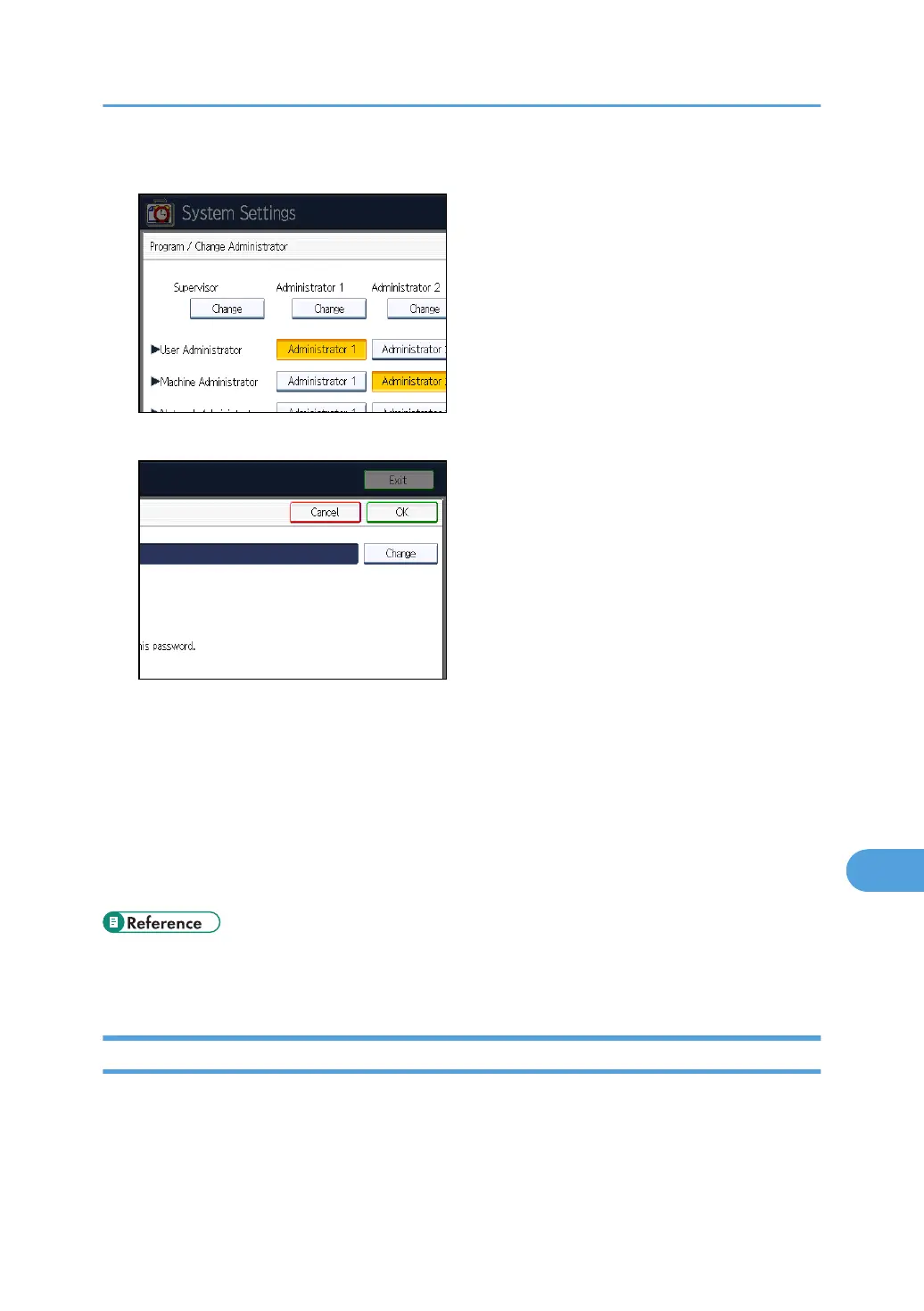
7. Under "Supervisor", press [Change].
8. Press [Change] for the login user name.
9. Enter the login user name, and then press [OK].
10. Press [Change] for the login password.
11. Enter the login password, and then press [OK].
12. If a password reentry screen appears, enter the login password, and then press [OK].
13. Press [OK] twice.
You will be automatically logged out.
14. Press the [User Tools/Counter] key.
• p.29 "Specifying Administrator Privileges"
•
p.301 "Supervisor Operations"
Resetting the Administrator's Password
This section describes how to reset the administrators' passwords. Administrator login names cannot be
changed.
For details about logging in and logging out as the supervisor, see "Supervisor Operations".
Supervisor Operations
303



 To Next Page