1. Press the [User Tools/Counter] key.
2. Press the [Login/Logout] key.
3. Log in as the supervisor.
You can log in the same way as an administrator.
4. Press [System Settings].
5. Press [Administrator Tools].
6. Press [Program / Change Administrator].
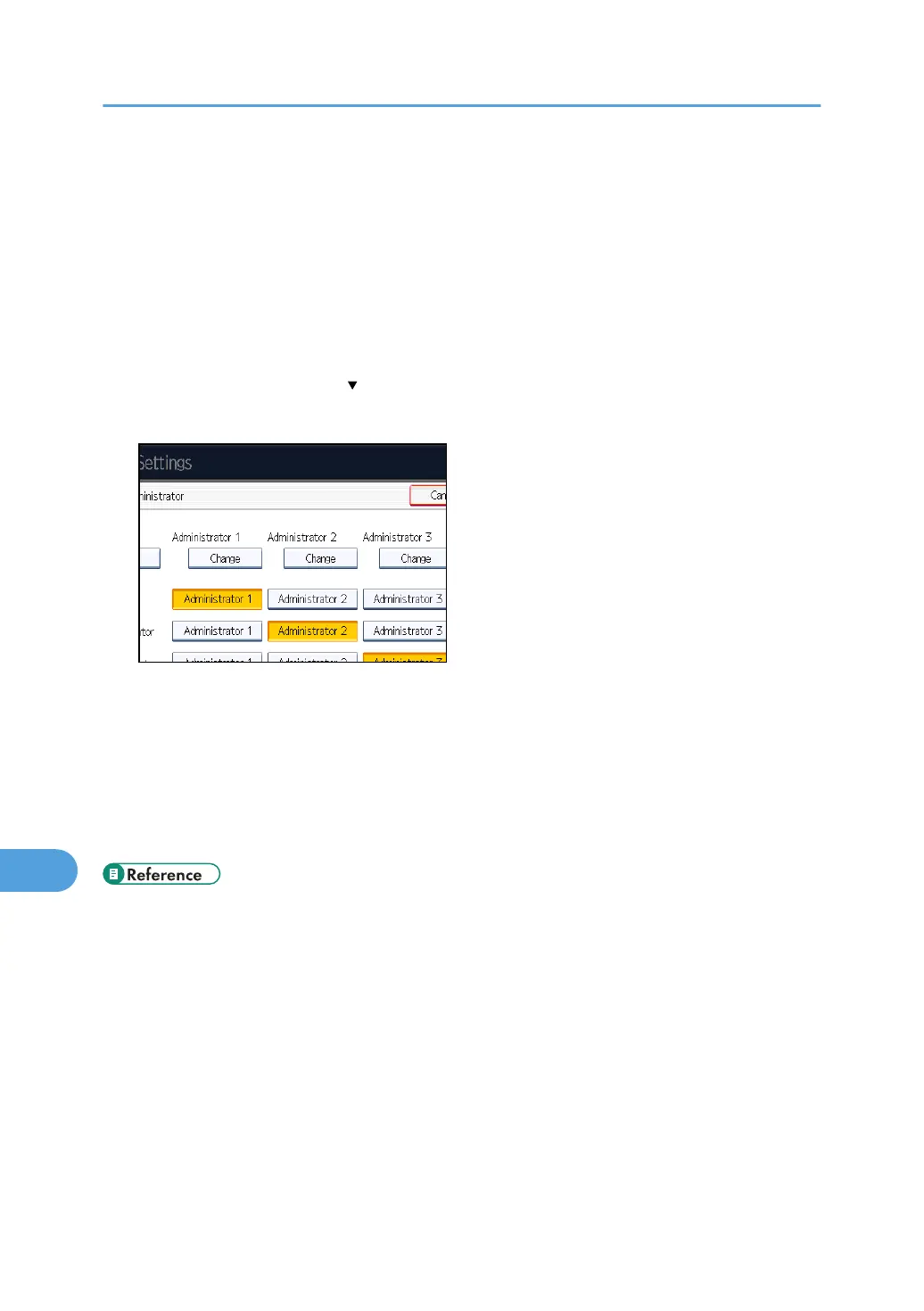
If this item is not visible, press [ Next] to display more settings.
7. Press [Change] for the administrator you wish to reset.
8. Press [Change] for the login password.
9. Enter the login password, and then press [OK].
10. If a password reentry screen appears, enter the login password, and then press [OK].
11. Press [OK] twice.
You will be automatically logged out.
12. Press the [User Tools/Counter] key.
• p.301 "Supervisor Operations"
10. Appendix
304



 To Next Page