Encrypting PDF files
Set a document password to protect and encrypt a PDF file. Only users who have the password can
open and decrypt the PDF file.
• Encryption is possible only for scan files that are sent by e-mail or Scan to Folder and saved on a
removable memory device.
•
You cannot open an encrypted file without a document password. Make sure you do not forget the
file's password.
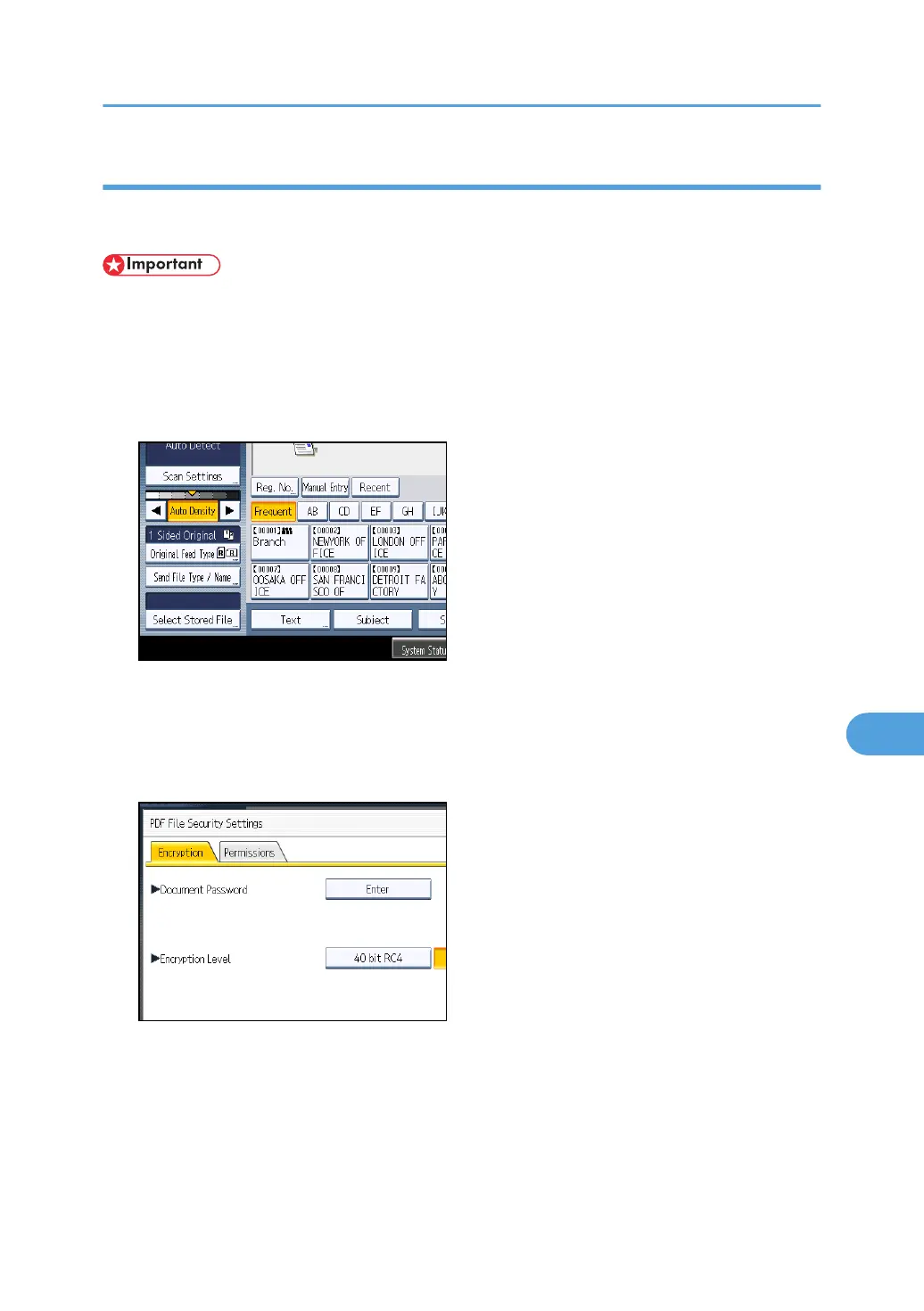
1. Press [Send File Type / Name].
2. Check that [PDF] or [High Compression PDF] is selected.
3. Press [Security Settings].
4. Select [Encryption].
5. In [Document Password], press [Enter].
6. Enter a password, and then press [OK].
The password entered here will be required to open the PDF file.
7. Enter the password again to confirm it, and then press [OK].
8. In [Encryption Level], select [40 bit RC4], [128 bit RC4] or [128 bit AES].
9. Press [OK] twice.
Specifying the File Type and File Name
189



 To Next Page