• A document password cannot be the same as the master password.
•
Document passwords can contain up to 32 alphanumeric characters.
• You cannot use Adobe Acrobat Reader 3.0 or 4.0 to view PDF files that were created using [128
bit RC4] encryption.
• PDF files created using [128 bit AES] encryption can be viewed only with Adobe Reader 7.0 or
later.
• If [Low Resolution Only] is selected as the print permission, you cannot select [40 bit RC4] as the
PDF encryption level.
Changing security permissions for PDF files
Set a master password to restrict unauthorized printing, changing, copying, or extracting of a PDF file's
content. Only users who have the master password can reset or change these restrictions.
• Encryption is possible only for scan files that are sent by e-mail or Scan to Folder and saved on a
removable memory device.
•
You cannot reset or change a file's restriction settings without the master password. Write down the
master password and keep it secure.
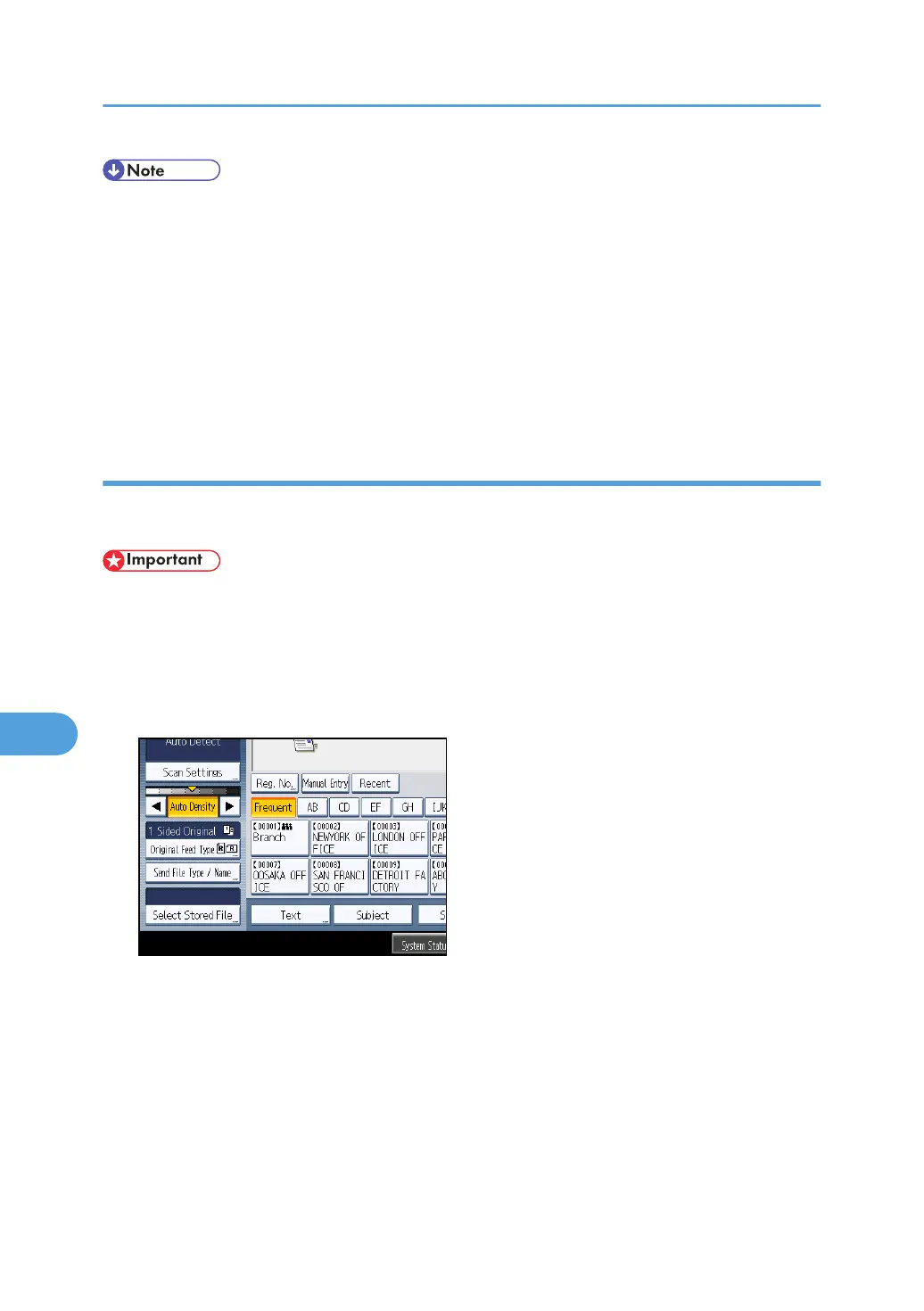
1. Press [Send File Type / Name].
2. Check that [PDF] or [High Compression PDF] is selected.
3. Press [Security Settings].
4. Select the [Permissions] tab.
8. Various Scan Settings
190



 To Next Page