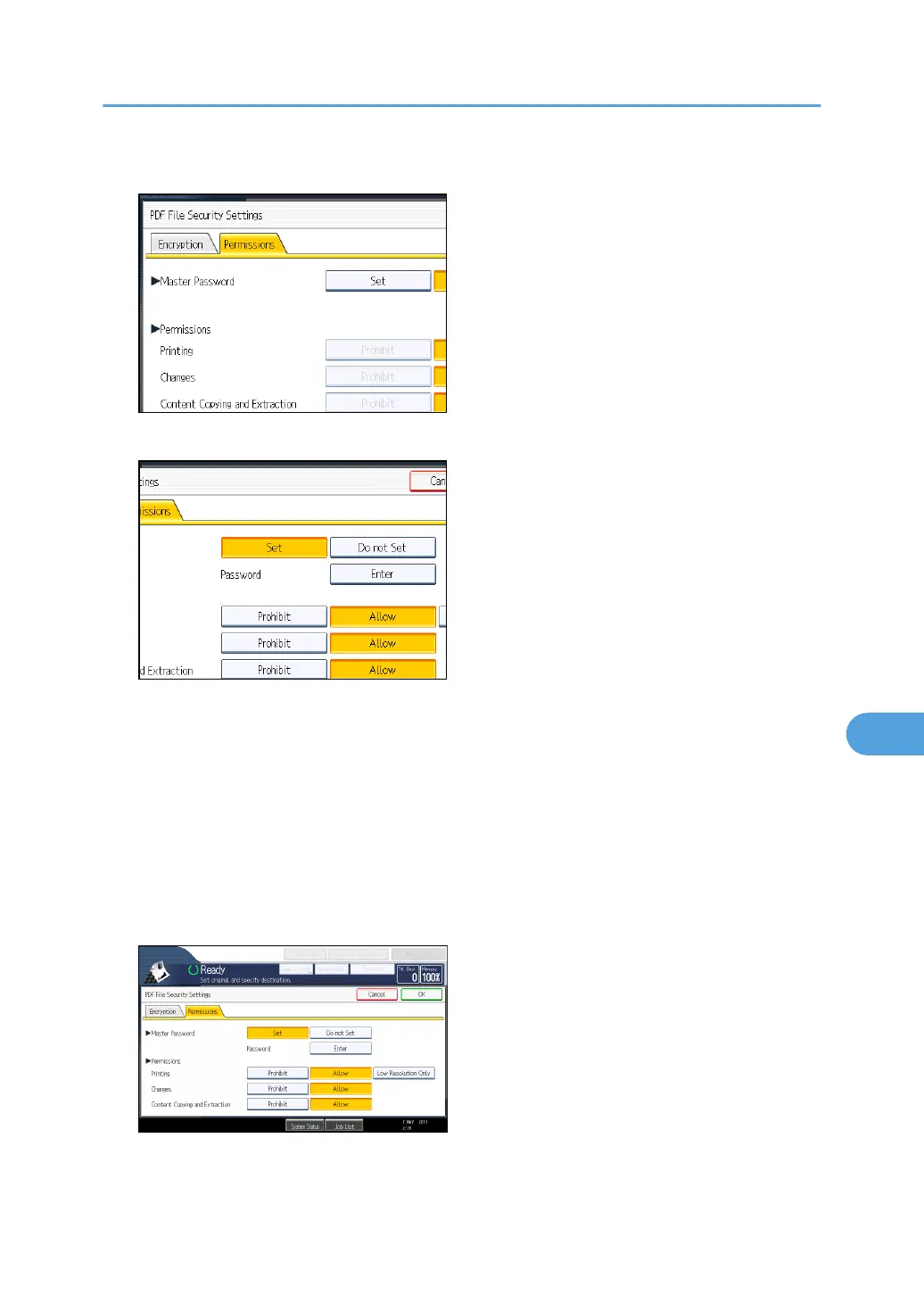
5. In [Master Password], select [Set].
6. In [Password], press [Enter].
7. Enter a password, and then press [OK].
The password entered here will be required to change the security settings of the PDF file.
8. Enter the password again to confirm it, and then press [OK].
9. Select the security permission setting.
You can specify the following security settings:
•
Print permission: [Prohibit], [Allow], or [Low Resolution Only]
• Editing permission: [Prohibit] or [Allow]
• Copying or extracting content permission: [Prohibit] or [Allow]
10. Press [OK] twice.
Specifying the File Type and File Name
191



 To Next Page