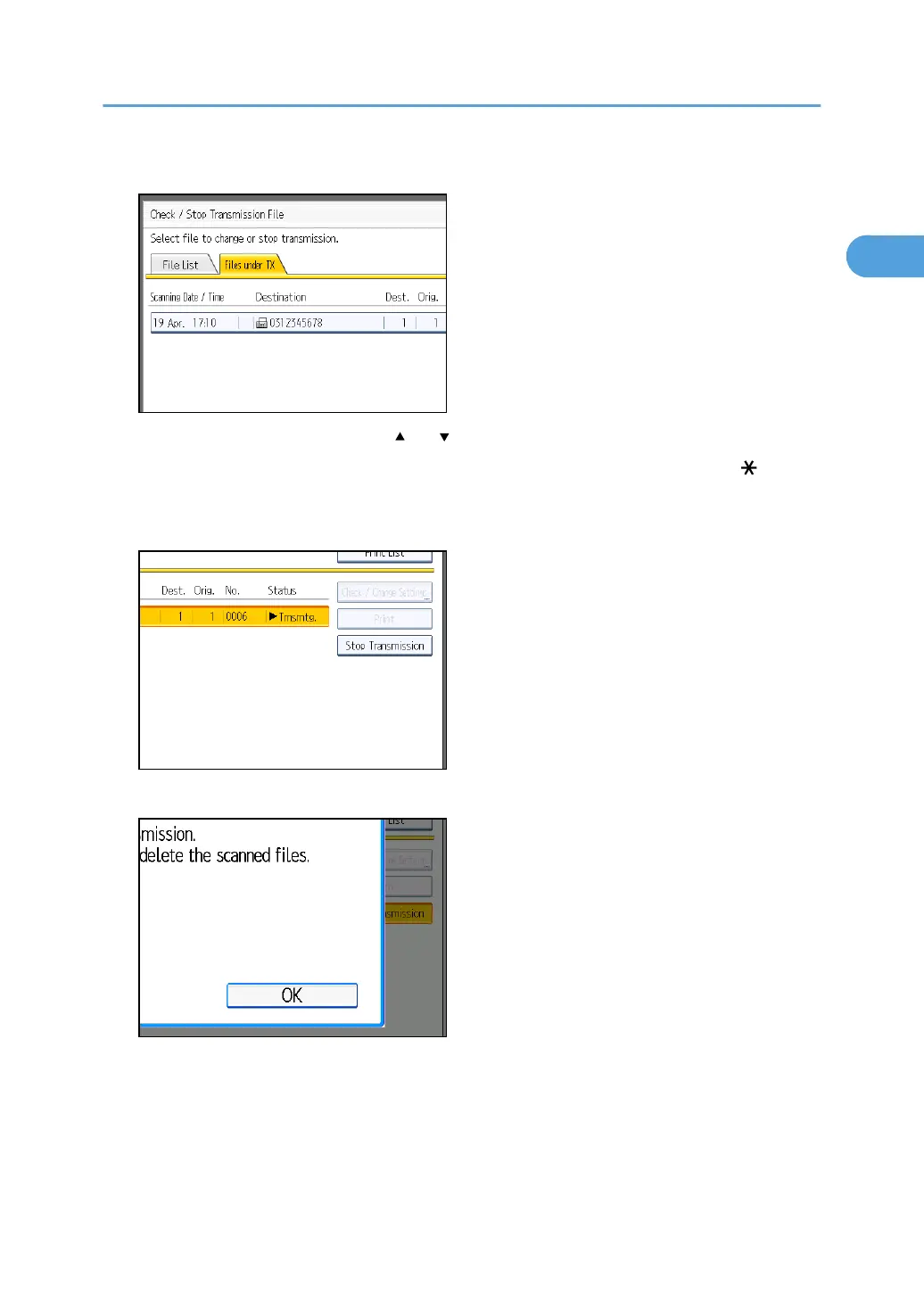
2. Select the file you want to cancel.
If the desired file is not shown, press [ ] or [ ] to find it.
There are cases when a destination may not be selected as the destination appears as “ ”,
depending on the security settings.
3. Press [Stop Transmission].
4. Press [OK].
To cancel another file, repeat steps 2 through 4.
To cancel stopping transmission, press [Cancel].
Canceling a Transmission
163



 To Next Page