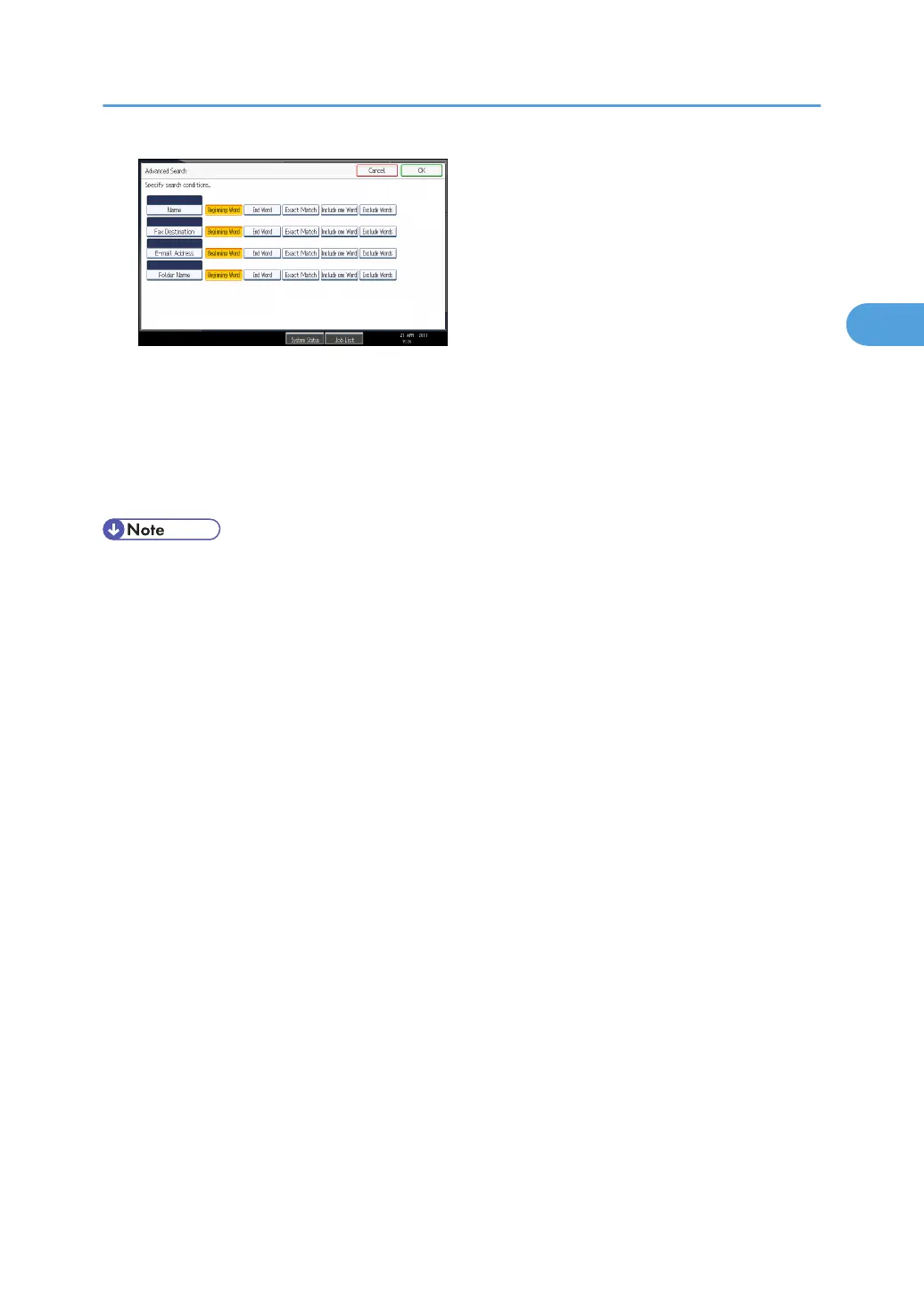
The illustrated screen is an example. The items that actually appear on the screen may differ.
6. Press [Start Search].
Destinations that match the search criterion are displayed.
7. Select the destination folder.
8. Press [OK].
• Search criteria that appear in [Advanced Search], such as [Name], [Fax Destination], [E-mail
Address], and [Folder Name], are registered in the machine's address book. For details, see
"Registering Addresses and Users for Facsimile/Scanner Functions", Network and System Settings
Reference.
• By pressing [Details], you can view details about the selected destinations.
• Up to 100 destinations can be displayed as search results.
• By pressing [Advanced Search], the following criteria appear:
• [Beginning Word]: The names which start with the entered character or characters are
targeted.
For example, to search for "ABC", enter "A".
• [End Word]: The names which end with the entered character or characters are targeted.
For example, to search for "ABC", enter "C".
• [Exact Match]: The names which correspond to an entered character or characters are
targeted.
For example, to search for "ABC", enter "ABC".
• [Include one Word]: The names which contain an entered character or characters are
targeted.
For example, to search for "ABC", enter "A", "B", or "C".
• [Exclude Words]: The names which do not contain an entered character or characters are
targeted.
For example, to search for "ABC", enter "D".
Specifying Scan to Folder Destinations
73



 To Next Page