Searching the machine's address book for the destination and selecting it
This section explains how to search the machine's address book for the destination and select it.
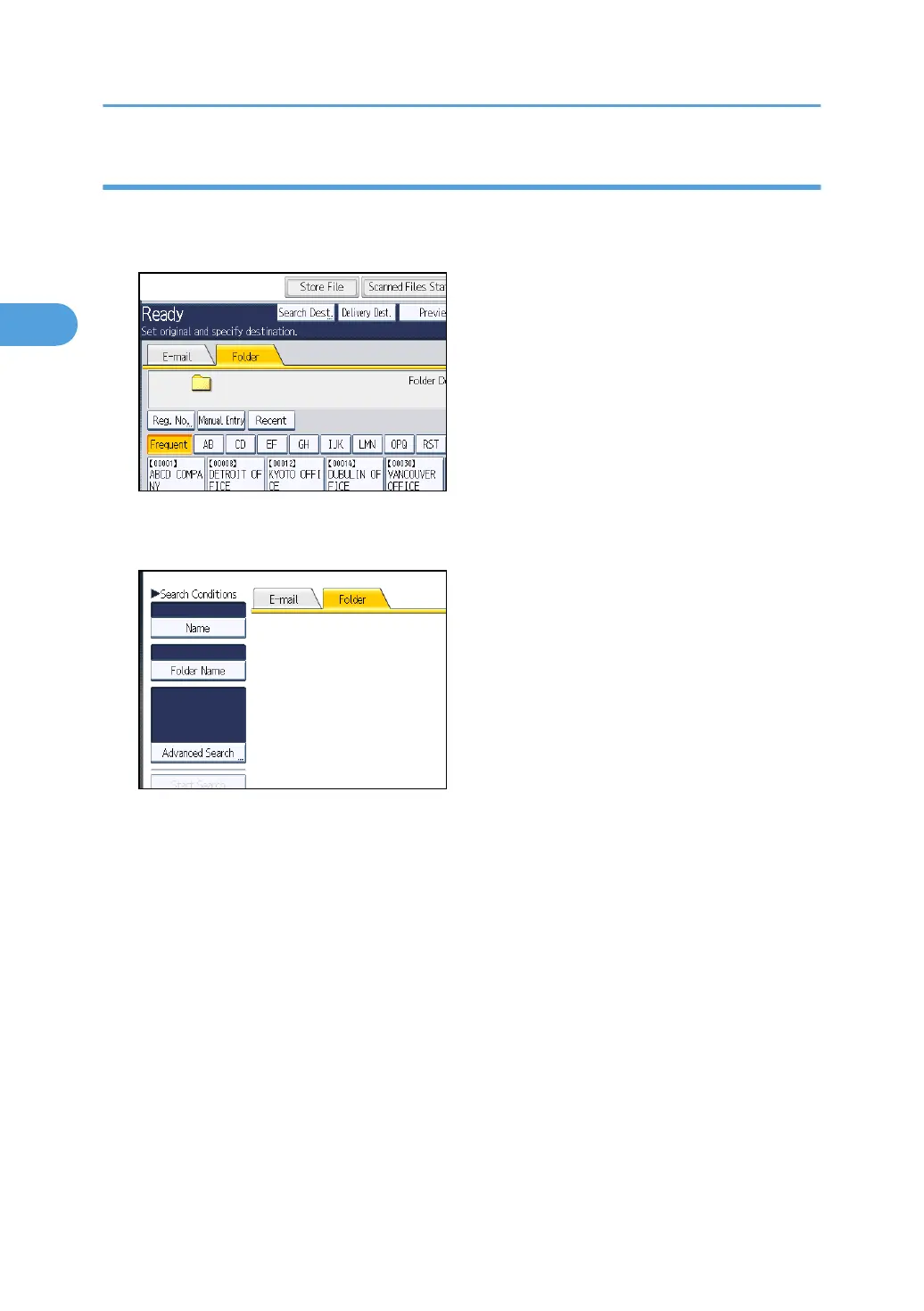
1. Press [Search Dest.].
2. To search by destination name, press [Name].
To search by path, press [Folder Name].
The soft keyboard appears.
You can also search by combining [Name] and [Folder Name].
3. Enter the beginning of the destination name.
To search by path, enter the beginning of the path.
4. Press [OK].
5. If necessary, press [Advanced Search] to specify the detailed search criteria, and then
press [OK].
By pressing [Advanced Search], you can search using criteria such as [Name], [Fax Destination],
[E-mail Address], and [Folder Name].
You can specify search criteria such as [Beginning Word] or [End Word]. You can refine your
search using multiple criteria.
2. Sending Scan Files to Folders
72



 To Next Page