"Enhance File Protection" is one of the extended security functions. For details about this and other
extended security functions, see "Specifying the Extended Security Functions".
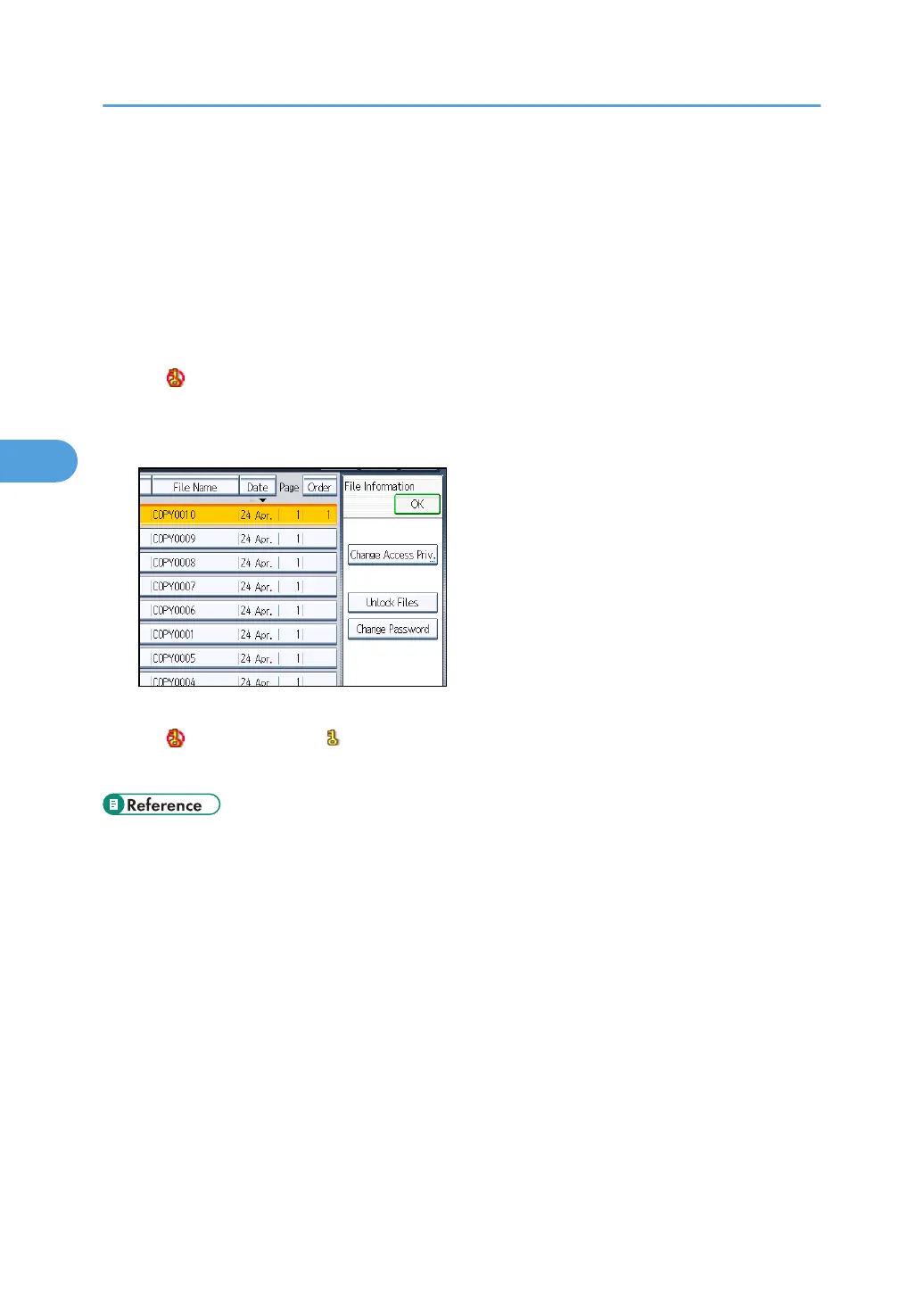
Only the file administrator can unlock files.
For details about logging in and logging out with administrator authentication, see "Logging in Using
Administrator Authentication" and "Logging out Using Administrator Authentication".
1. Press the [Document Server] key.
2. Select the file.
The icon appears next to a file locked by the Enhance File Protection function.
3. Press [File Management].
4. Press [Unlock Files].
5. Press [Yes].
The icon changes to the icon.
6. Press [OK].
• p.257 "Specifying the Extended Security Functions"
• p.35 "Logging in Using Administrator Authentication"
• p.36 "Logging out Using Administrator Authentication"
4. Protecting Data from Information Leaks
116



 To Next Page