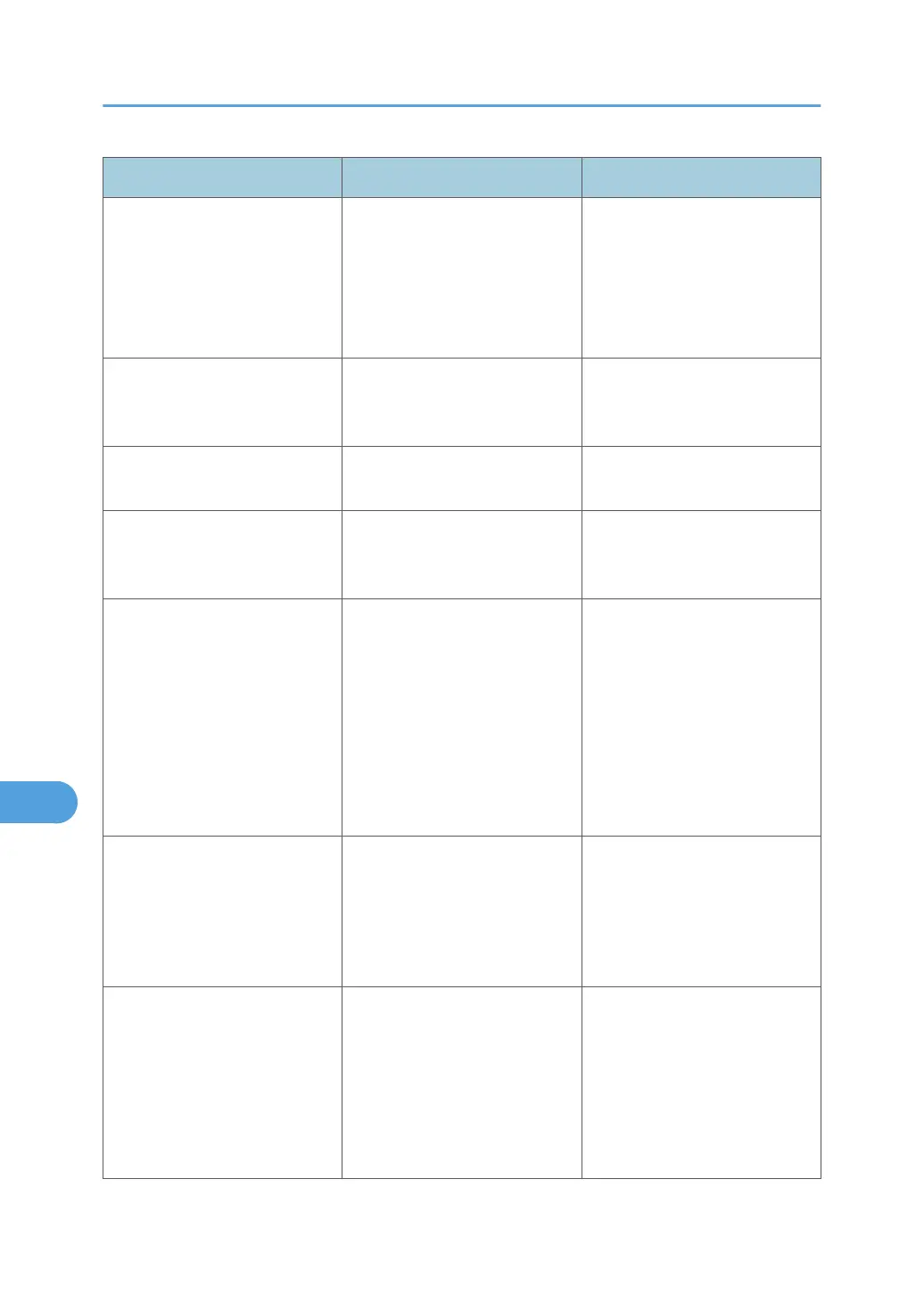
Messages Cause Solutions
"Failed to obtain URL." The machine cannot connect to
the server or cannot establish
communication.
Make sure the server's settings,
such as the IP address and host
name, are specified correctly on
the machine. Make sure the host
name of the UA Server is
specified correctly.
"Failed to obtain URL." The machine is connected to the
server, but the UA service is not
responding properly.
Make sure the UA service is
specified correctly.
"Failed to obtain URL." SSL is not specified correctly on
the server.
Specify SSL using Authentication
Manager.
"Failed to obtain URL." Server authentication failed. Make sure server authentication
is specified correctly on the
machine.
"Authentication has failed." The entered login user name or
login password is incorrect.
Ask the user administrator for
the correct login user name and
login password.
See the error codes below for
possible solutions:
B, W, L, I 0104-000
B, W, L, I 0206-003
W, L, I 0406-003
"Authentication has failed." Authentication failed because
no more users can be
registered. (The number of users
registered in the Address Book
has reached capacity.)
Delete unnecessary user
addresses.
See the error codes below for
possible solutions:
W, L, I 0612-005
"Authentication has failed." Cannot access the
authentication server when
using Windows Authentication,
LDAP Authentication, or
Integration Server
Authentication.
A network or server error may
have occurred. Confirm the
network in use with the LAN
administrator.
If an error code appears, follow
the instructions next to the error
code in the table below.
9. Troubleshooting
278



 To Next Page