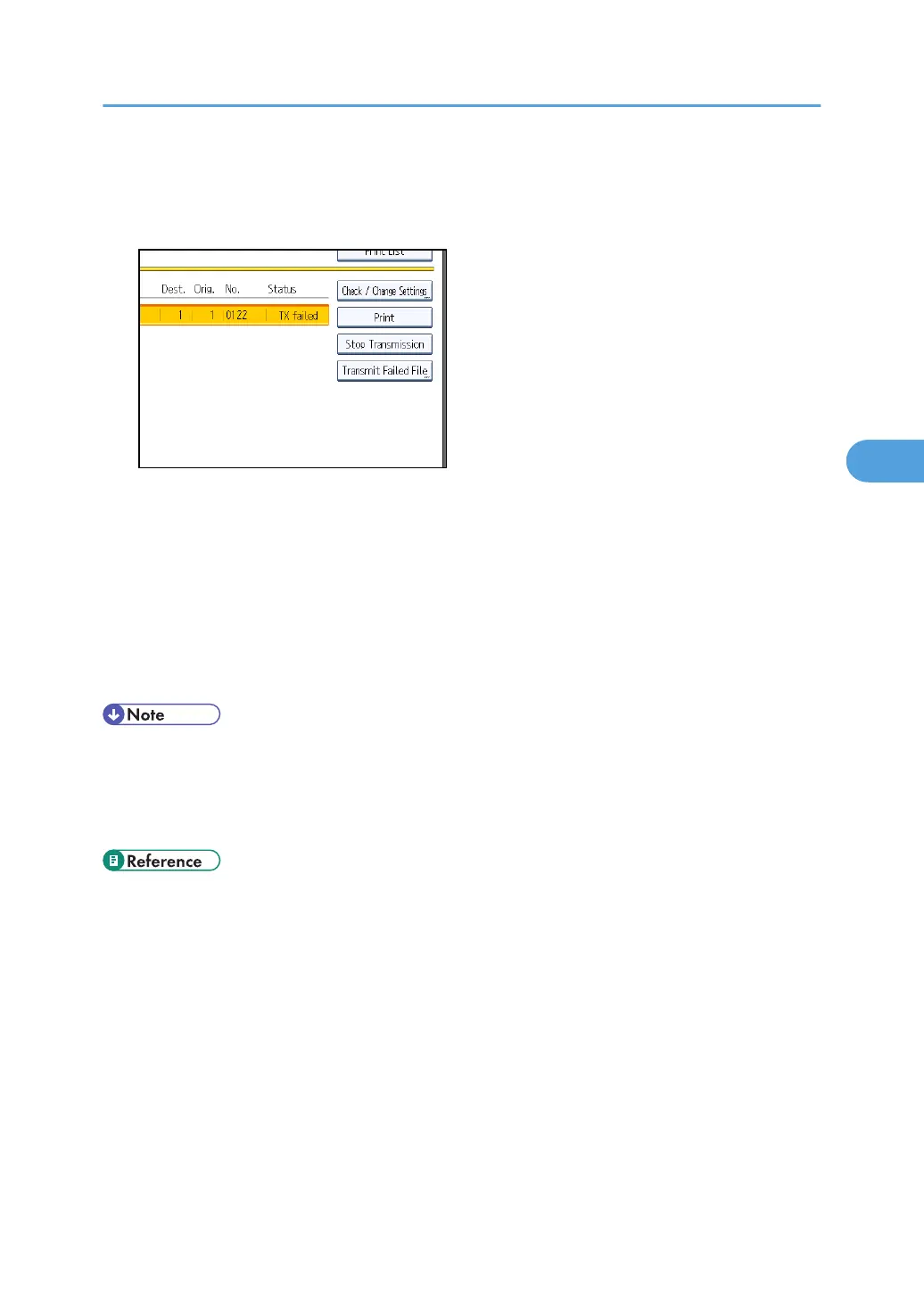
If multiple destinations were specified, only the name of the destination you specify first and only
the number of destinations that have not received the document you sent are shown.
4. Press [Transmit Failed File].
To add a destination, press [Add Destination], and then specify the destination.
5. Press [OK].
Transmission starts.
Repeat from step 3 to resend another file.
To cancel transmissions, press [Stop Transmission].
6. Press [Exit] twice.
The standby display appears.
• Files that could not be transmitted are kept for either 24 or 72 hours, depending on the setting you
make in User Parameter (switch 24, bit 1) in the Facsimile Features menu. See “Parameter
Settings”.
•
You cannot resend a file that was sent by LAN-Fax.
• p.389 "Parameter Settings"
Resending a File
257



 To Next Page