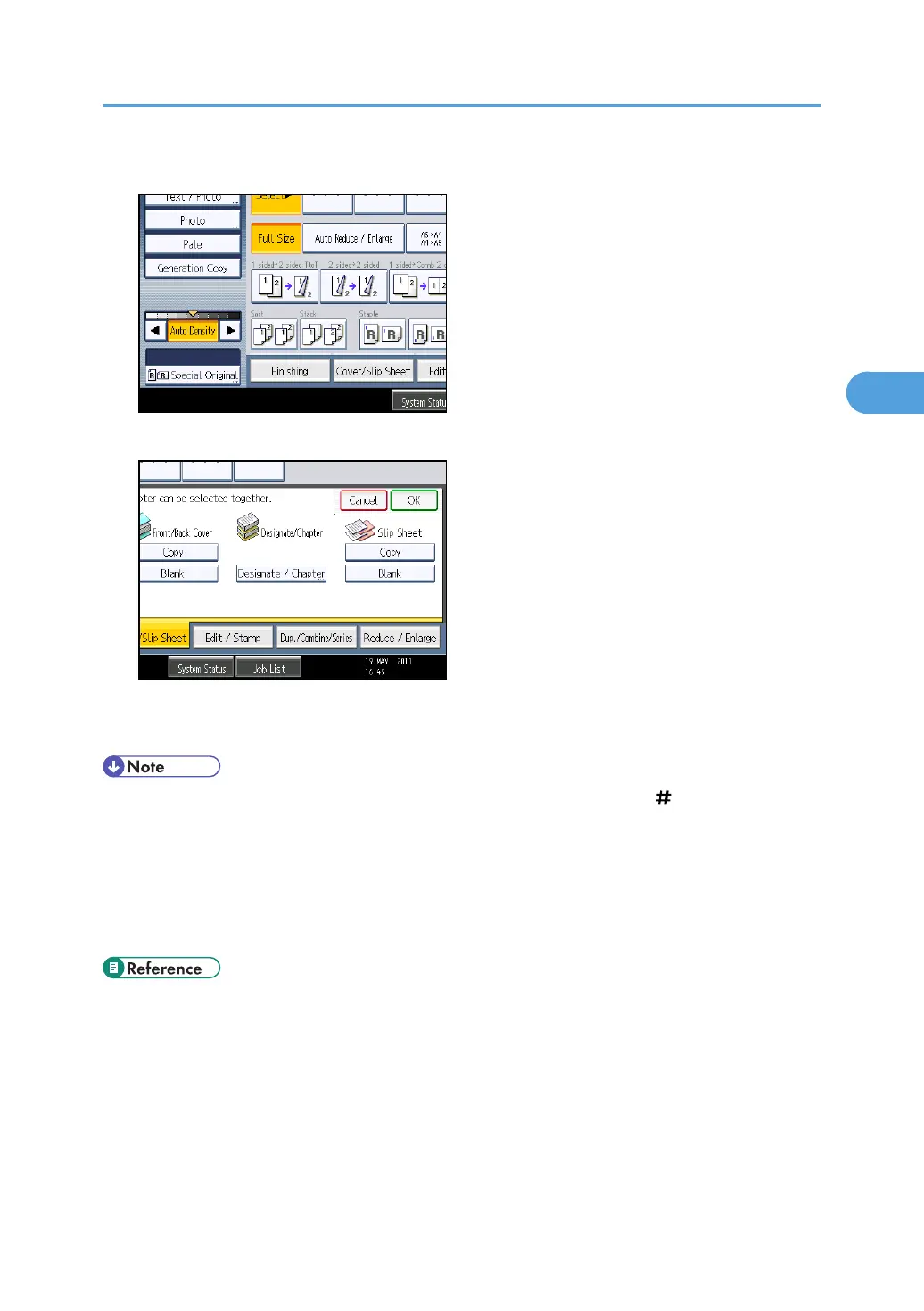
1. Press [Cover/Slip Sheet].
2. Select [Copy] or [Blank] for the slip sheets, and then press [OK].
3. Select the main sheet tray that contains the paper to copy the originals.
When copying onto OHP transparencies, use tray 1 or the bypass tray.
• When loading OHP transparencies on tray 1 or the bypass tray, press the [ ] key and select
[OHP (Transparency)] in Paper Type. For details, see “Copying onto Special Paper from Tray 1”
or “Copying onto Special Paper from the Bypass Tray”.
•
The slip sheets should be the same size and orientation as the copy paper or the OHP
transparency.
• If you do not copy onto slip sheets, they are excluded from the number of copies counted.
• p.39 "Copying onto Special Paper from Tray 1"
•
p.50 "Copying onto Special Paper from the Bypass Tray"
Advanced Copier Functions
171



 To Next Page