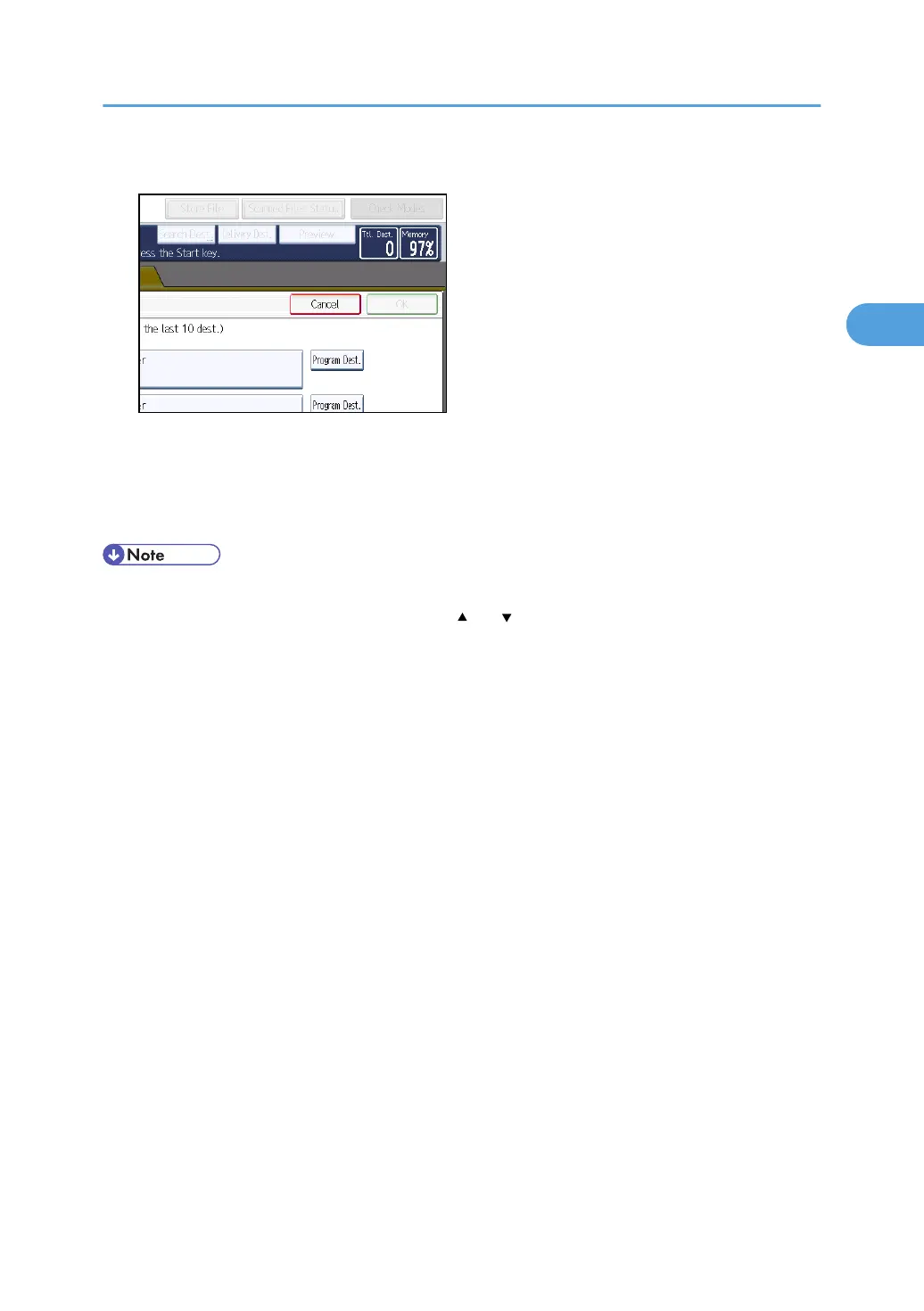
2. Press [Program Dest.].
3. Press [Names], and then enter the name and other necessary information.
For details about entering the information, see "Registering Addresses and Users for Facsimile/
Scanner Functions", Network and System Settings Reference.
4. Press [OK].
• Depending on the security settings, [Recent] may not be displayed.
•
If there are multiple recent destinations, press [
] or [ ] to scroll through them.
Specifying Scan to Folder Destinations
85



 To Next Page