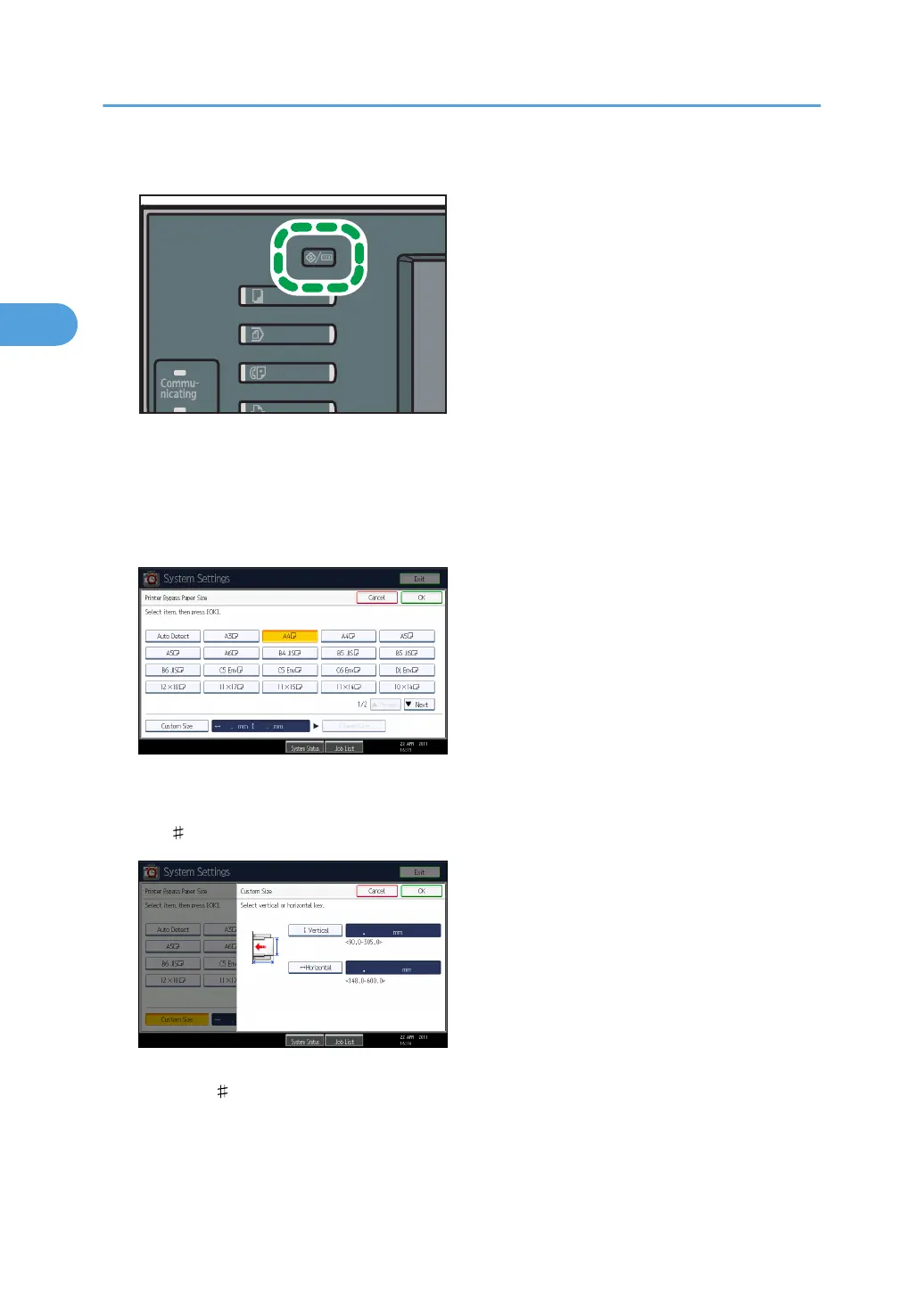
1. Press the [User Tools/Counter] key on the control panel.
2. Press [System Settings].
3. Press the [Tray Paper Settings] tab.
4. Press [Printer Bypass Paper Size].
5. Press [Custom Size].
If a custom size is already set, press [Change Size].
6. Press [Vertical], enter the vertical size of the paper using the number keys, and then press
the [ ] key.
7. Press [Horizontal], enter the horizontal size of the paper using the number keys, and then
press the [ ] key.
8. Press [OK].
The paper sizes entered are displayed.
9. Press [OK].
2. Printing Documents
58



 To Next Page