Specifying the Maximum Use Count per User
Use the following procedure to specify the maximum print volume available to a particular user. This
setting can be made by the user administrator.
1. Press the [User Tools/Counter] key.
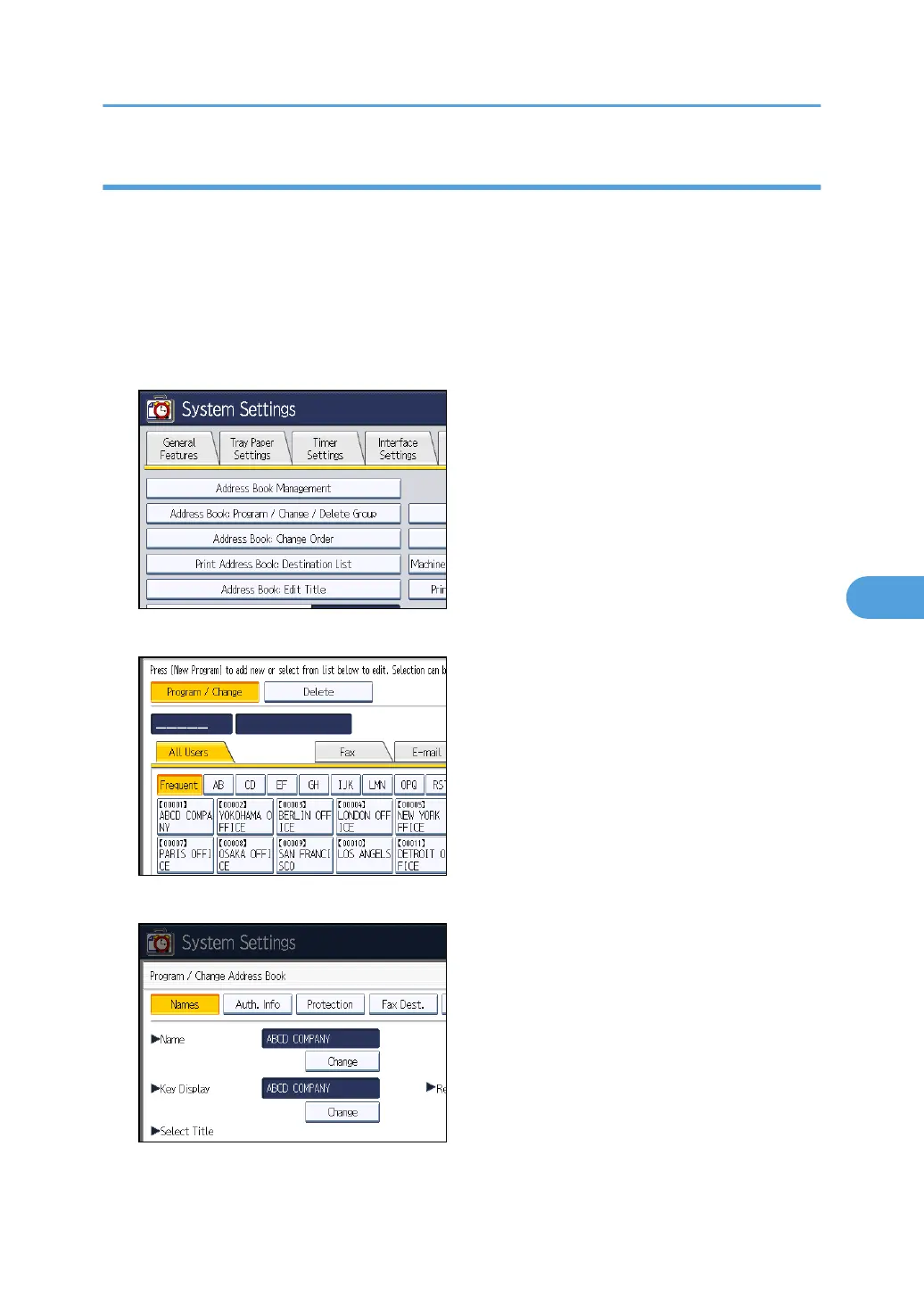
2. Press [System Settings].
3. Press [Administrator Tools].
4. Press [Address Book Management].
5. Select the user whose maximum available print volume you want to specify.
6. Press [Auth. Info].
Managing Print Volume per User
167



 To Next Page