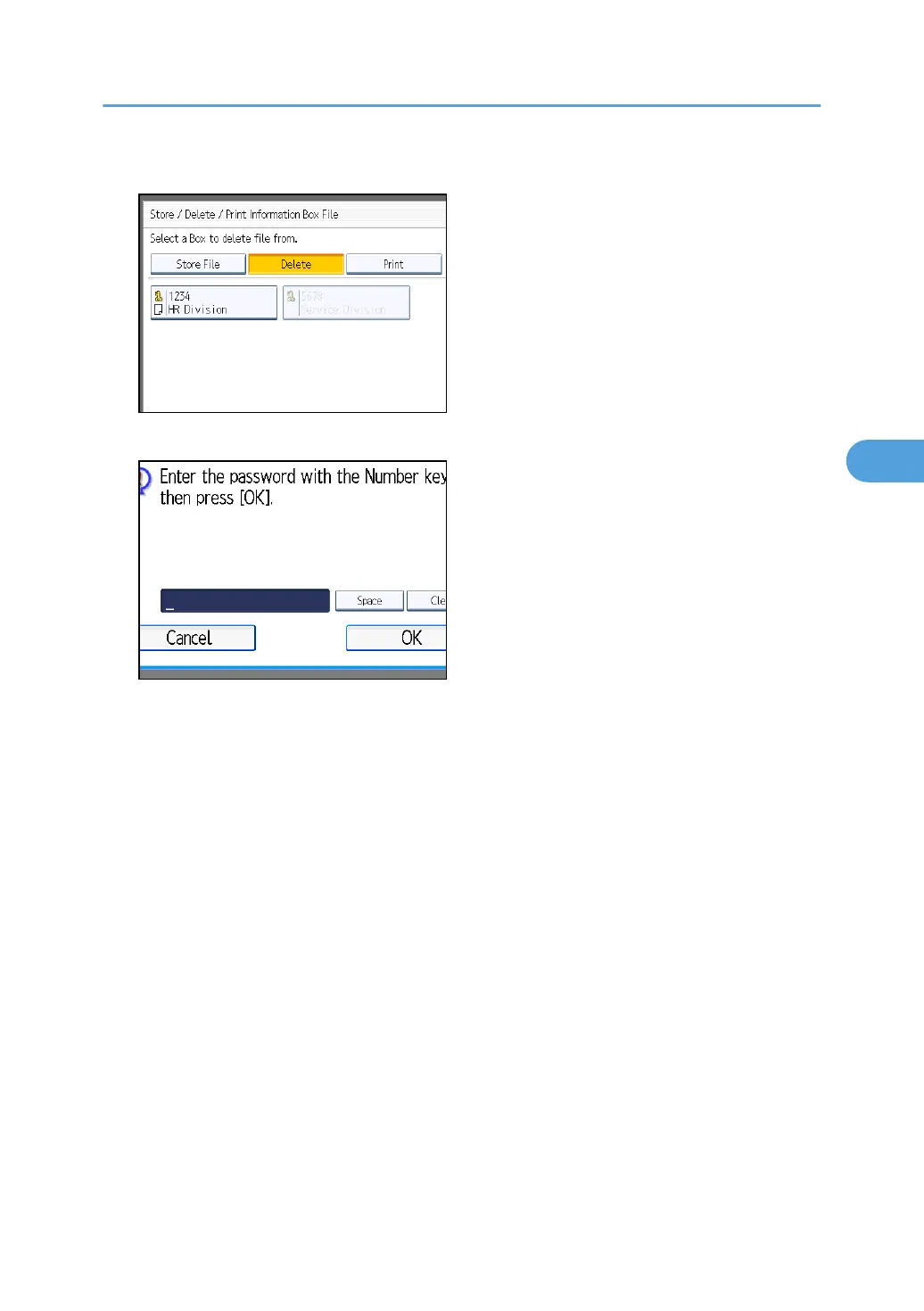
4. Select the box that contains the stored file you want to delete.
5. If a password has been set for the box, enter the password, and then press [OK].
If you make a mistake, press [Clear] before pressing [OK], and then try again.
To cancel entering a password, press [Cancel]. The display returns to that of step 4.
6. Press [Yes].
To stop deleting, press [No]. The display returns to that of step 4.
Repeat from step 4 to delete another stored file in another box.
7. Press [Exit] twice.
The standby display appears.
Information Boxes
295



 To Next Page