Paper Tray
Use this function to print fax documents received from programmed senders and fax documents
from other senders, using different paper trays.
Display of tray names may differ depending on the options installed.
Default: [Auto Select]
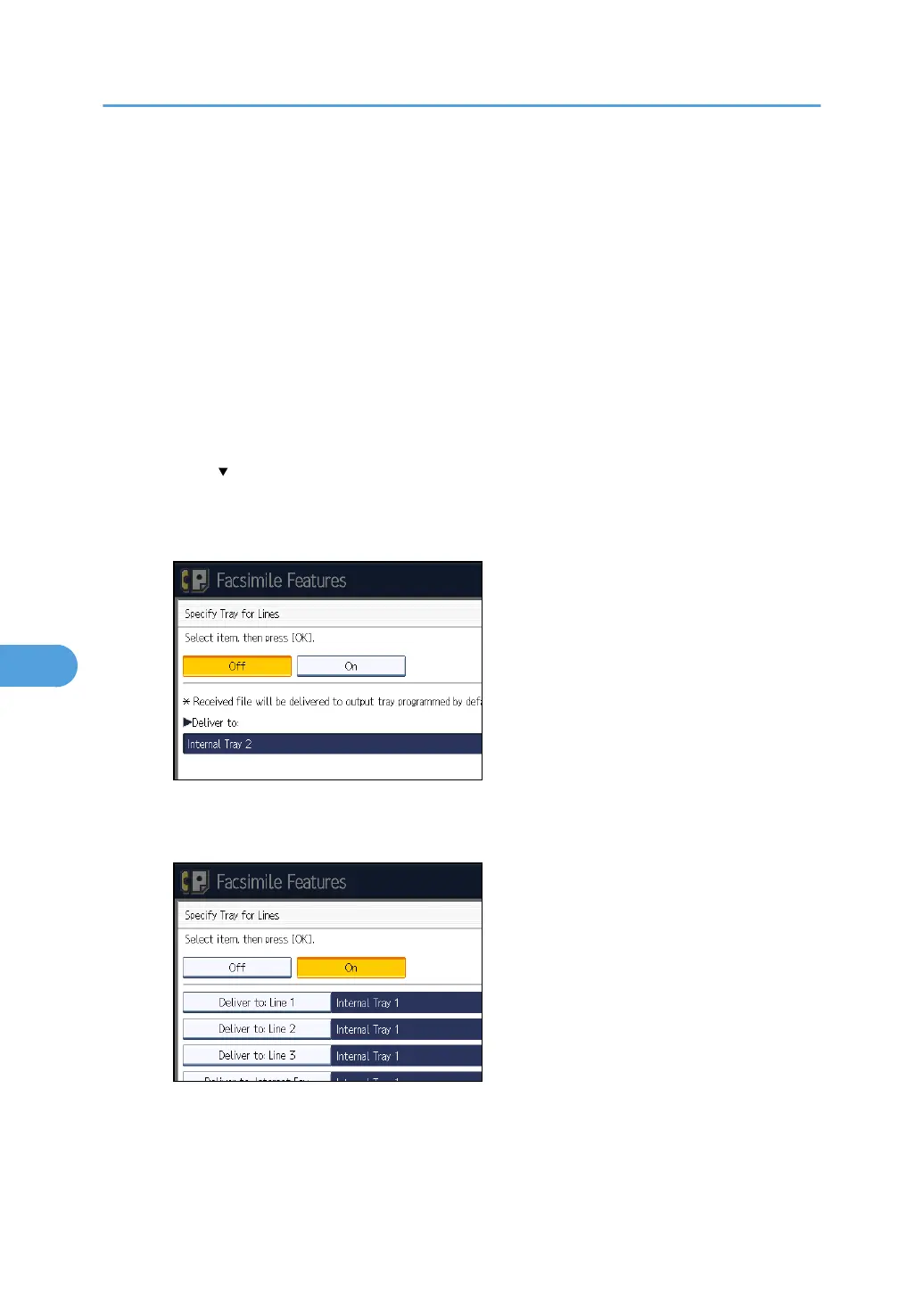
Specify Tray for Lines
Specify a paper tray for each line (telephone, Internet Fax, IP-Fax).
Default: [Off]
1.
Press [Facsimile Features].
2. Press [Reception Settings].
3. Press [
Next].
4.
Press [Specify Tray for Lines].
5. Press [On].
If you select [Off], the received fax is delivered to a default tray.
6.
Select the line type.
7. Select a tray to deliver the received paper onto, and then press [OK].
If you want to specify another line type, repeat from step 6.
8.
Press [OK].
7. Facsimile Features
358



 To Next Page