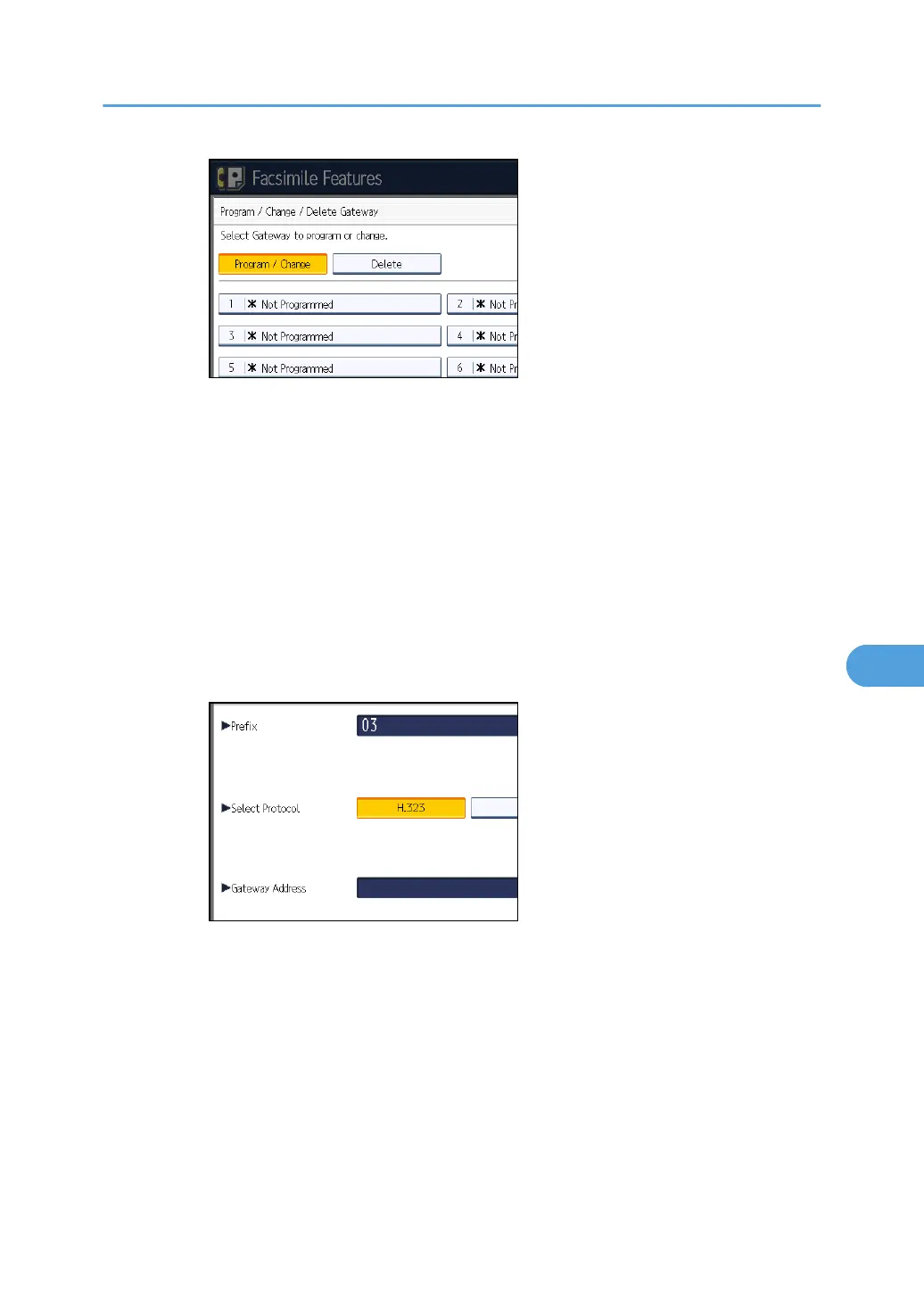
6. Press [Change] for “Prefix”.
7.
Enter the Prefix using the number keys, and then press [OK].
To change the existing prefix, press [Clear], and then enter a new prefix.
For documents sent using a VoIP gateway to G3 Fax, prefixes can be used. If the first
several digits of IP-Fax number and the gateway- specific prefix are identical, documents
can be transmitted using the registered digits of the gateway. For example, if both 03
and 04 have been registered as gateway number while 0312345678 is also specified,
documents can be transmitted via a VoIP gateway for which 03 is used as a prefix.
When you wish to use the gateways regardless of the IP-Fax destination numbers,
register only the gateway addresses without registering the prefix.
8. Select a protocol.
9. Press [Change] for “Gateway Address”.
10.
Enter the gateway address, and then press [OK].
11. Press [OK].
12. Press [Exit].
13. Press the [User Tools/Counter] key.
• Delete
1. Press [Facsimile Features].
2. Press [Initial Settings].
Initial Settings
365



 To Next Page