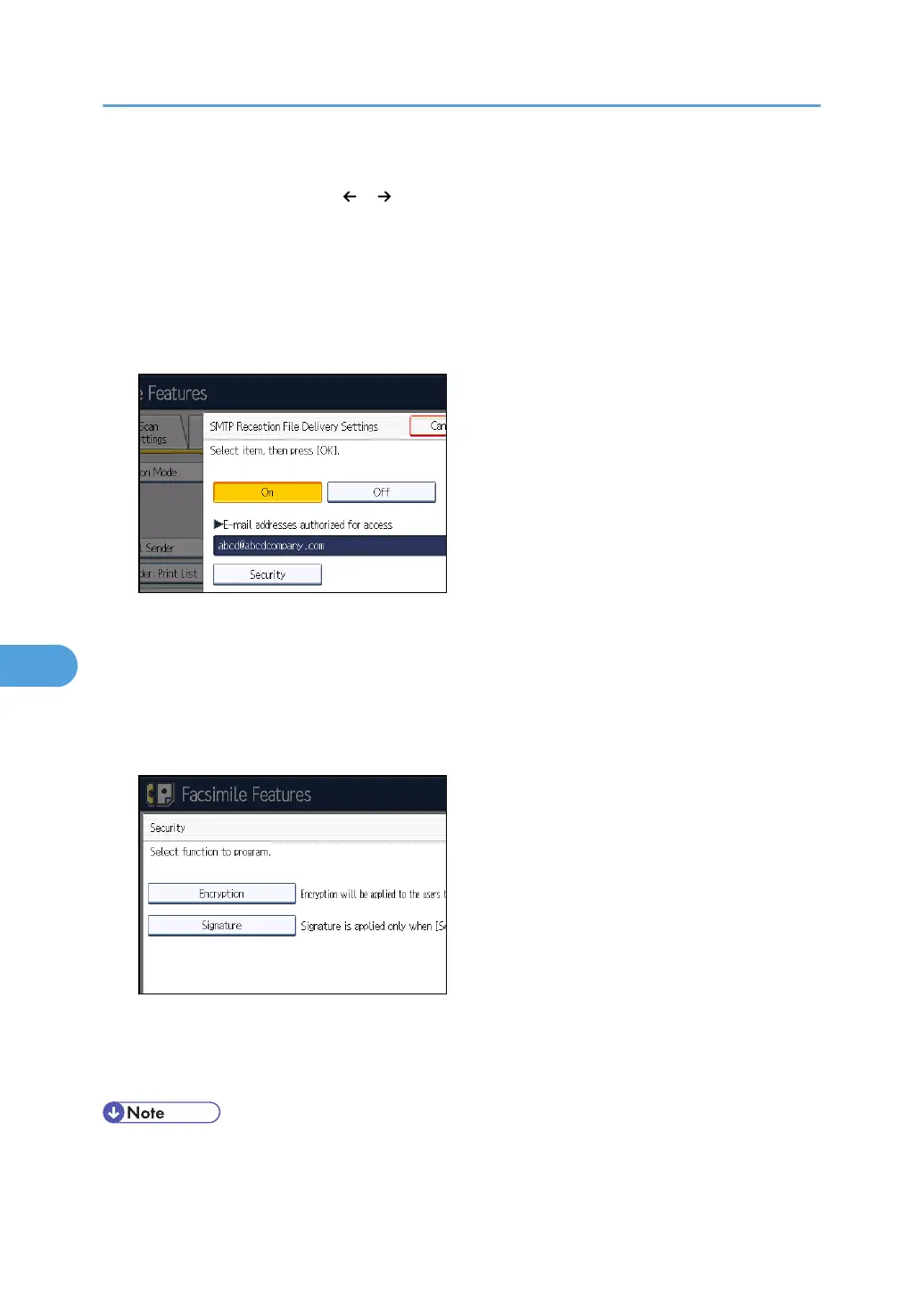
6. Enter the sending e-mail address to be authorized.
If you make a mistake, press [ ], [ ], [Backspace], or [Delete All], and then enter again.
7. Press [OK].
8. Press [Security].
If not specifying the security function, proceed to step 11.
Security is set to use S/MIME authentication. For details about the security settings, consult your
administrator.
9. Select the security functions.
To specify encryption for documents for delivery, press [Encryption]. To use the encryption function,
the address must be stored in the Address Book and have the encryption option enabled. For
details about Encryption, consult your administrator.
To attach a signature to documents for delivery, press [Signature]. For details about Signature,
consult your administrator.
10. Press [OK].
11. Press [OK].
12. Press the [User Tools/Counter] key.
• If you have specified e-mail destination for delivery, you can specify the file format used for
delivery. See “Parameter Settings” (switch 21, bit 3).
7. Facsimile Features
380



 To Next Page