p.199 "Fax Header Print (mainly North America)"
•
p.361 "Initial Settings"
Registering Fax Information
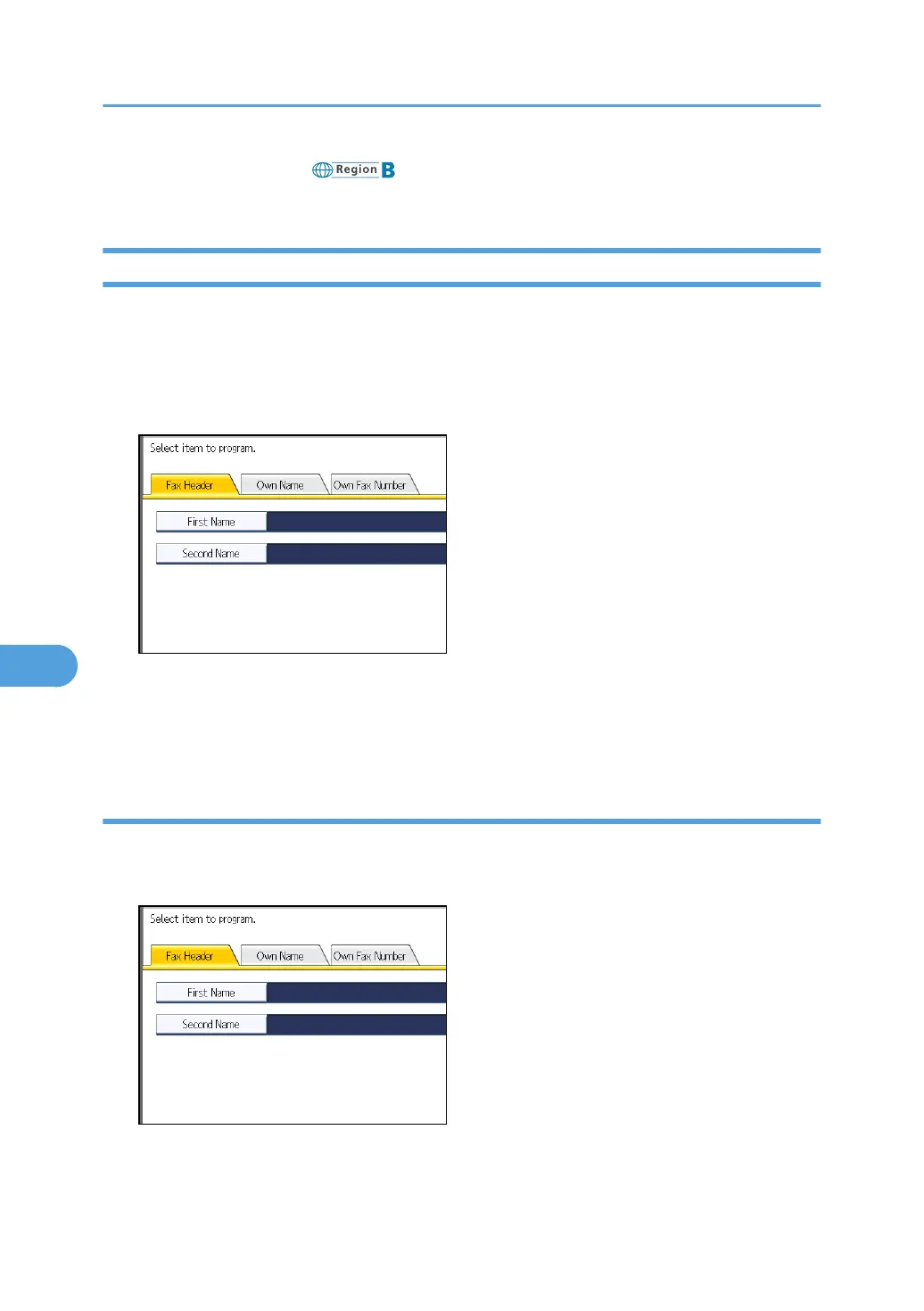
1. Press [Facsimile Features].
2. Press [Initial Settings].
3. Press [Program Fax Information].
4. Select the Fax Information you want to register.
5. Register the name and facsimile number.
6. Press [Exit].
7. Press the [User Tools/Counter] key.
Registering a Fax Header
1. Check that [Fax Header] is selected.
2. Press [First Name] or [Second Name].
3. Enter a fax header including your Own Name and Fax Number, and then press [OK].
7. Facsimile Features
386



 To Next Page