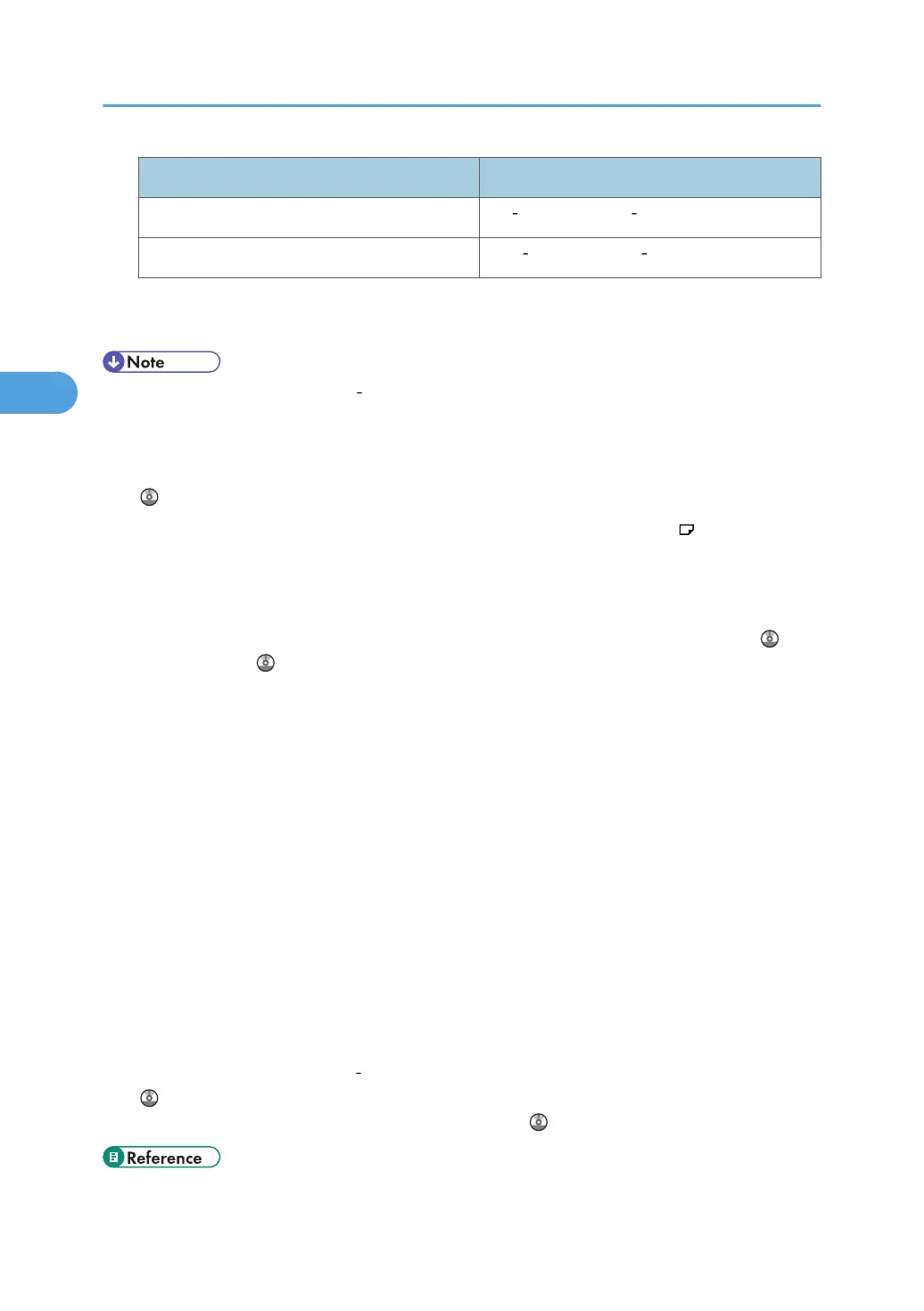
Paper Thickness
*1
Paper weight
Middle Thick 82 105 g/m
2
(21 28 lb. Bond)
Thick Paper 106 157 g/m
2
(28 42 lb. Bond)
*1
Print quality will decrease if the paper you are using is close to the minimum or maximum weight.
Change the paper weight setting to thinner or thicker.
• When loading paper in trays 1 4 or LCT place the print side face up. When loading paper in the
bypass tray, place the print side face down.
•
When using translucent paper or label paper, make sure to select the appropriate paper type
under Paper Type: Bypass Tray. See “System Settings”, Network and System Settings Reference
.
•
When you use the bypass tray, it is recommended to set the paper direction to
.
•
Certain types of paper produce noise when delivered. This noise does not indicate a problem and
print quality is unaffected. (OHP transparencies can produce noise when delivered.)
• When you load OHP transparencies, check the front and back of the sheets, and place them
correctly, or a misfeed might occur. For details, see Copy and Document Server Reference
, and
Printer Reference .
•
When you use OHP transparencies, fan them for each use.
• We recommend that you use a 4000 ANSI lumen or brighter overhead projector to project OHP
transparencies.
• When copying or printing onto envelopes, the copy/print speed is slower than usual.
• Flatten out curled sheets before loading them.
• If multiple sheet feeding occurs, load sheets one by one.
• When copying or printing onto letterhead paper, the paper placing orientation is different
depending on which function you are using. See “Loading Orientation-Fixed Paper or Two-Sided
Paper”.
• If you load paper of the same size in two or more trays, the machine automatically shifts to the
other tray when the first tray in use runs out of paper. This function is called Auto Tray Switching.
(However, if the paper type of one tray is recycled or special paper, the settings of the other trays
must be the same for the Auto Tray Switching function to work.) This saves interrupting a copy run to
replenish paper when making a large number of copies. You can set the paper type of the paper
trays under Paper Type: Tray 1
4. See “System Settings”, Network and System Settings Reference
. For the setting procedure of the Auto Tray Switching function, see “Copier and Document
Server Features”, Copy and Document Server Reference .
• p.60 "Loading Orientation-Fixed Paper or Two-Sided Paper"
3. Adding Paper
76



 To Next Page