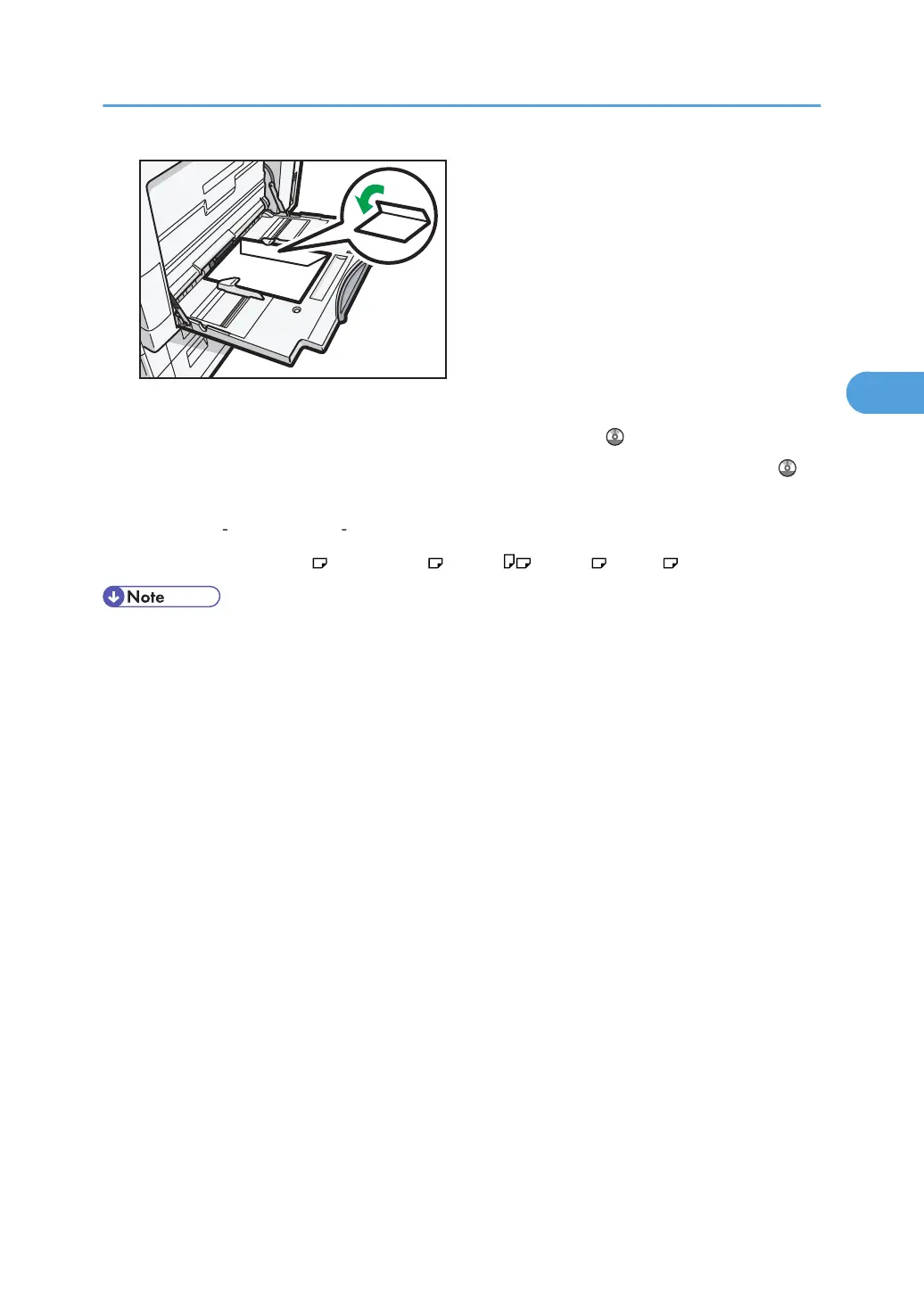
When copying onto envelopes, see “Copying onto Envelopes from Tray 1” or “Copying onto
Envelopes from the Bypass Tray”, Copy and Document Server Reference .
When printing onto envelopes, see “Setting Envelopes Using the Control Panel”, Printer Reference .
Specifications for envelopes are as follows:
•
Weight: 82
157 g/m
2
(21 42 lb. Bond)
•
Paper Size: 4
1
/
8
× 9
1
/
2
, 3
7
/
8
× 7
1
/
2
, C5 Env , C6 Env , DL Env
• When loading envelopes on the bypass tray, place them address side facing down. When loading
envelopes in tray 1, place them address side facing up.
•
Load only one size and type of envelope at a time.
• Before loading envelopes, press down on them to remove any air from inside, flatten out all four
edges. If they are bent or curled, flatten their leading edges (the edge going into the machine) by
running a pencil or ruler across them.
• Fan the envelopes before loading them to separate them and prevent the glue on them from
causing them to stick together.
• Some kinds of envelope might cause misfeeds, wrinkles or print poorly.
• Print quality on envelopes may be uneven if parts of an envelope have differing thicknesses. Print
one or two envelopes to check print quality.
• High temperature and high humidity conditions can reduce print quality and cause envelopes to
become creased.
Envelopes
79



 To Next Page