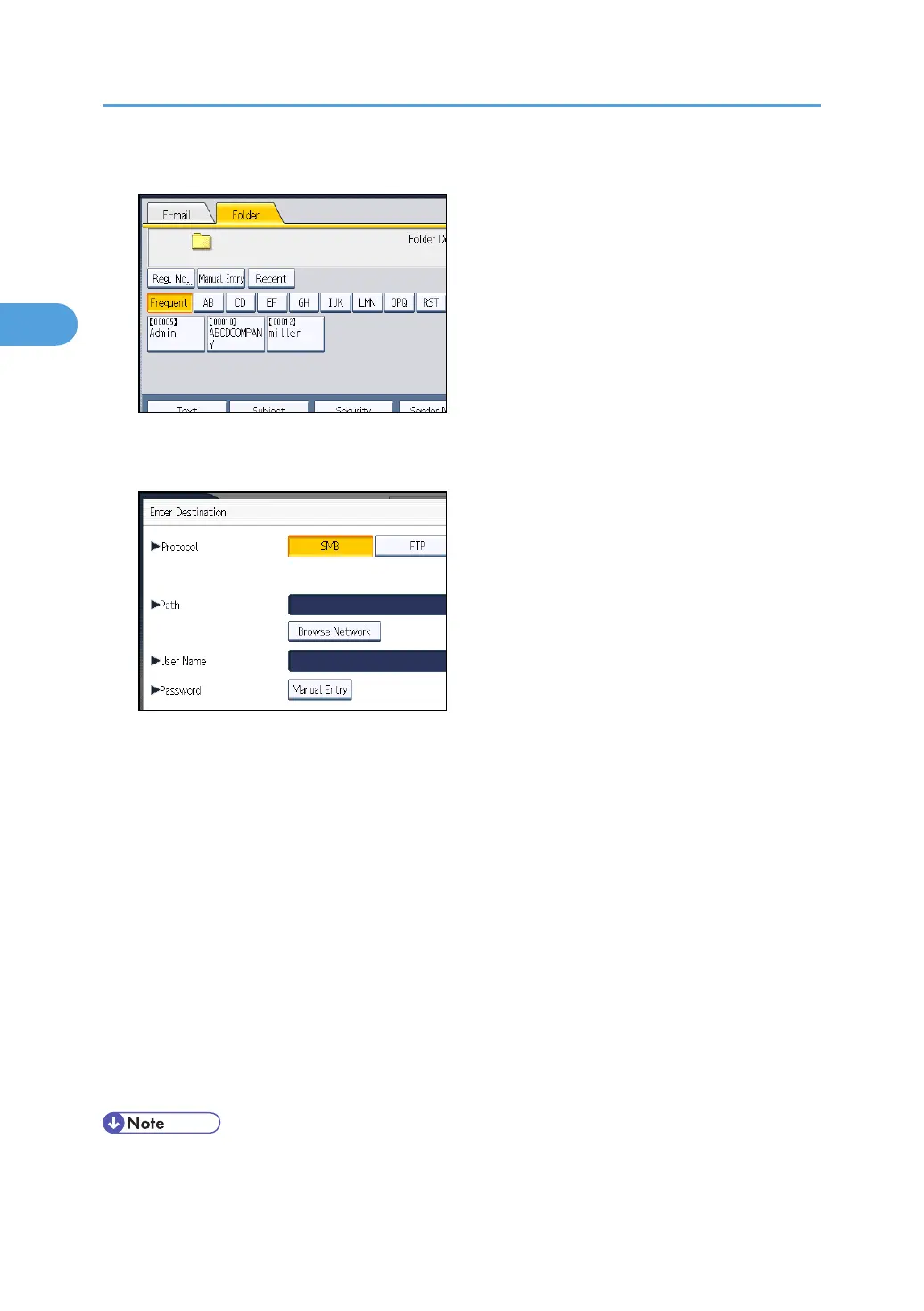
1. Press [Manual Entry].
2. Press [SMB].
3. Press [Browse Network] under the path name field.
Domains or workgroups on the network appear.
If the message "Cannot find the specified path. Please check the settings." appears, see
"Troubleshooting When Using the Scanner Function", Troubleshooting.
4. Select the domain or workgroup in which the destination folder is located.
5. Select the client computer that has the destination folder.
If you cannot find the computer you are looking for, press [Up One Level] and browse that level.
If authentication is required to access the selected computer, the authentication screen appears. To
authenticate, enter the user name and password.
6. Select the destination folder.
When the selected folder has sub-folders, the sub-folders list appears.
If you cannot find the destination folder, press [Up One Level], and then search for the folder at that
level.
7. Press [OK] twice.
• If authentication is required to access the folder, the login screen appears. Enter the user name and
password.
2. Sending Scan Files to Folders
76



 To Next Page