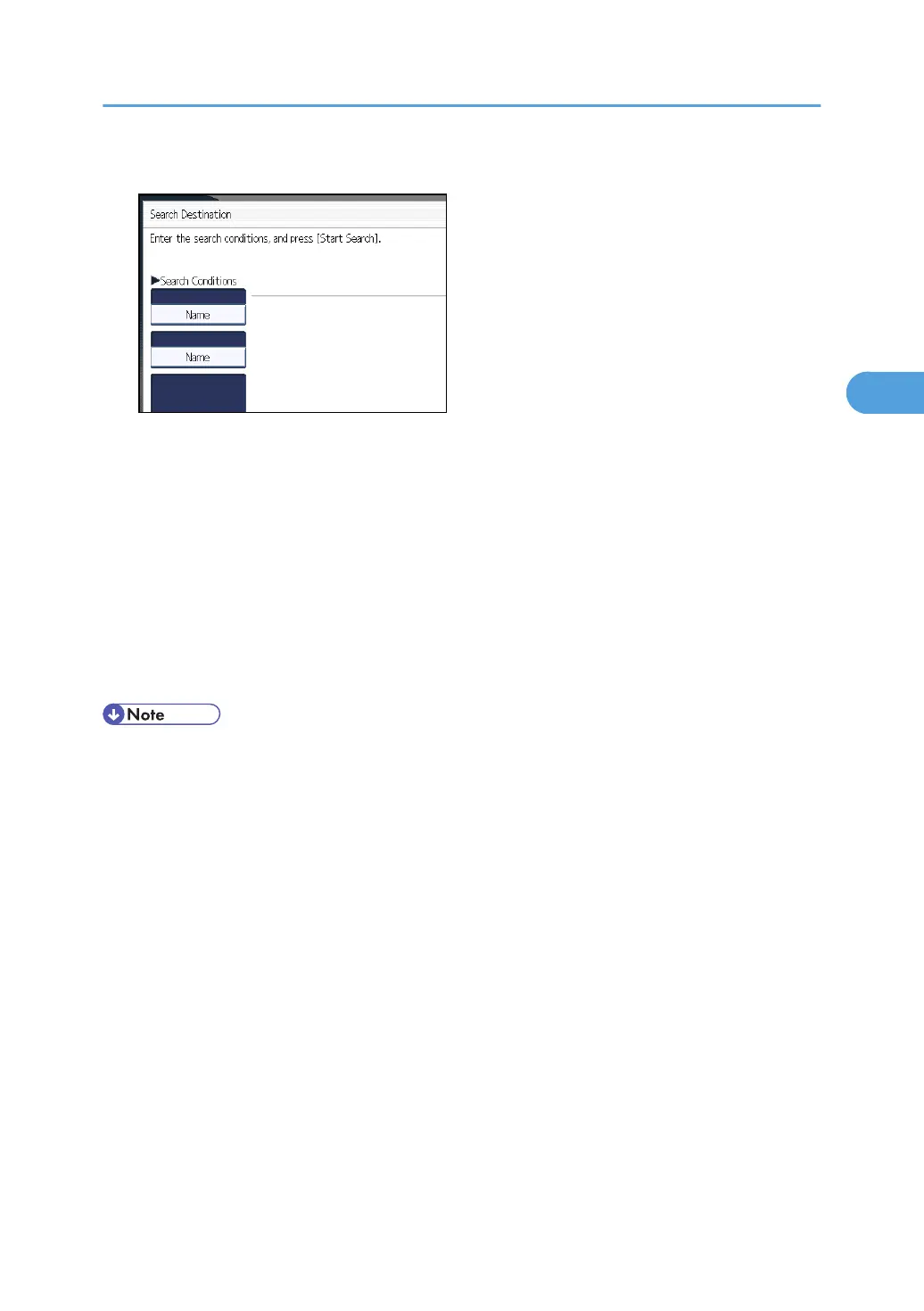
2. Press [Name].
The soft keyboard appears.
3. Enter the search characters, and then press [OK].
4. If necessary, press [Advanced Search] to specify the detailed search criteria.
You can specify up to three search criteria. You can specify [Beginning Word] or [End Word] as
the matching criterion. You can refine your search using multiple criteria.
5. Press [OK].
6. Press [Start Search].
Destinations that match the search criteria are displayed.
7. Select a destination, and then press [OK].
• Search targets are computer names.
•
By pressing [Details], you can view details about the selected destinations.
• Up to 100 destinations can be displayed as search results.
• By pressing [Advanced Search], the following criteria appear:
• [Beginning Word]: The names which start with the entered character or characters are
targeted.
For example, to search for "ABC", enter "A".
• [End Word]: The names which end with the entered character or characters are targeted.
For example, to search for "ABC", enter "C".
• [Exact Match]: The names which correspond to an entered character or characters are
targeted.
For example, to search for "ABC", enter "ABC".
• [Include one Word]: The names which contain an entered character or characters are
targeted.
For example, to search for "ABC", enter "A", "B", or "C".
Using the WSD Scanner (Push Type)
99



 To Next Page