• If a scanning method other than [Auto Detect] is set, the original may not be able to be scanned at
the set size. In such cases, delete the scan profile, and then scan the original again. For details
about deleting a scan profile, see "Changing a Scan Profile".
•
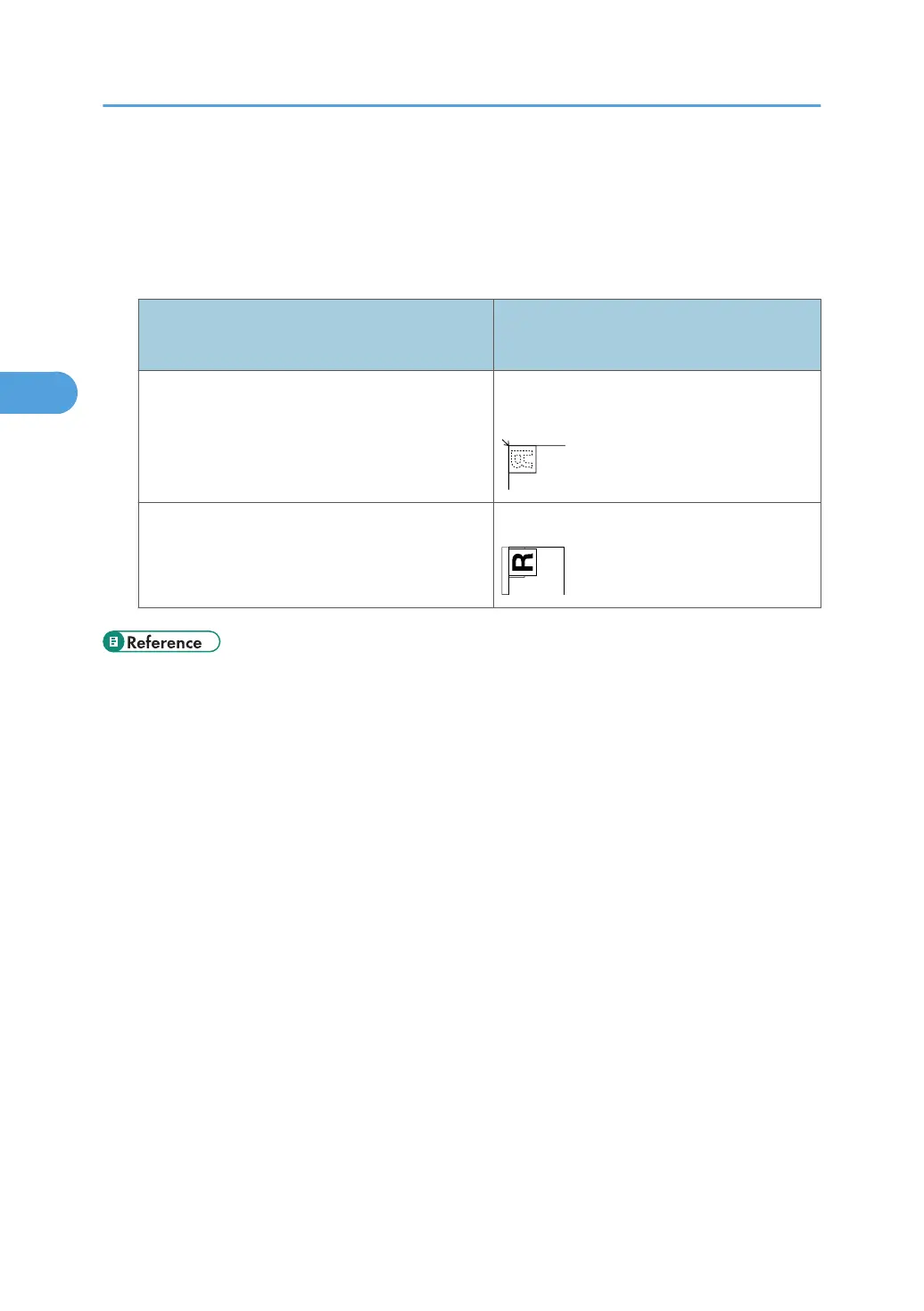
To scan an original correctly, place it as shown in the following table:
Placing an original
Scanning method
(Exposure glass/ADF)
Original orientation
Exposure glass
top corner touching top left corner of
exposure glass
Auto Document Feeder (ADF)
top edge leading
• p.105 "Scan Profile Items and Settings"
•
p.103 "Changing a Scan Profile"
• p.90 "Enabling WSD using Web Image Monitor"
3. Sending Scan Files Using WSD
102



 To Next Page