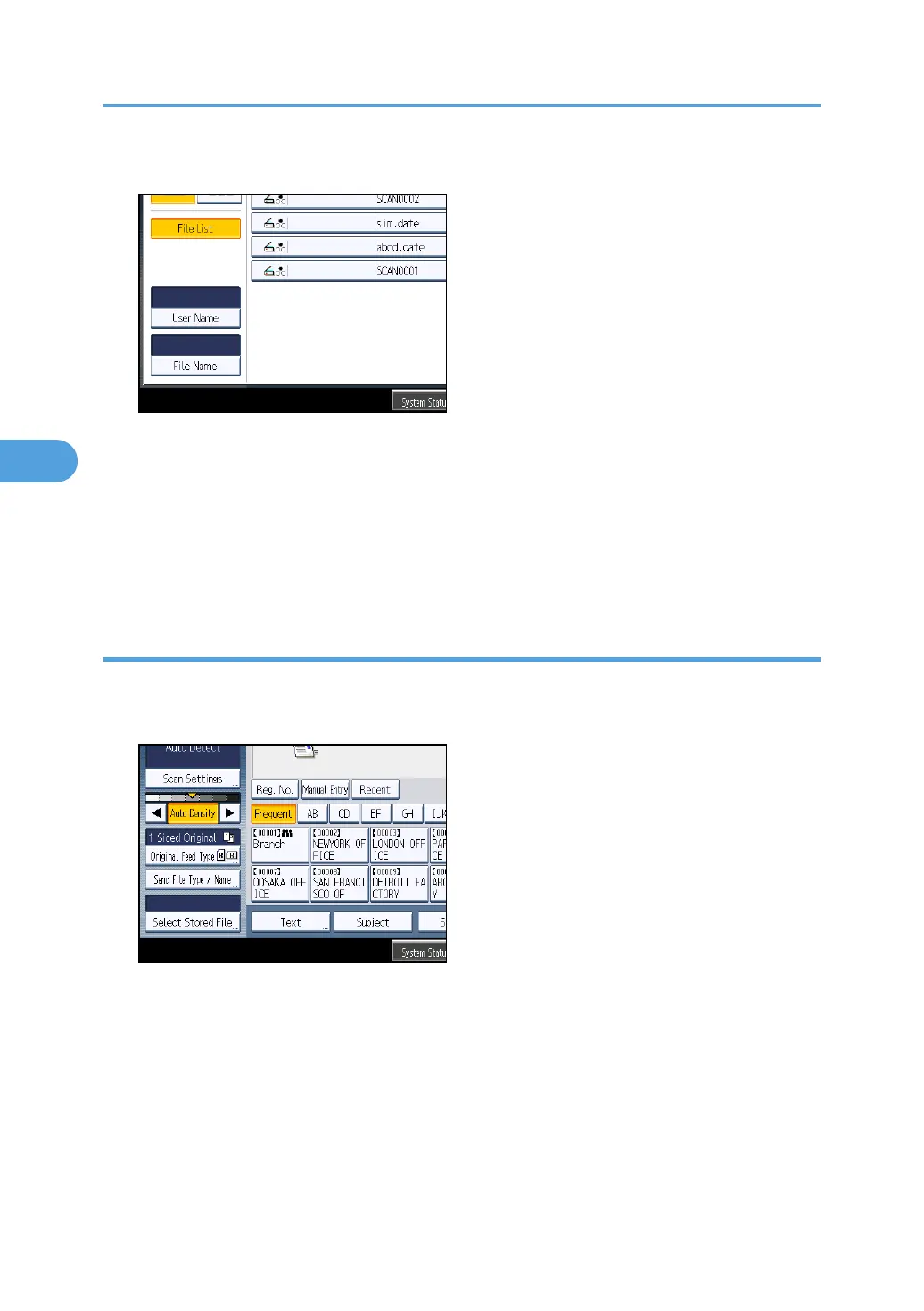
2. Press [User Name].
3. Select the user name to be used for the search.
The user names shown here are names that were registered on the [Administrator Tools] tab in
[System Settings]. To change a user name not shown here, press [Manual Entry], and then enter the
user name.
4. Press [OK].
The search begins, and then files belonging to the specified user appear.
Searching by file name
You can search for a stored file by its file name.
1. Press [Select Stored File].
4. Storing Files Using the Scanner Function
116



 To Next Page