4. Press [Change User Name].
5. Enter a new user name.
The user names shown here are names that were registered on the [Administrator Tools] tab in
[System Settings]. To change a user name not shown here, press [Manual Entry], and then enter the
user name.
6. Press [OK].
7. Make sure that the user name was changed as necessary, and press [Exit].
• Using Web Image Monitor or DeskTopBinder you can also change the user name of a file stored in
the machine from the client computer. For details about Web Image Monitor, see Web Image
Monitor Help. For details about DeskTopBinder, see the manuals supplied with DeskTopBinder.
•
Depending on the security setting, [Change Access Priv.] may appear instead of [Change User
Name]. For details about specifying [Change Access Priv.] consult the administrator.
Changing a file name
You can change the file name of a stored file.
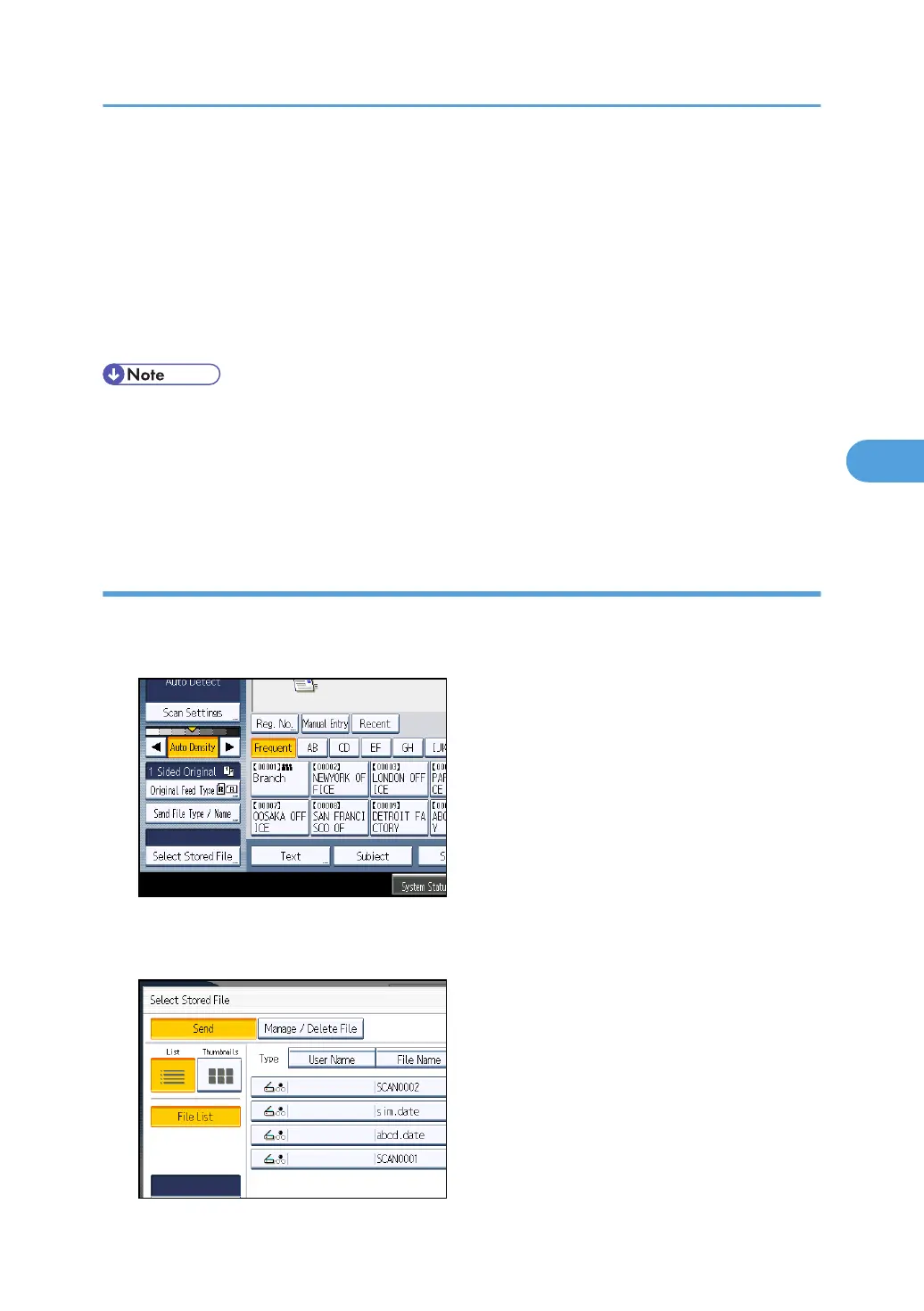
1. Press [Select Stored File].
The list of stored files appears.
2. Press [Manage / Delete File].
Managing Stored Files
125



 To Next Page