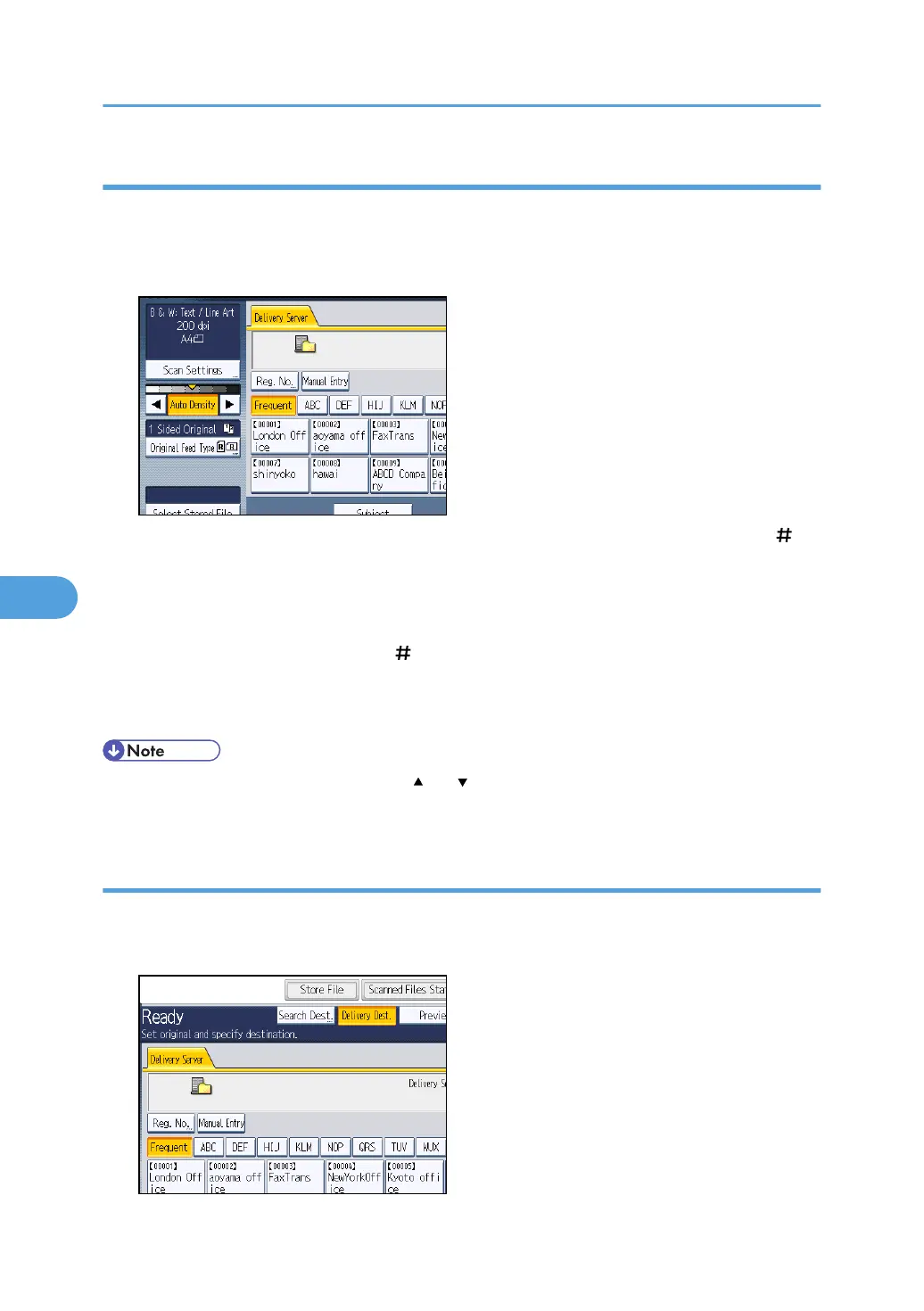
Selecting destinations by entering their registration numbers
Select a destination by entering its Short ID number (registered using the ScanRouter delivery software).
For details about how to set Short IDs, see the manuals supplied with the ScanRouter delivery software.
1. Press [Reg. No.].
2. Using the number keys, enter the five-digit registration number, and then press the [ ]
key.
You can also enter a registration number of fewer than five digits.
Example: To enter 00009
Press the [9] key, and then press the [ ] key.
By pressing [Change], you can change the selected destination.
3. Press [OK].
• To cancel a selected destination, press [ ] or [ ] next to the destination field to scroll through the
destinations until the one you want to cancel appears, and then press the [Clear/Stop] key.
Selecting destinations by searching the delivery server's Destination List
In the delivery server's Destination List, you can search for destinations and select them.
1. Press [Search Dest.].
6. Delivering Scan Files
144



 To Next Page