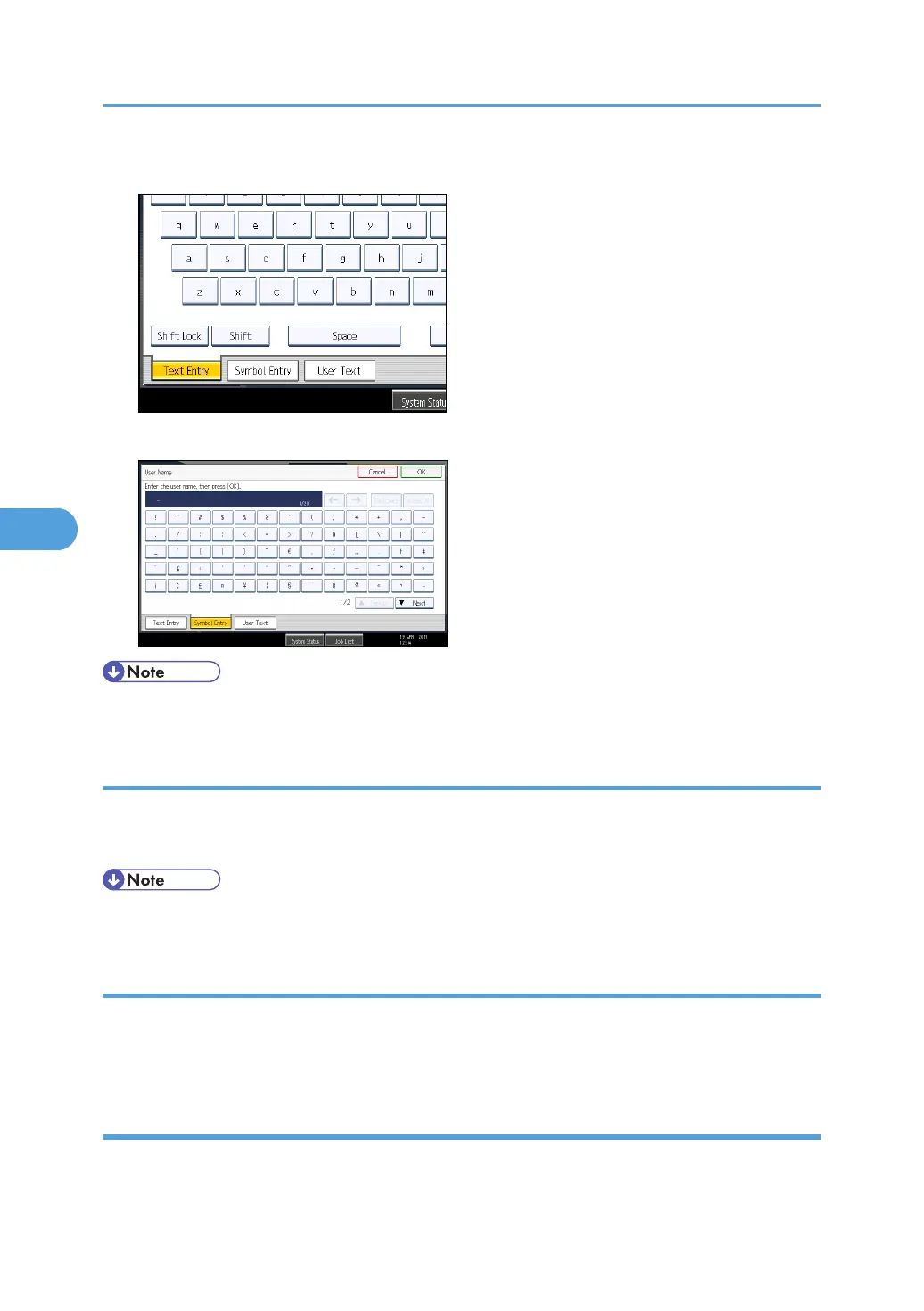
1. Press [Symbol Entry] to enter into the Symbol Entry mode.
2. Press the symbols you want to enter.
• Depending on the machine type, this function may not be available.
Entering numbers
This section explains how to enter numbers.
1. Press numbers you want to enter.
• You can also use the number keys to enter numbers, regardless of mode.
Deleting characters
This section explains how to delete characters.
1. Press [Backspace] or [Delete All] to delete characters.
Adding user text
You can select and use a User Text that is registered in [Program / Change / Delete User Text].
5. Entering Text
100



 To Next Page