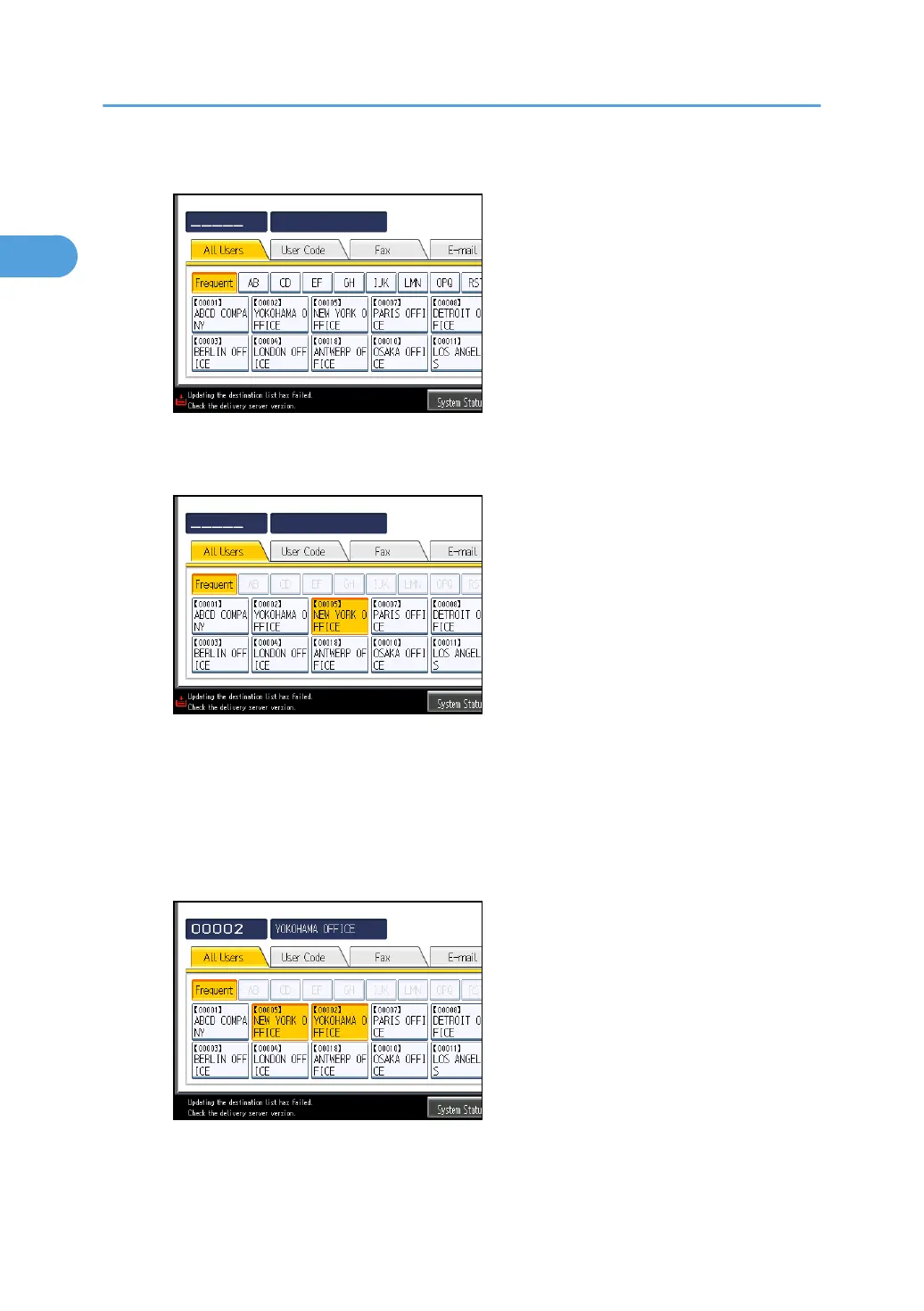
5. Press the name key to be moved.
You can select a name using the number keys.
6.
Press the name key in place you want to move it to.
The user key is moved to the selected position, and the user key currently at the selected
position is moved forward or backward.
If you move the selected user key forward, the user key currently at the selected position is
moved backward.
If you move the selected user key backward, the user key currently at the selected position is
moved forward.
You can also select a name using the number keys.
1. System Settings
52



 To Next Page