Network Settings Required to Use Network
TWAIN Scanner
This section lists the network settings required for using the TWAIN Scanner under the network
environment.
• These settings should be made by the administrator, or with the advice of the administrator.
Ethernet
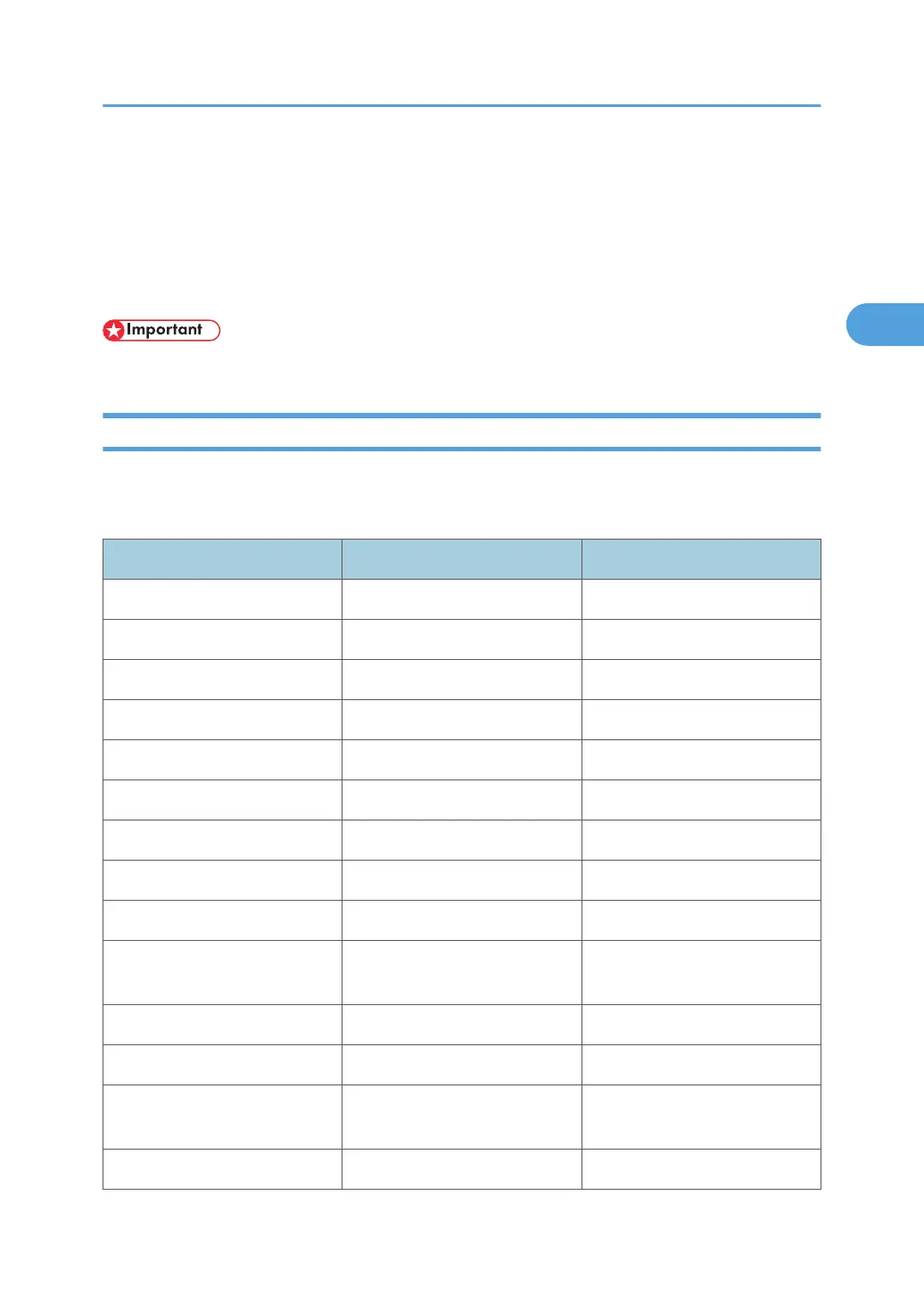
This section lists the settings required for using the network TWAIN Scanner with an Ethernet connection.
For details about how to specify the settings, see "Interface Settings".
Menu User Tool Setting Requirements
Interface Settings/Network Machine IPv4 Address Necessary
Interface Settings/Network IPv4 Gateway Address As required
Interface Settings/Network DNS Configuration As required
Interface Settings/Network DDNS Configuration As required
Interface Settings/Network IPsec As required
Interface Settings/Network Domain Name As required
Interface Settings/Network WINS Configuration As required
Interface Settings/Network Effective Protocol Necessary
Interface Settings/Network Ethernet Speed As required
Interface Settings/Network
IEEE 802.1X Authentication for
Ethernet
As required
Interface Settings/Network LAN Type Necessary
Interface Settings/Network Permit SNMPv3 Communication As required
Interface Settings/Network
Permit SSL / TLS
Communication
As required
Interface Settings/Network Host Name As required
Network Settings Required to Use Network TWAIN Scanner
107



 To Next Page