View settings
The following command displays the current DHCP settings.
msh> dhcp
Configuration
You can configure DHCP.
msh> dhcp "interface_name" {on|off}
• Specify "on" to enable dhcp. Specify "off" to disable DHCP.
• If the DNS server address and domain name are obtained from DHCP, be sure to specify
{on}.
• wlan can be specified only when the IEEE 802.11 interface is installed.
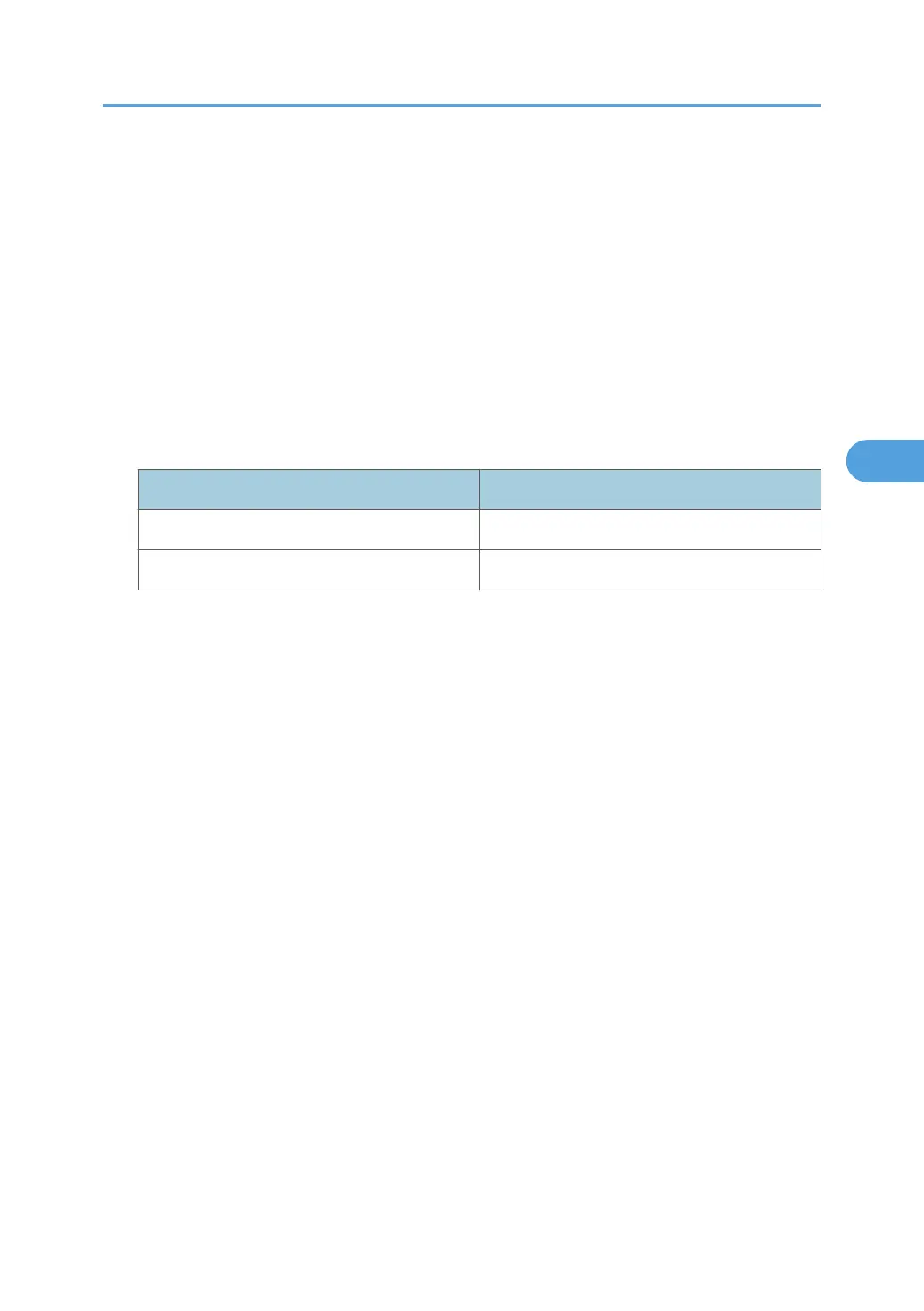
Interface name Interface configured
ether Ethernet interface
wlan IEEE 802.11 interface
Current interface priority configuration display
msh> dhcp priority
Interface priority configuration
msh> dhcp priority "interface_name"
• You can select which interface has DHCP parameter priority.
• Priority settings are available when multiple interfaces are installed.
DNS server address selection
msh> dhcp dnsaddr {dhcp|static}
• Specify whether to obtain the DNS server address from the DHCP server or use the address
set by a user.
• To obtain the DNS server address from the DHCP server, specify "dhcp". To use the address
set by a user, specify "static".
Domain name selection
msh> dhcp "interface_name" domainname {dhcp|static}
• Specify whether to obtain the domain name from the DNS server or use the domain name set
by a user.
• To obtain the domain name from the DHCP server, specify "dhcp". To use the domain name
set by a user, specify "static".
Remote Maintenance Using telnet
159



 To Next Page