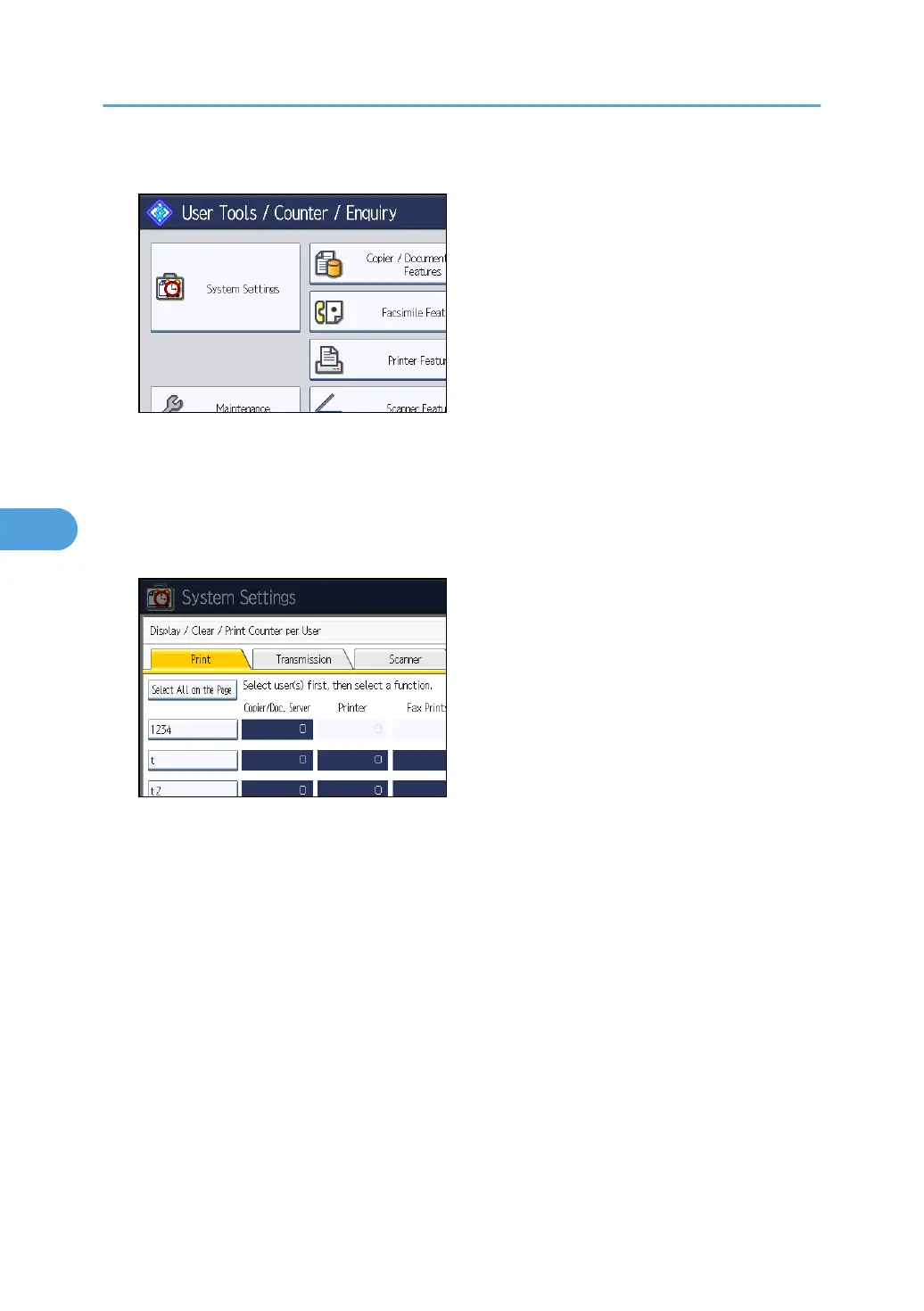
2. Press [System Settings].
3. Press [Administrator Tools].
4. Press [Display / Clear / Print Counter per User].
5. Select the user code to clear.
6. To clear the number of prints made under a user code, select the user code from the left
side of the display.
Press [Select All on the Page] to select all user codes on the page.
7. Press [Clear] under "Per User".
8. Select the function usage you want to clear from [Copier], [Printer], [Fax Prints], [Fax
Transmission], [Scanner], and [All Counters].
9. Press [OK].
10. To clear the number of prints for all user codes, press [Clear] under "All Users".
11. Select the function usage you want to clear from [Copier], [Printer], [Fax Prints], [Fax
Transmission], [Scanner], and [All Counters].
12. Press [OK].
13. Press [Exit].
14. Press the [User Tools/Counter] key.
5. Registering Addresses and Users for Facsimile/Scanner Functions
240



 To Next Page