To set label insertion
This section describes how to set label insertion.
When Label Insertion is set to ON, the receiver's name and standard messages are printed on the fax
message when it is received at the other end.
1. Press [Change] under "Label Insertion".
2. Press [On].
3. Press [Change] under "Line 2".
4. Select the new standard message or press [Manual Entry] to enter the new message.
5. Enter the new message, and then press [OK].
6. Press [OK].
7. Press [Change] under "Line 3".
8. Select the new standard message, and then press [OK].
9. Press [OK].
• To change the name, key display and title, see "Registering Names".
• p.227 "Registering Names"
Deleting a Registered IP-Fax Destination
This section describes how to delete a registered IP-Fax destination.
If you delete a destination that is a specified delivery destination, messages to its registered Personal
Box, for example, cannot be delivered. Be sure to check the settings in the fax function before deleting
any destinations.
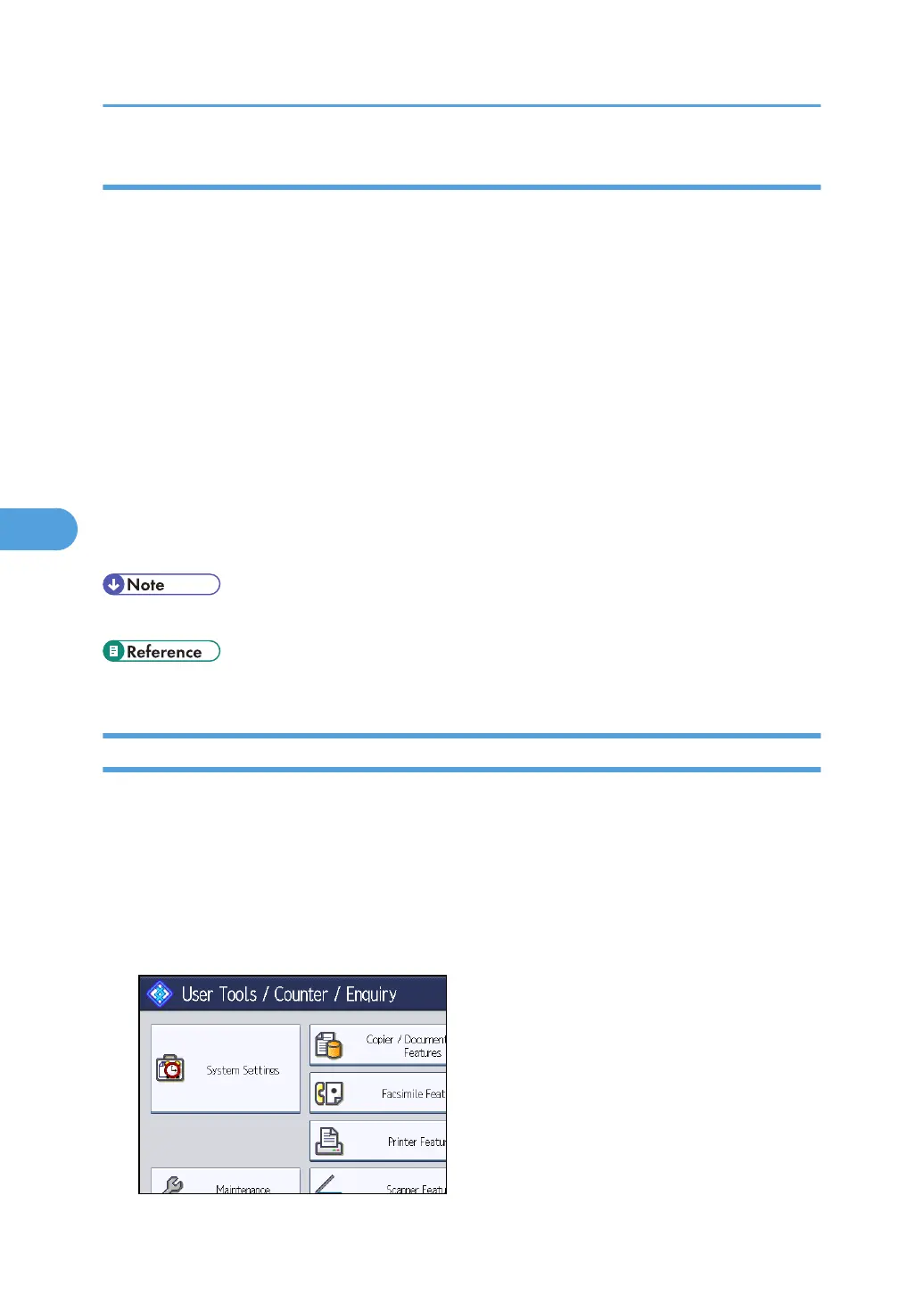
1. Press the [User Tools/Counter] key.
2. Press [System Settings].
5. Registering Addresses and Users for Facsimile/Scanner Functions
252



 To Next Page