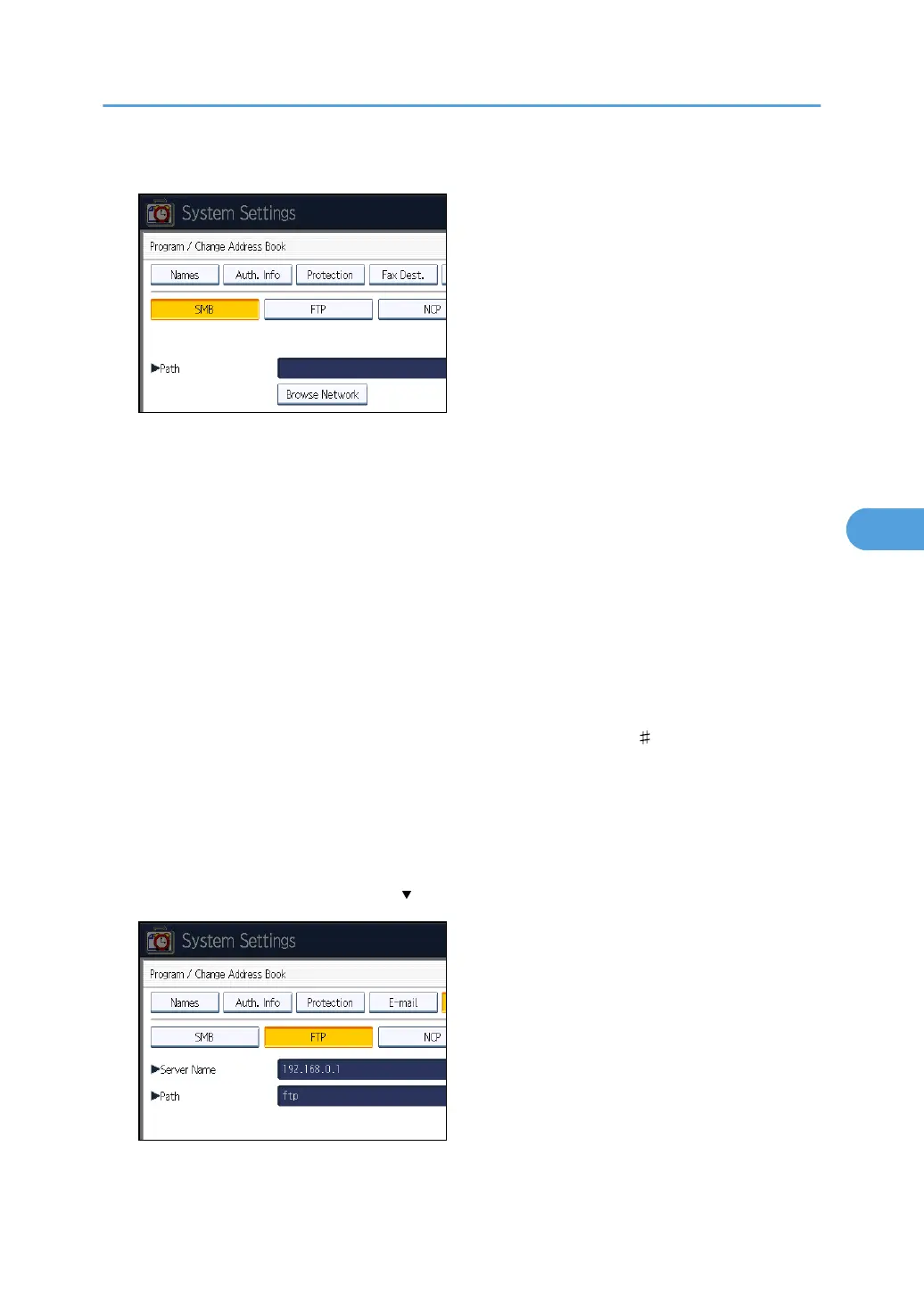
8. Press [FTP].
9. Press [Change] under "Server Name".
10. Enter the server name, and then press [OK].
11. Press [Change] under "Path".
12. Enter the path, and then press [OK].
You can enter an absolute path, using this format: "\user\ home\username"; or a relative path,
using this format: "directory\sub-directory".
If you leave the path blank, the login directory is assumed to be the current working directory.
You can also enter an IPv4 address.
You can enter a path using up to 128 characters.
13. To change the port number, press [Change] under "Port Number".
14. Enter the port number using the number keys, and then press the [ ] key.
You can enter 1 to 65535.
15. Press [Connection Test] to check the path is set correctly.
16. Press [Exit].
If the connection test fails, check the settings, and then try again.
17. Press [Auth. Info], and then press [ Next].
Registering Folders
267



 To Next Page