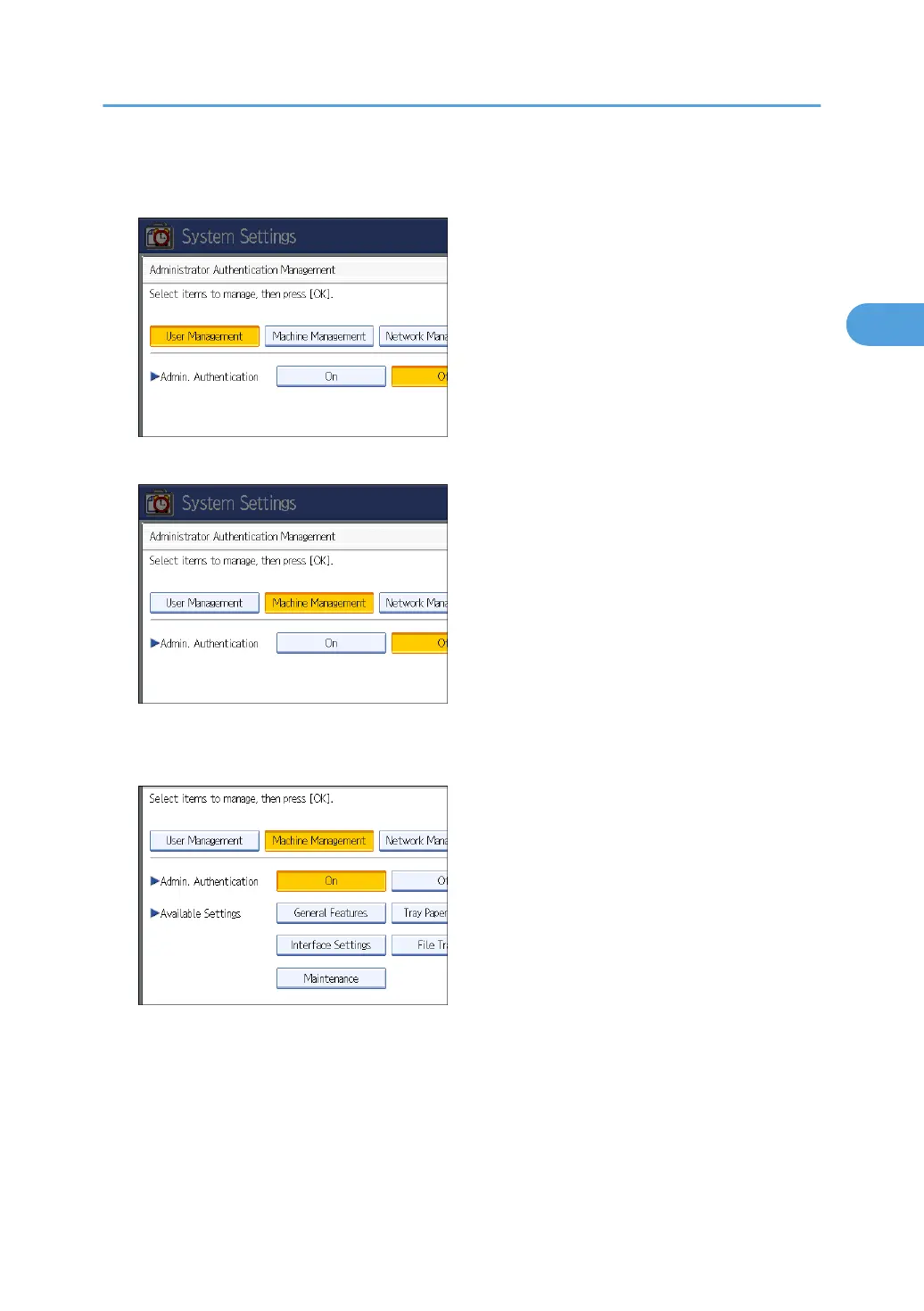
5. Press [User Management], [Machine Management], [Network Management], or [File
Management] to select which settings to manage.
6. Set "Admin. Authentication" to [On].
"Available Settings" appears.
7. Select the settings to manage from "Available Settings".
The selected settings will be unavailable to users.
"Available Settings" varies depending on the administrator.
For details about "Available Settings", see "Limiting Available Functions".
To specify administrator authentication for more than one category, repeat steps 5 to 7.
8. Press [OK].
9. Press the [User Tools/Counter] key.
Enabling Administrator Authentication
31



 To Next Page