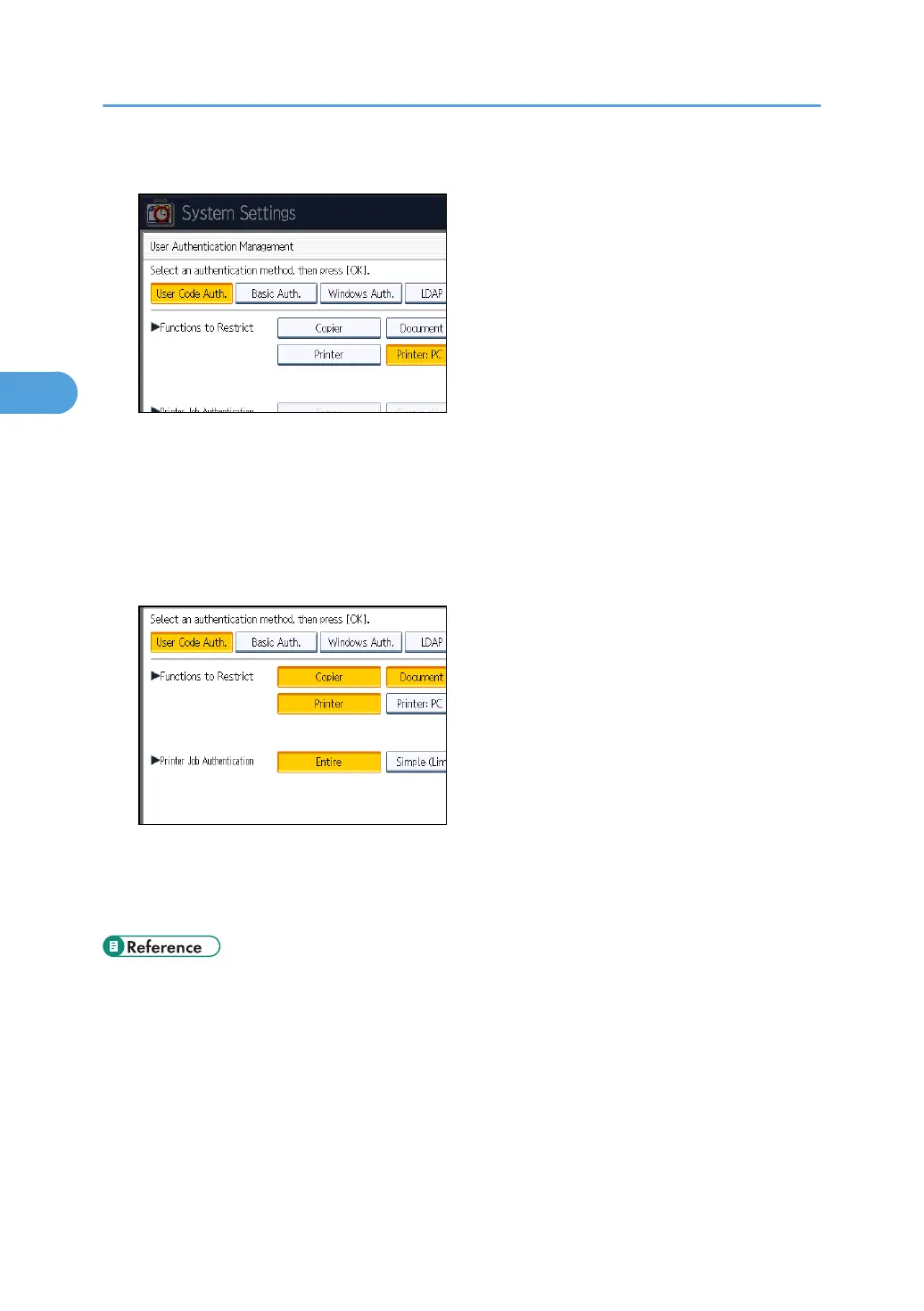
6. Select which of the machine's functions you want to limit.
The selected settings will be unavailable to users.
For details about limiting available functions for individuals or groups, see "Limiting Available
Functions".
If you have selected [Printer: PC Control], you cannot select "Printer Job Authentication" level.
Proceed to step 12.
7. Select the "Printer Job Authentication" level.
If you select [Entire] or [Simple (All)], proceed to "Selecting Entire or Simple (All)".
If you select [Simple (Limitation)], proceed to "Selecting Simple (Limitation)".
For a description of the printer job authentication levels, see "Printer Job Authentication".
• p.35 "Logging in Using Administrator Authentication"
•
p.36 "Logging out Using Administrator Authentication"
• p.158 "Limiting Available Functions"
• p.45 "Selecting Entire or Simple (All)"
• p.45 "Selecting Simple (Limitation)"
• p.82 "Printer Job Authentication"
3. Configuring User Authentication
44



 To Next Page