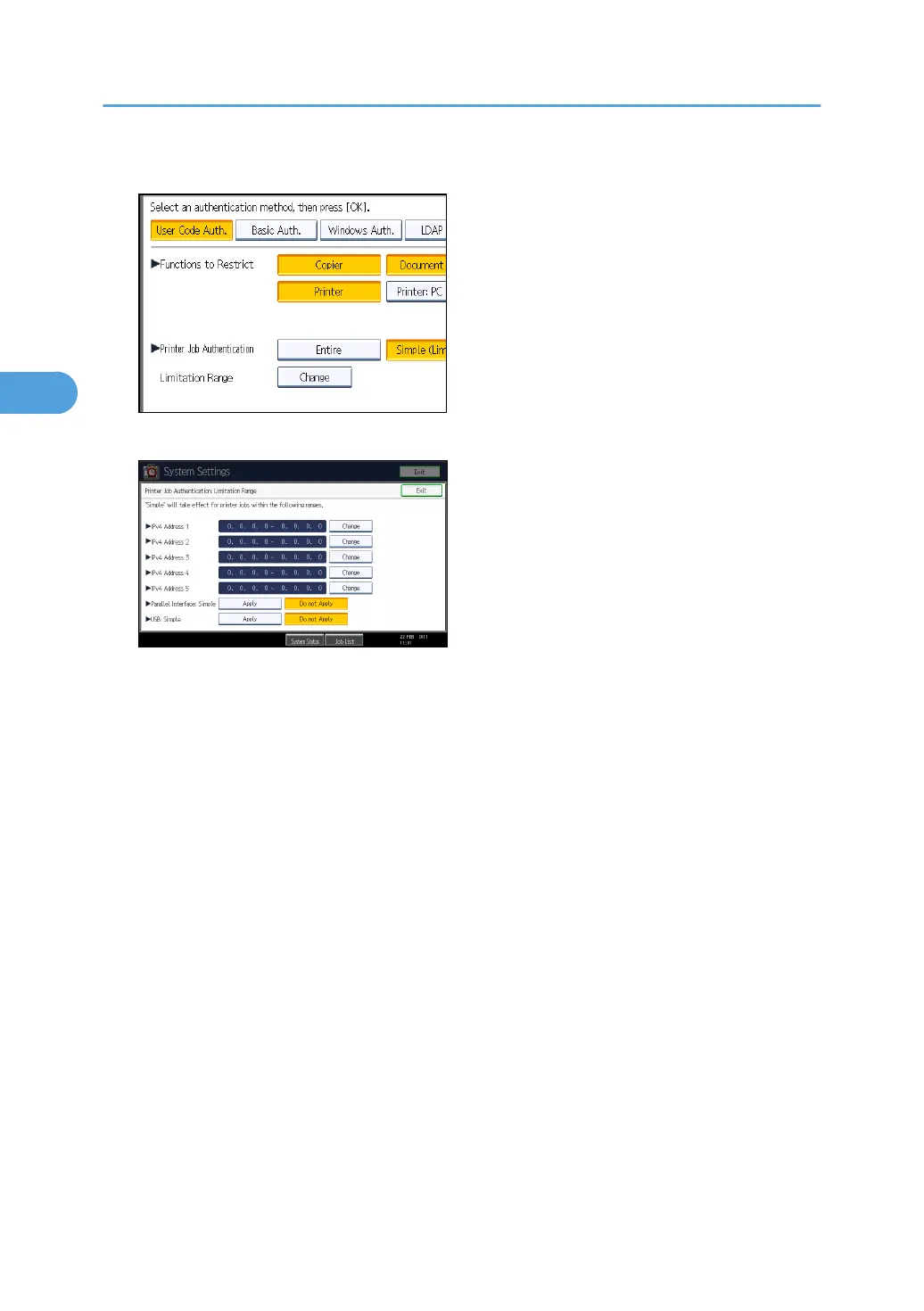
2. Press [Change].
3. Specify the range in which [Simple (Limitation)] is applied to "Printer Job Authentication".
You can specify the IPv4 address range to which this setting is applied, and whether or not to apply
the setting to the parallel and USB interfaces.
4. Press [Exit].
5. Press [OK].
6. Press [Exit].
A confirmation message appears.
If you press [Yes], you will be automatically logged out.
7. Press the [User Tools/Counter] key.
3. Configuring User Authentication
46



 To Next Page