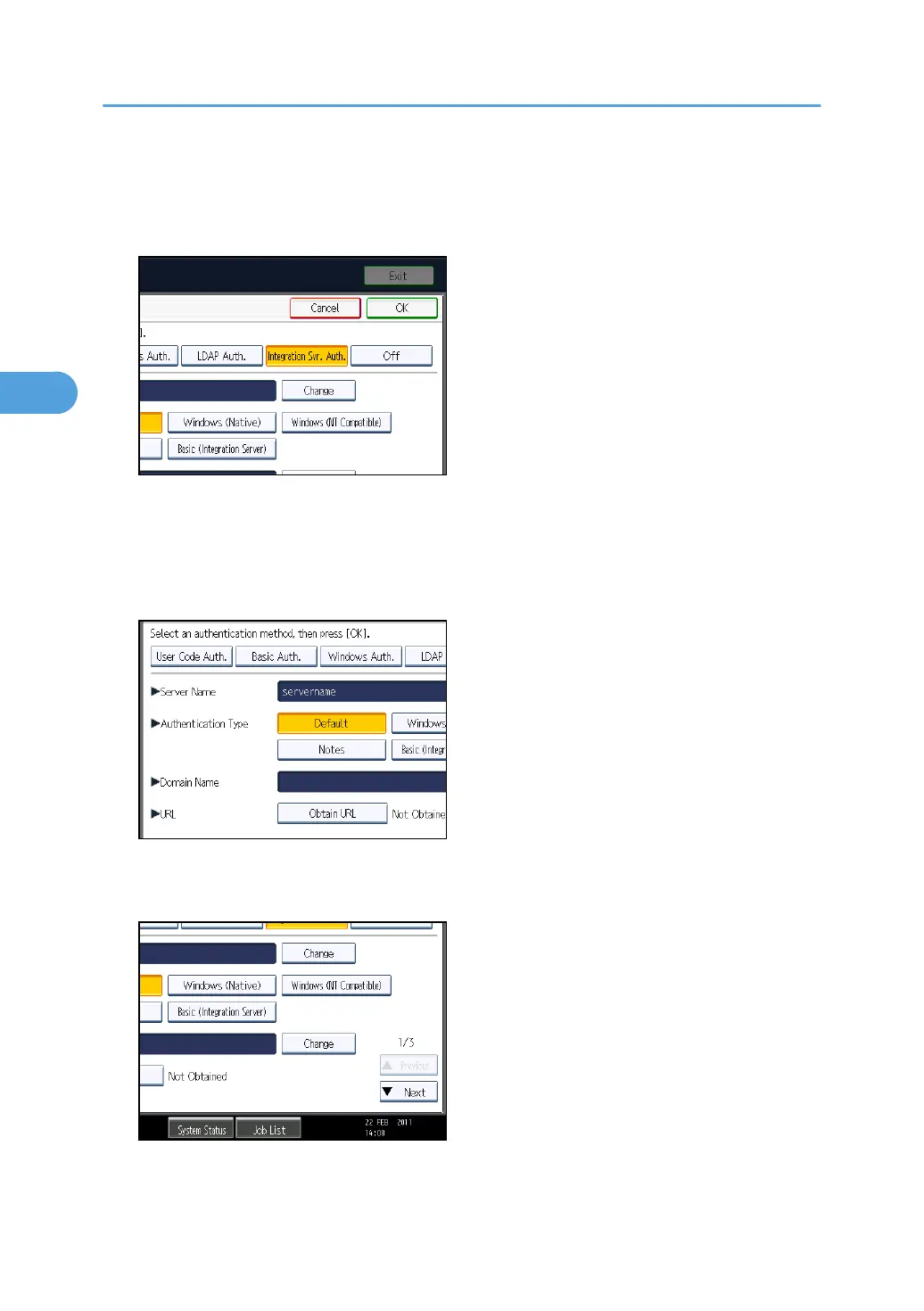
5. Select [Integration Svr. Auth.].
If you do not want to use User Authentication Management, select [Off].
6. Press [Change] for "Server Name".
Specify the name of the server for external authentication.
7. Enter the server name, and then press [OK].
Enter the IPv4 address or host name.
8. In "Authentication Type", select the authentication system for external authentication.
Select an available authentication system. For general usage, select [Default].
9. Press [Change] for "Domain Name".
3. Configuring User Authentication
76



 To Next Page