Only the file administrator can unlock files. For details about logging in and logging out with
administrator authentication, see "Logging in Using Administrator Authentication" and "Logging out
Using Administrator Authentication".
This can also be specified via Web Image Monitor. For details, see Web Image Monitor Help.
1. Press the [Printer] key.
2. Press [Print Jobs].
3. Press [Locked Print Job List].
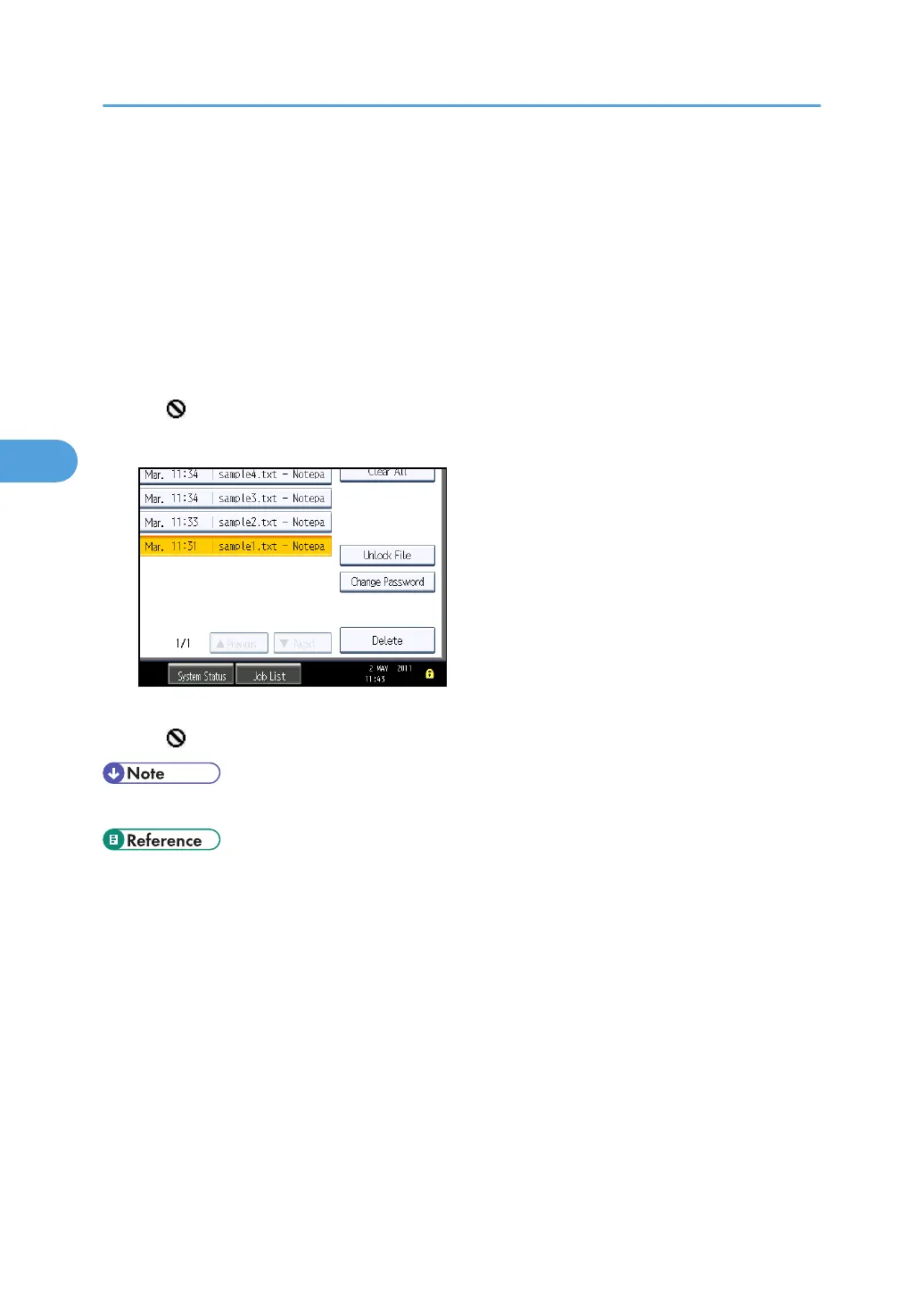
4. Select the file.
The icon appears next to a file locked by the Enhance File Protection function.
5. Press [Unlock File].
6. Press [Yes].
The icon disappears.
• You can use the same procedure to unlock stored print files also.
• p.257 "Specifying the Extended Security Functions"
•
p.35 "Logging in Using Administrator Authentication"
• p.36 "Logging out Using Administrator Authentication"
4. Protecting Data from Information Leaks
104



 To Next Page