8. Press [OK].
9. Store files in Document Server.
Specifying Access Permissions for Stored Files
This section explains how to change access privileges for a file stored in Document Server under the
scanner or fax function.
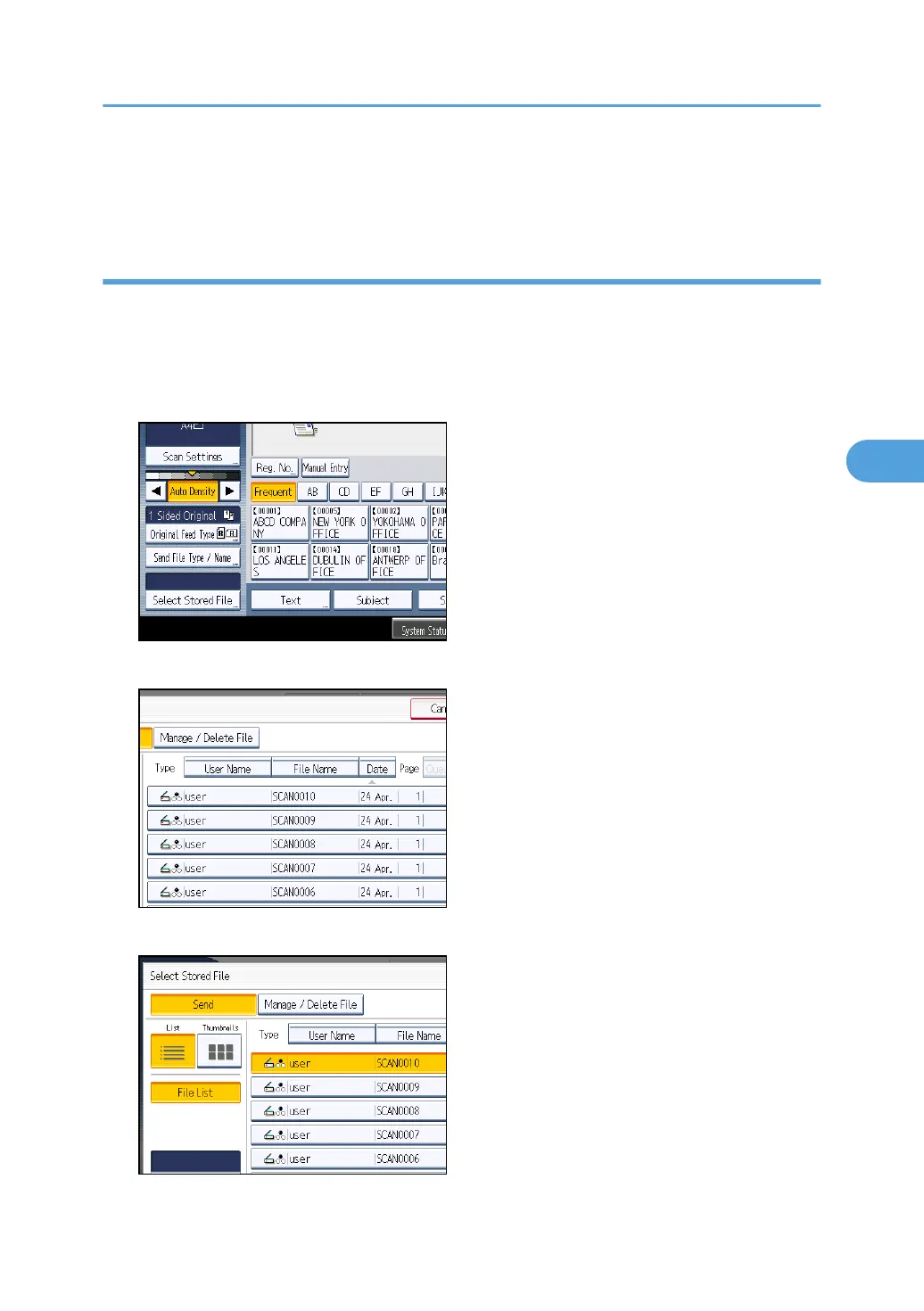
The scanner screen is used to illustrate the procedure.
1. Press [Select Stored File].
2. Select the file.
3. Press [Manage / Delete File].
Configuring Access Permissions for Stored Files
111



 To Next Page