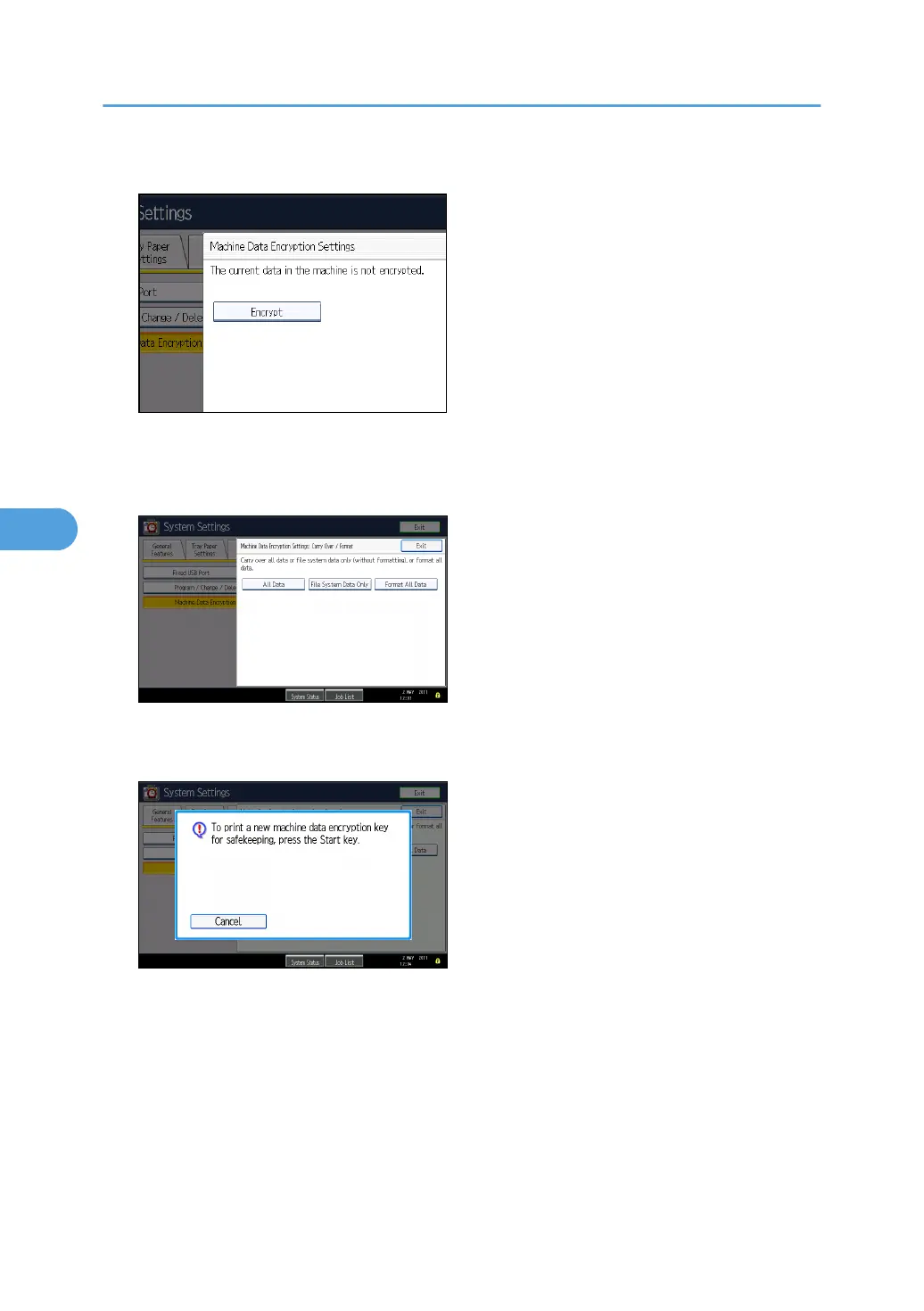
5. Press [Encrypt].
6. Select the data to be carried over to the hard disk and not be reset.
To carry all of the data over to the hard disk, select [All Data]. To carry over only the machine
settings data, select [File System Data Only]. To reset all of the data, select [Format All Data].
7. Press the [Start] key.
The encryption key for backup data is printed.
5. Securing Information Sent over the Network or Stored on Hard Disk
136



 To Next Page